- 12 -
How to use
Home Screen provides access to special features such as Media Player, TV,
internet content, data services, communication tools, etc.
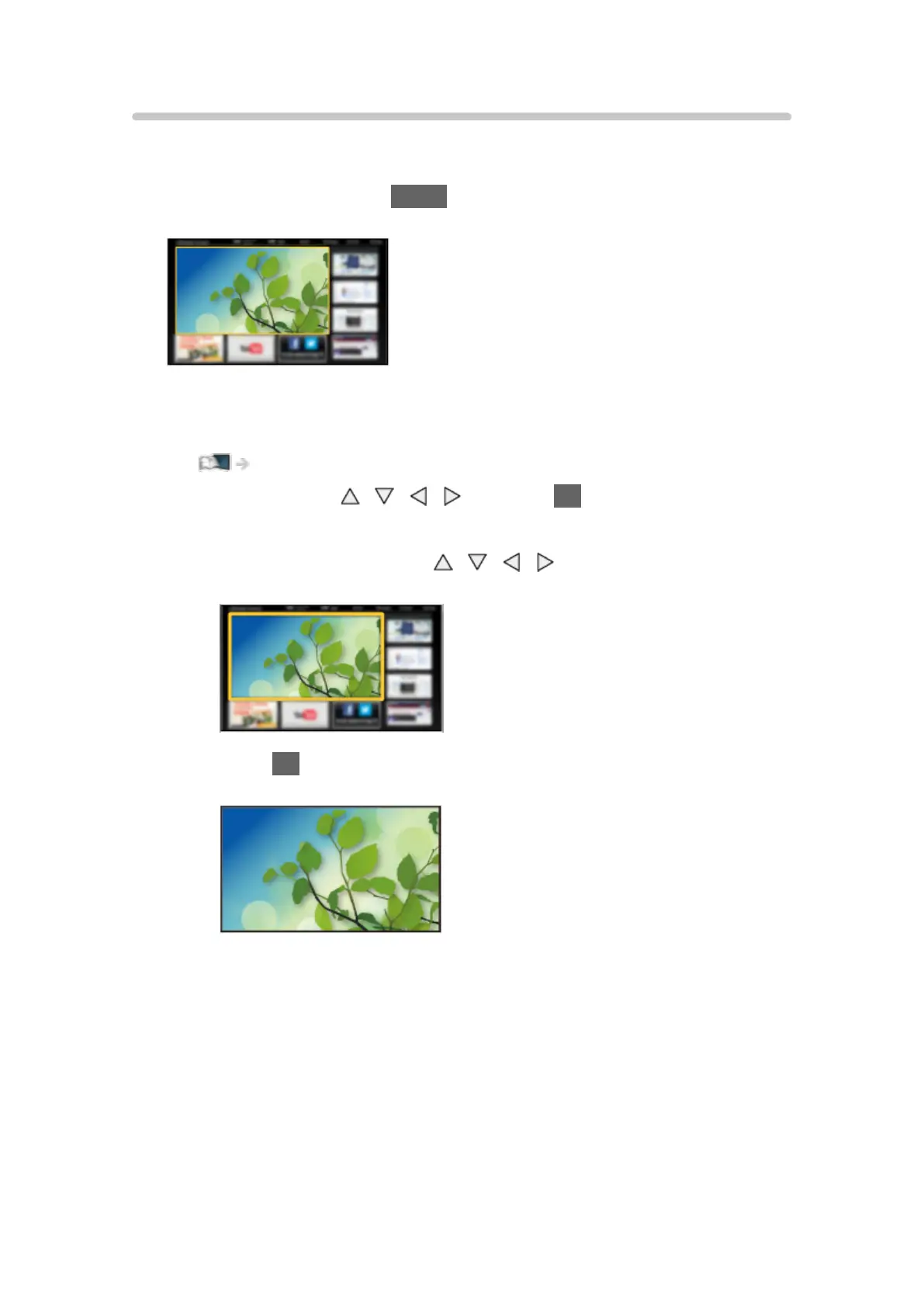
1. Display Home Screen with HOME.
(Example)
●
The last viewed Home Screen is displayed when the TV is turned on.
●
Press again to select or add your preferred Home Screen layout.
my Home Screen > my Home Screen > Settings
2. Select a feature with / / / and press OK to access.
●
To watch full-screen TV
1) Select the TV viewer with
/ / / .
(Example)
2) Press OK to watch.
(Example)
●
Also refer to Tutorial from the tool guide.












 To Next Page