- 32 -
External equipment
External connection
These diagrams show our recommendations for connection of your TV to
various pieces of equipment. For other connections, consult the instructions
for each piece of equipment.
●
For basic connection
Watching > Basic > Basic connection
●
To use the specific devices supporting Bluetooth wireless technology
Functions > Bluetooth devices
●
Check the terminal type and cable plugs are correct when connecting.
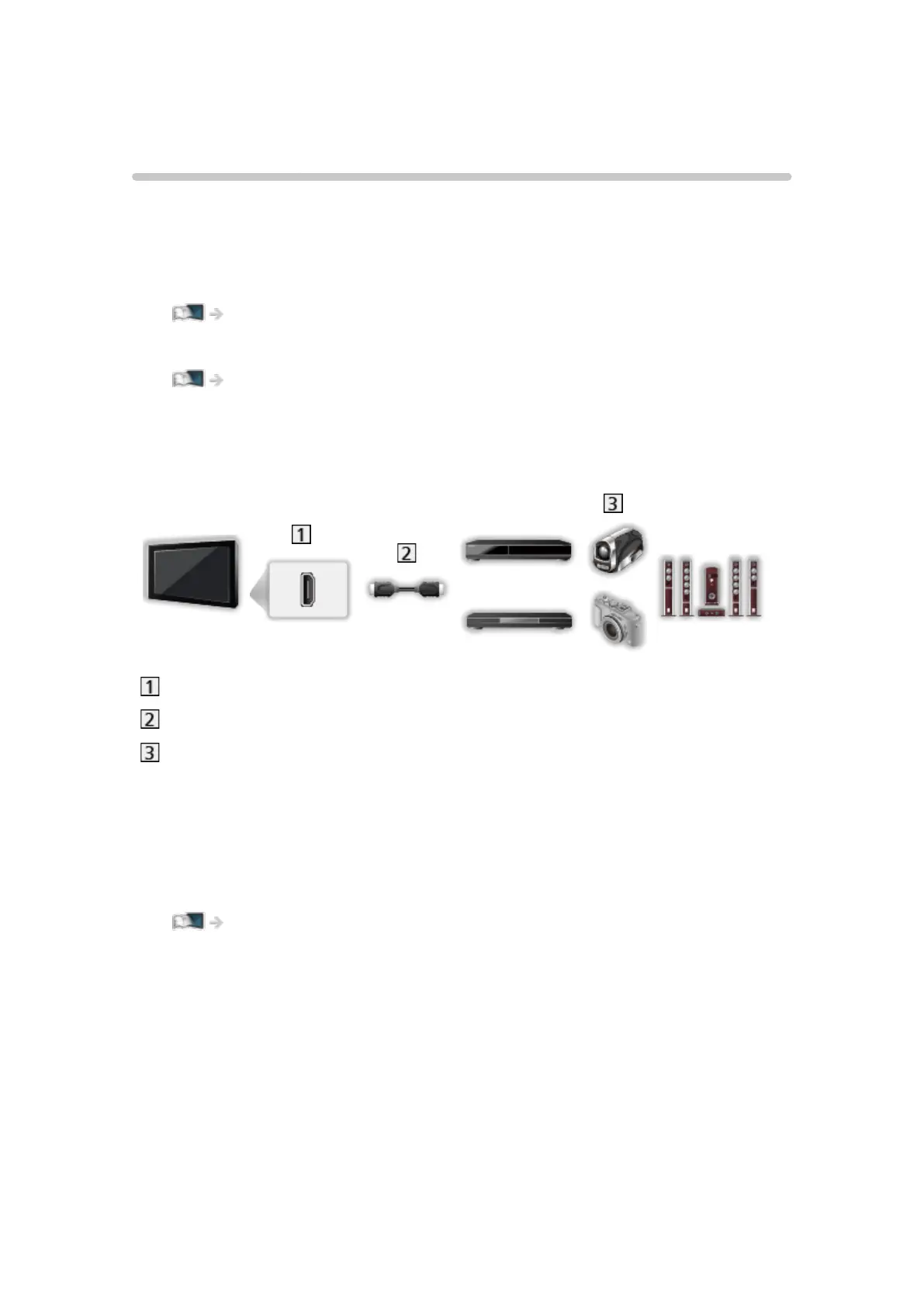
■ HDMI equipment
HDMI terminal
HDMI cable
Recorder / Player / 3D compatible player / Set top box / Camcorder /
Amplifier with speaker system
= Note =
●
Use a fully wired HDMI compliant cable.
●
For VIERA Link connections
Functions > VIERA Link “HDAVI Control™” > Summary of VIERA Link
●
Use HDMI2 for connecting an amplifier. This connection is applicable
when using an amplifier that has ARC (Audio Return Channel) function.












 To Next Page