Selecting internet content
Some features are not available on all models.
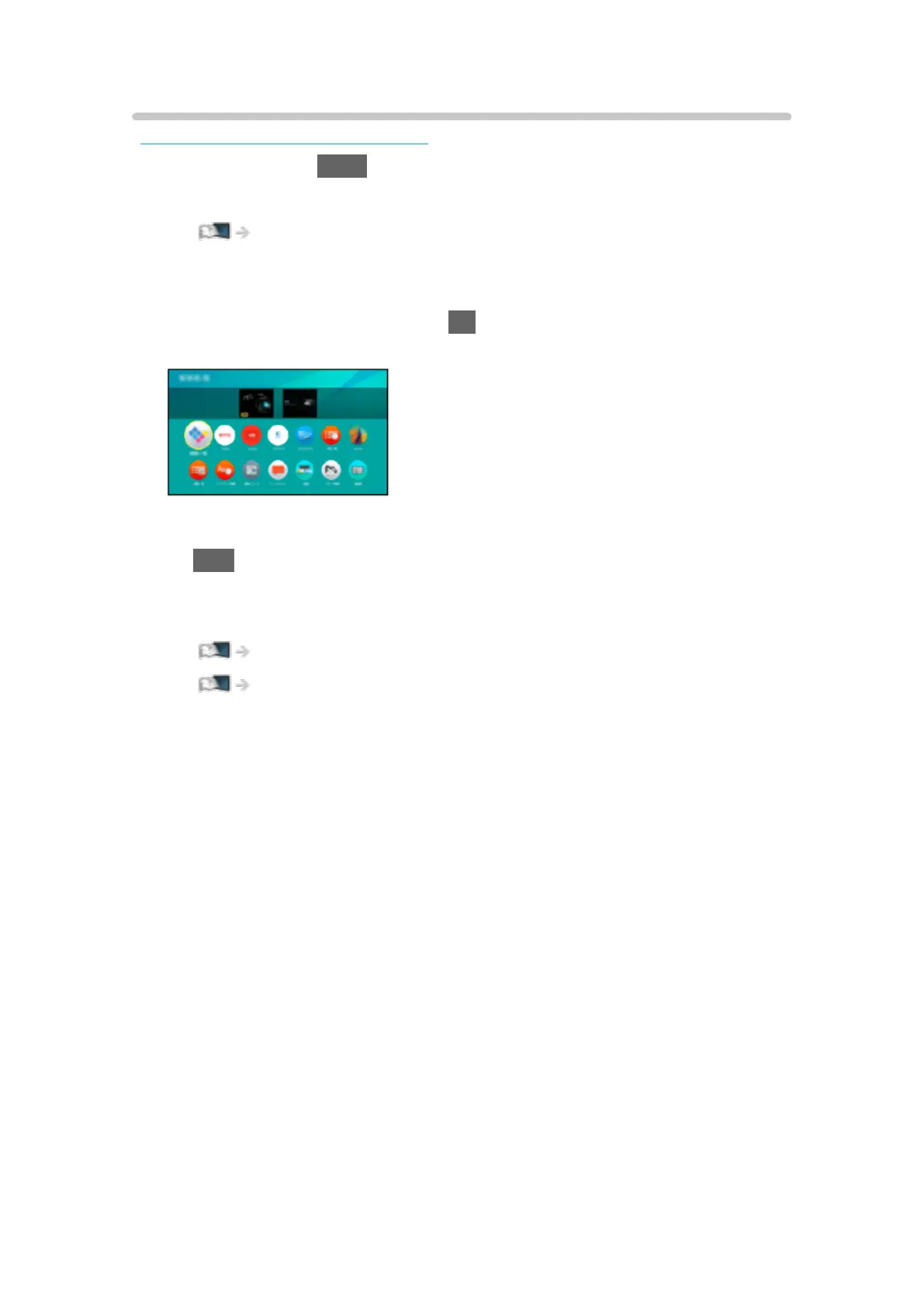
1. Display Apps with APPS.
●
For details of Apps
Home > Apps
●
Depending on the usage conditions, it may take a while to read all the
data.
2. Select the desired item and press OK to access.
(Example)
●
To exit Apps
EXIT
●
You can connect a keyboard for character input in the applications. You
can also use the keyboard for TV operation.
Functions > Bluetooth devices
Functions > Keyboard
- 172 -












 To Next Page