Multi Window
Only for dual tuner model
You can select a channel while watching another programme or external
input.
1. Display Apps with APPS.
2. Select Multi Window and press OK to access.
■ Pre-view
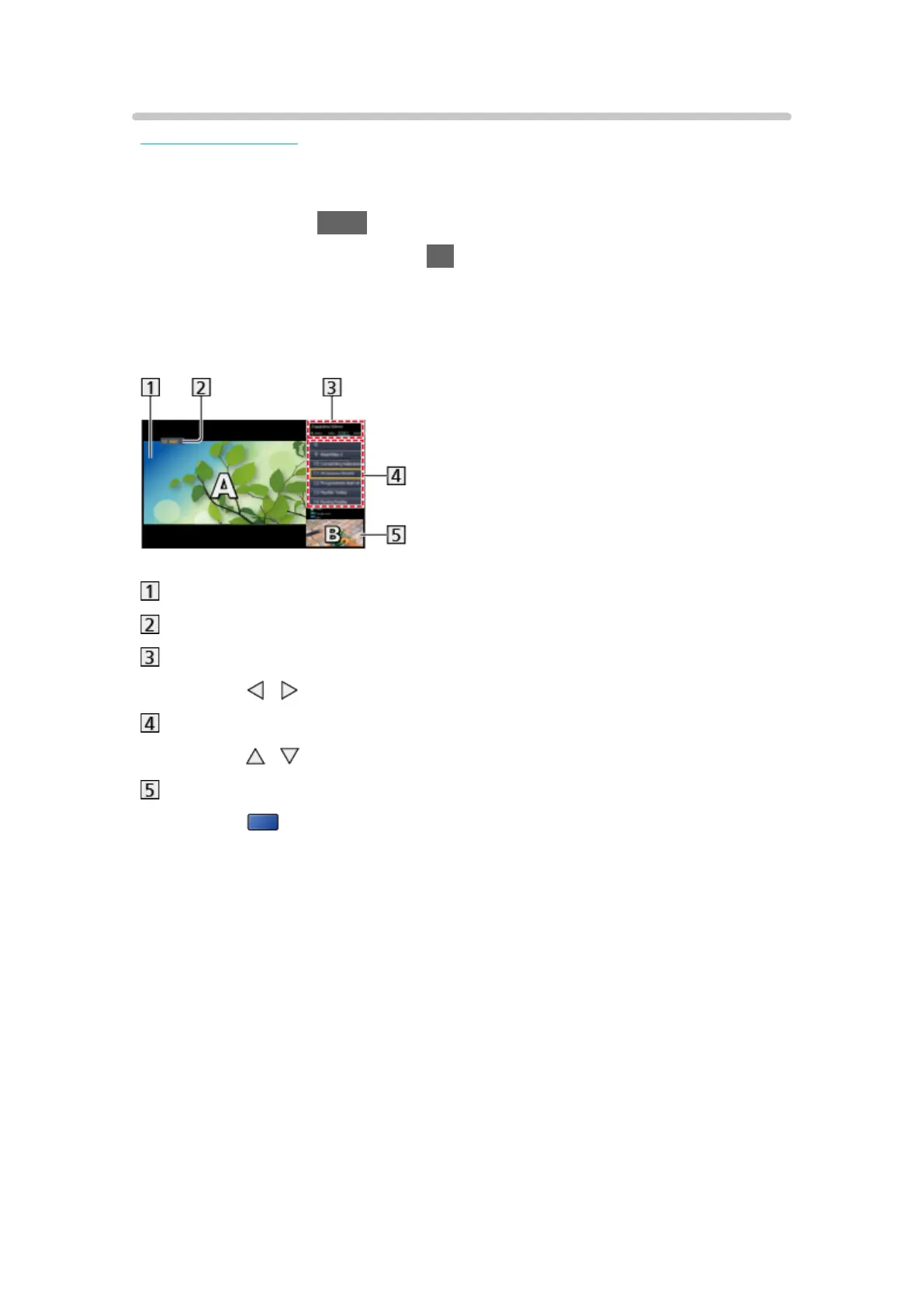
(Example)
Main screen
TV mode / Input mode / Channel position and name (for main screen)
TV mode / Input mode (for sub screen)
– Press
/ to select the TV mode / input mode of the sub screen.
Current programme information (if available) (for sub screen)
– Press
/ to select the programme of the sub screen.
Sub screen / information screen
– Press
(blue) to change the screen.
●
The sound comes only from the main screen.
- 237 -












 To Next Page