Media Player
Using Media Player
Information
[Some features are not available on all models.]
Media Player allows you to enjoy photo, video or music recorded on the SD
Card / USB Flash Memory / USB HDD / network device, and content recorded
with this TV to the formatted USB HDD.
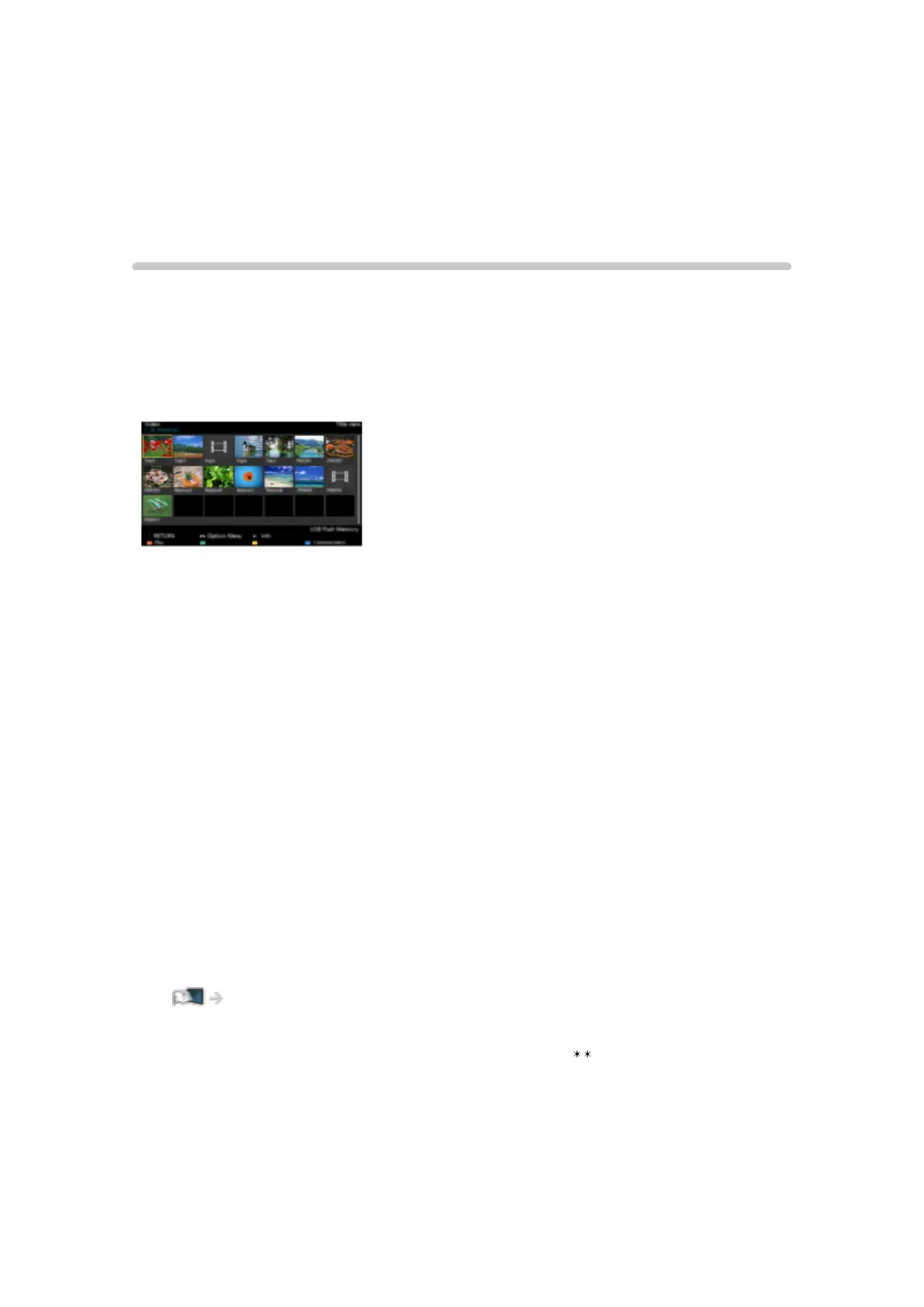
(Example)
Photo mode:
Still pictures recorded with digital cameras are displayed.
Video mode:
Moving pictures recorded with digital video cameras and digital video data
are played back.
Music mode:
Digital music data are played back.
Recorded TV mode:
(For exclusive USB HDD) TV programmes recorded on the USB HDD with
this TV are played back.
●
During the operation, audio signal is output from DIGITAL AUDIO and
HDMI2 (ARC function) terminals. But no video signals are output. To use
HDMI2 with ARC function, connect an amplifier that has ARC function and
set to use theatre speakers.
Functions > VIERA Link “HDAVI Control™”
●
Date shows the date on which the recording was made by the recording
equipment. For a file without a valid record date “ ” is shown.
●
Pictures may not appear correctly on this TV depending on the recording
equipment used.
●
Displaying may take some time when there are many files and folders.
●
Partially degraded files may be displayed with reduced resolution.
- 145 -








 To Next Page