How to use
From Home Screen, you can access all the features such as TV programmes,
applications and connected devices.
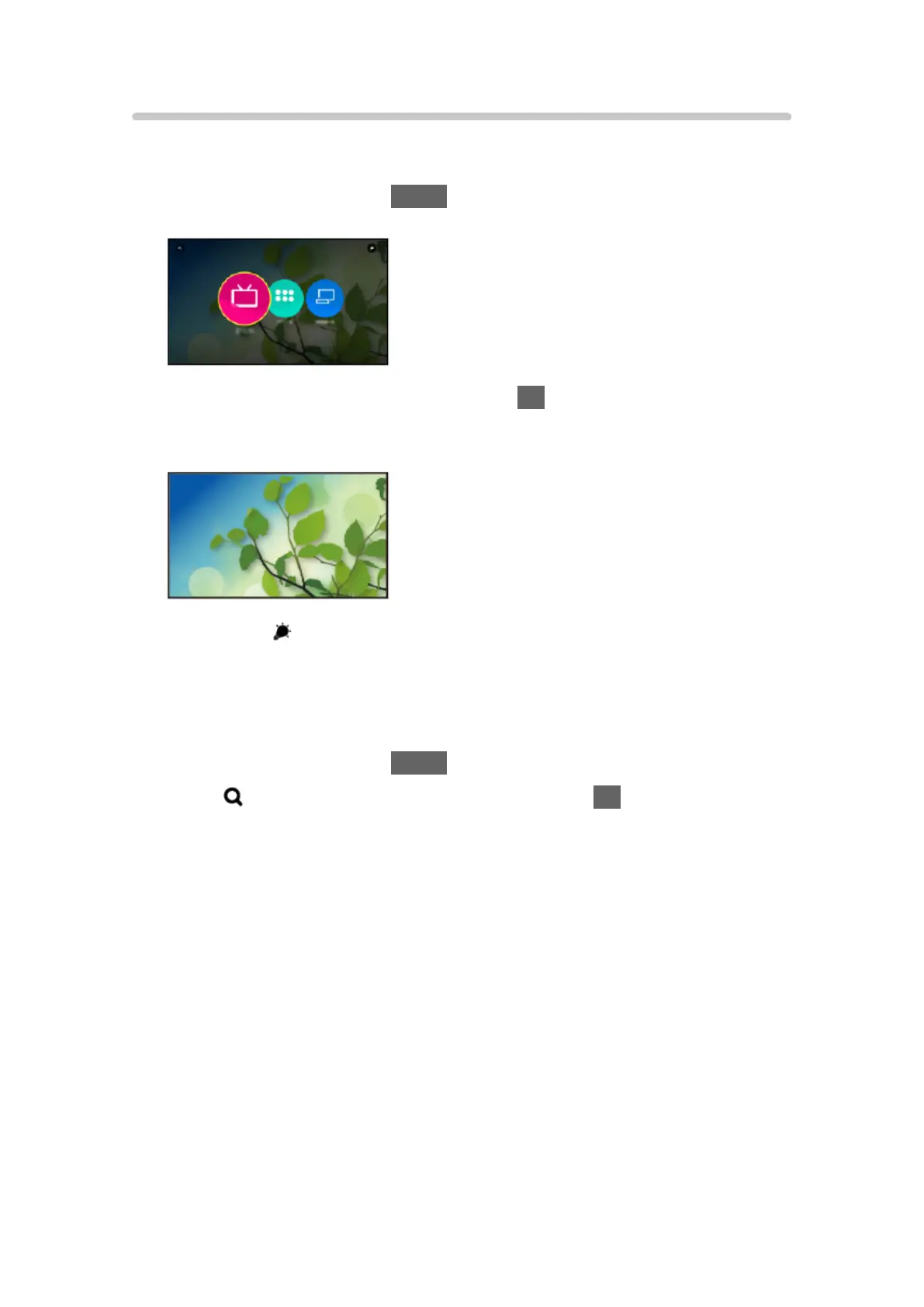
1. Display Home Screen with HOME.
(Example)
2. Select Live TV / Apps / Devices and press OK to access.
●
To watch full-screen TV, select Live TV.
(Example)
●
Also refer to on the top right of Home Screen for the operations.
■ Search
You can search the content from various features.
1. Display Home Screen with HOME.
2. Select
on the top left of Home Screen and press OK to access.
3. Follow the on-screen instructions.
- 24 -









 To Next Page