- 97 -
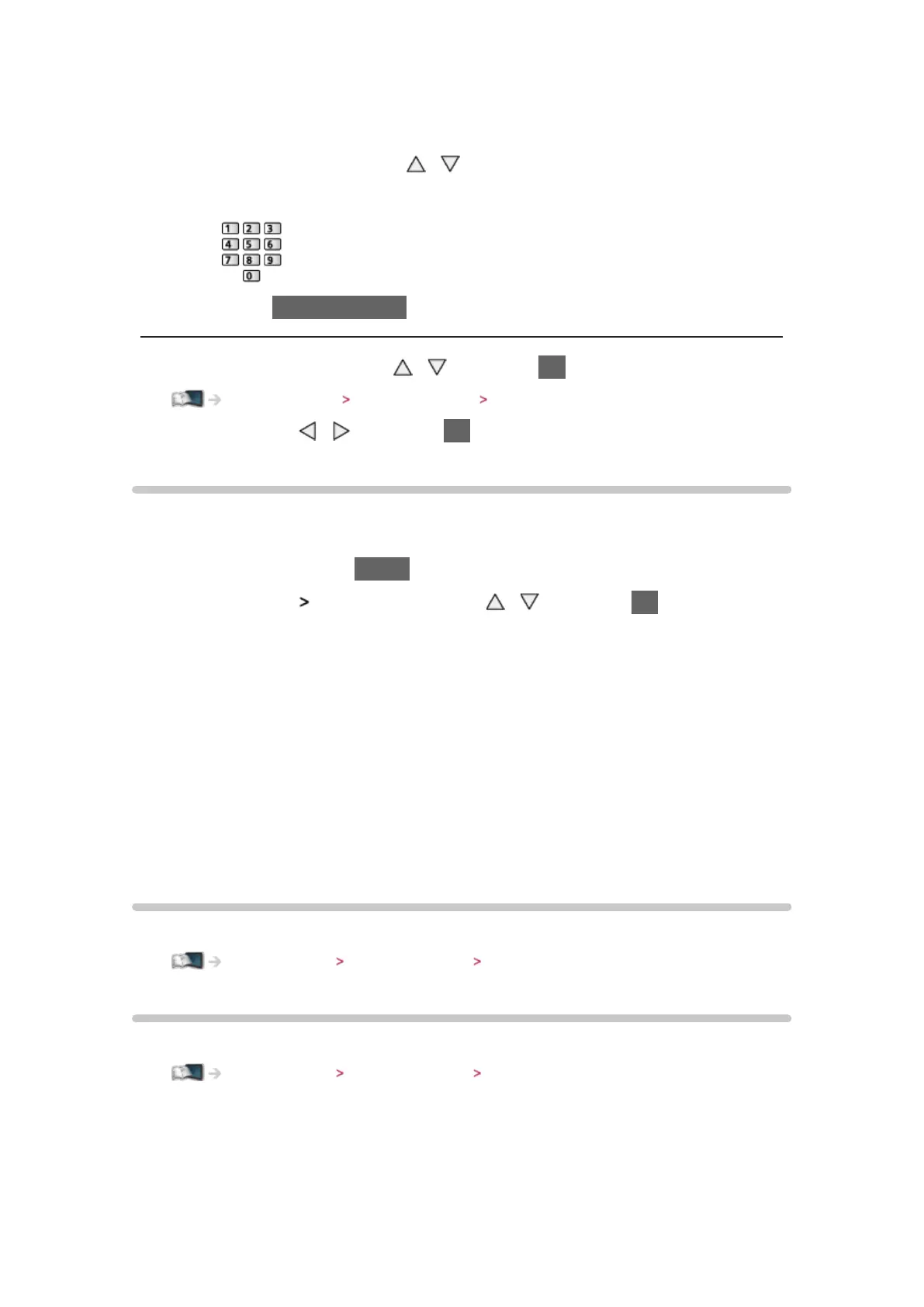
Proxy Port:
This number is also specified by the provider with the Proxy address.
1) Select Proxy Port with
/
2) Enter the number with numeric buttons
3) Press BACK/RETURN to store
4. Select Network Status with
/ and press OK to access
Internet service Network settings Network Status
5. Select Exit with / and press OK to set
Network Status
Displays and checks the network status (MAC Address, current network
settings, etc.).
1. Display the menu with MENU
2. Select Network
Network Status with / and press OK to access
3. Automatically testing is done and the Network Status screen is displayed
Try Again:
Performs automatic testing of the network connection for the TV and
displays the current status again.
Status Details:
Displays the detailed network status (SSID, security type, encryption
type, etc.).
●
For more information of the network connection, select Help.
VIERA remote Settings
Sets to control the TV with any VIERA remote connected to your network.
Home network Network settings VIERA remote Settings
Network Link Settings
Sets to control the TV with devices connected to the network.
Home network Network settings Network Link Settings




 To Next Page