- 138 -
3. Select TV Self Test / System Information / Device Information with /
and press OK to access
TV Self Test
Makes a diagnosis of picture or sound problems.
Follow the on-screen instructions.
System Information
Displays the system information of this TV.
Device Information
Displays the device information of this TV.
Optional accessories
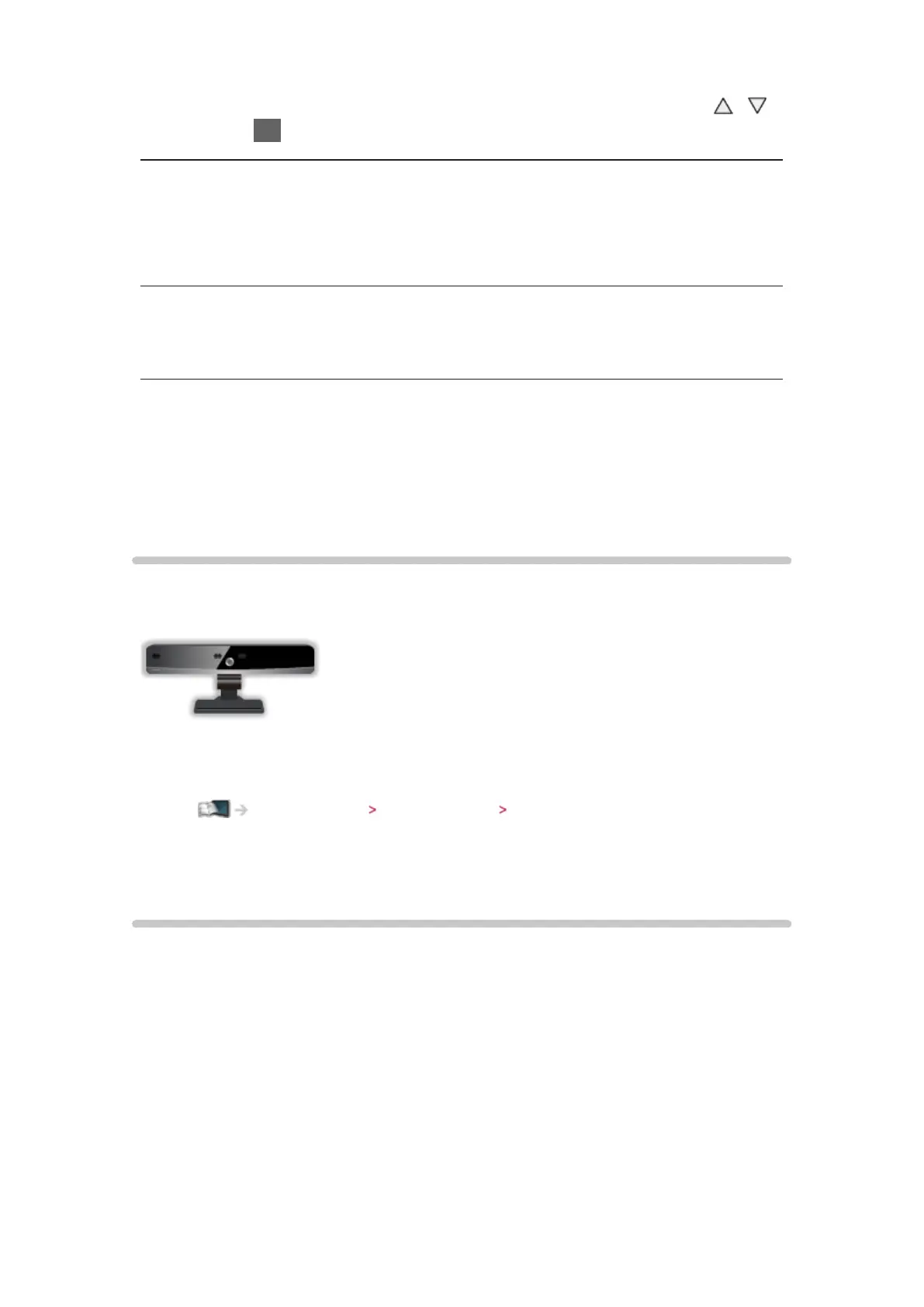
Communication Camera
■ Communication Camera
●
TY-CC20W
– This camera can be used in the video communication tool.
Internet service Internet content Selecting internet content
– Depending on the area, this optional accessory may not be available.
For details, consult your local Panasonic dealer.
Wall-hanging bracket
■ Wall-hanging bracket
●
Please contact your local Panasonic dealer to purchase the recommended
wall-hanging bracket.
= Warning =
●
Using other wall-hanging brackets, or installing a wall-hanging bracket
by yourself have the risk of personal injury and product damage. In order
to maintain the unit’s performance and safety, be absolutely sure to ask
your dealer or a licensed contractor to secure the wall-hanging brackets.
Any damage caused by installing without a qualified installer will void your





 To Next Page