INOXPAN S.L. EN - 9
4.1. SETTING THE TIME
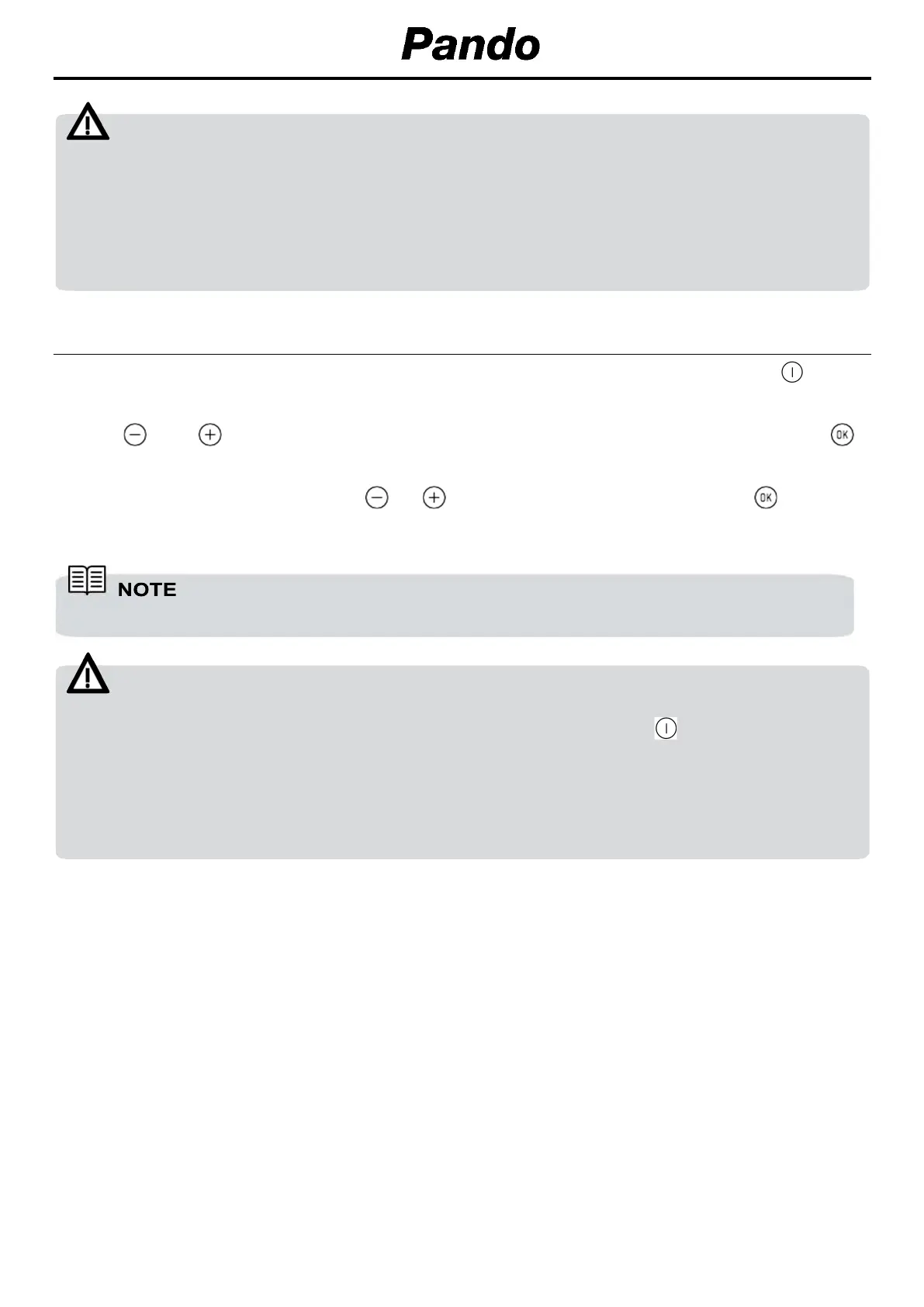
To set the time on the oven, the function and temperature dials must be in the position .
When you plug in the oven, you will see the clock flashing 12:00.
Touch or to adjust the hours and then the minutes.
Validate the selection with the key
or wait a few seconds.
You will hear a double beep confirming the time is set.
If you wish to modify the time, touch
or
until the time starts flashing. Touch
and follow
the instructions in the previous point
.
WARNING
The sensitivity of the touch keys adapts continually to environmental conditions. Make sure the
surface of the control panel is clean and free of obstacles when plugging in the oven.
If the clock does not respond correctly when you touch the keys, unplug the oven for a few
seconds and then plug it in again. Doing this causes the sensors to adjust automatically so that
they will react once more to fingertip control.
The clock light has a night mode so the display light will dim between 00:00 and 6:00 hours.
WARNING
In the event of a power failure, your electronic clock/timer settings will be erased.
If this happens, turn the function and temperature dials to the position .
The indication 12:00 will show, and you will then be able to set the time as described above.
If the oven door was locked before the power cut, the locked symbol will show until it is unlocked.
This may take several minutes, depending on the temperature inside the oven, and during this
time you cannot reset the time.
Once the door is unlocked, you can set the time as described above.


 To Next Page
 Loading...