B20733-02 Page 18 of 39 08-2022
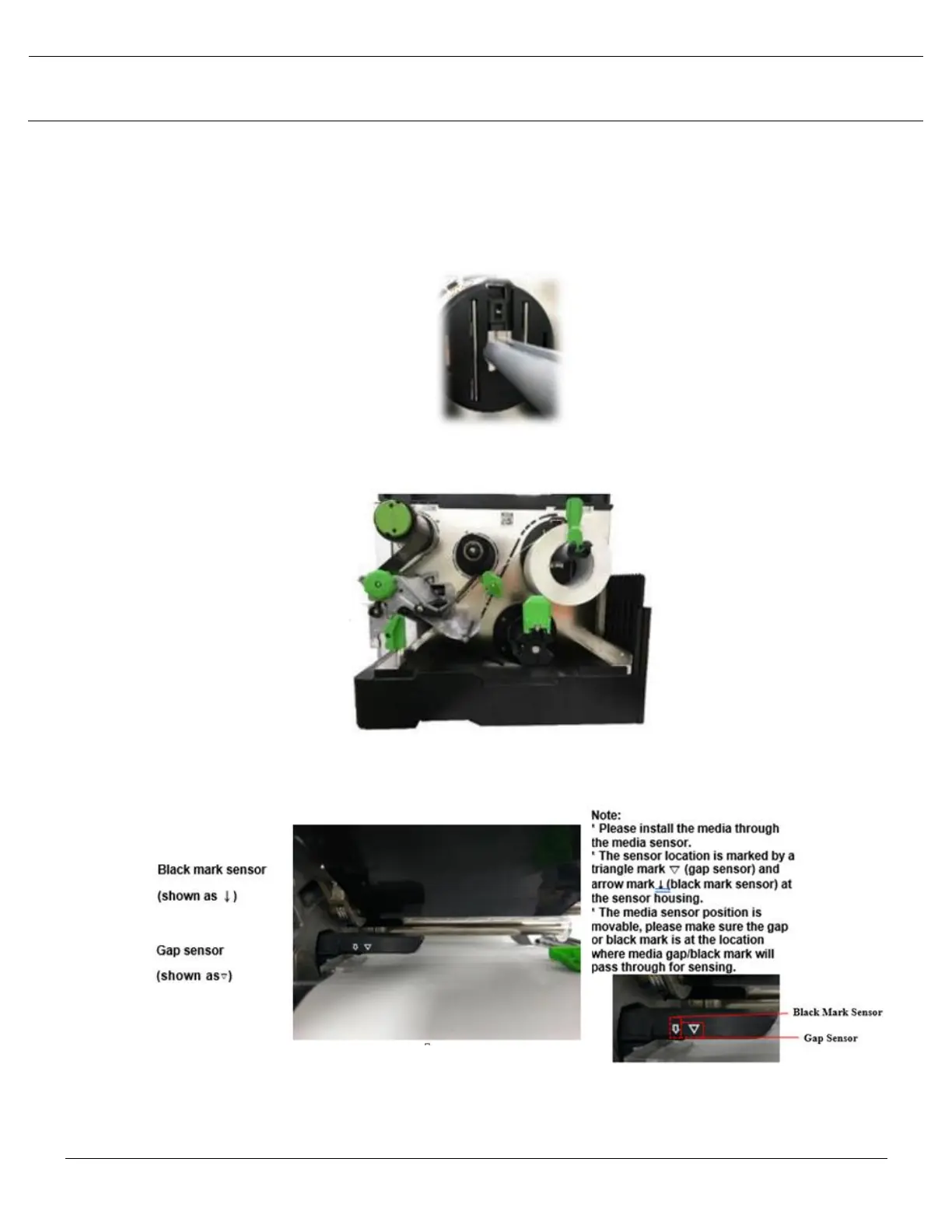
3. Place the media roll on the label supply spindle and use label roll guard to fix it.
4. Push the print head release lever and install the label through the media guide bar, damper, media
sensor, and label guide to install the media.
5. Move the media sensor by adjusting the media sensor position adjustment knob, make sure the gap or
black mark sensor is at the location where media gap/black mark will pass through for sensing.
6. Adjust the label guide to fix the media position.



 To Next Page