6060
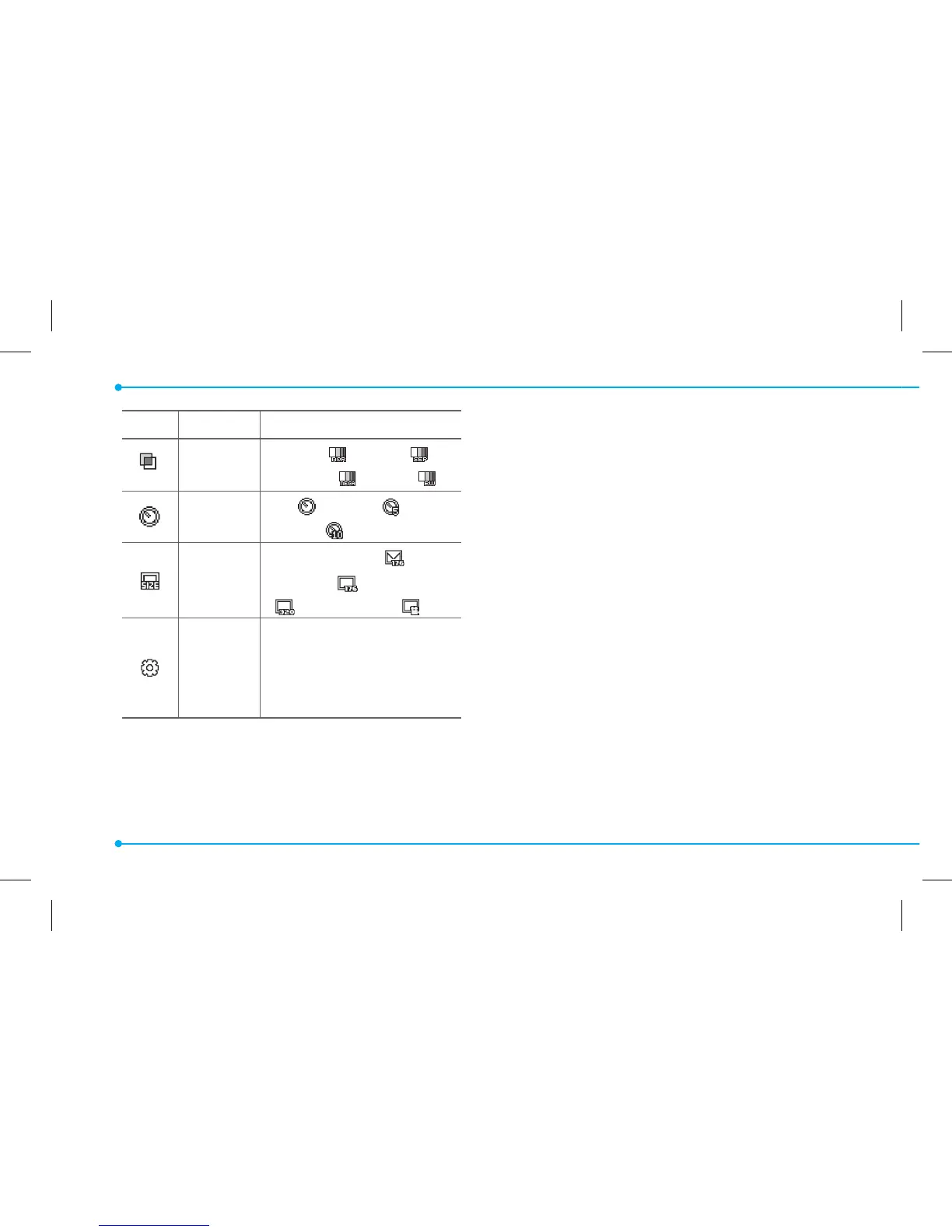
Icon Name Descriptions
Eect
Normal (
), Sepia ( ),
Negative (
), B&W ( )
Self Timer
O (
), 5 secs ( ),
10 secs (
)
Size
176x144(MMS) (
),
176x144 (
), 320x240
(
), Video Share ( )
Advanced
Video Quality, Sound
Recording, Save Location,
Timer Sound, Default File
Name
Zoom in and out
1. Press
U/D
. It ranges from 1 x to 4 x.
Increasing or decreasing the
brightness
1. Press
L/R
. It ranges from -2 to +2.
Taking a picture
1. Press
Q
in standby mode or press
Menu > Camera > Take a Picture.
2. Focus on the object >
@
or press
Options > Capture.
Changing to video camera mode
1. Press
Q
in standby mode or press
Menu > Camera > Take a Picture.
2. Press Options while camera mode is
activated.
3. Press Video Camera Mode.



 To Next Page