2. Press Options > New > edit a new alarm >
Save
.
note
: The alarm will not ring if you set the phone
to Vibrate Only or Silent. To make it ring on
vibrate mode, press Options > Wake-Up Call On
.
The alarm will not go off if the phone is turned off.
note
: Only the first alarm will be Simple Alarm .
It will only ring once as default alarm tone.
Viewing the saved alarms
1. [EZ] Press
R
to access alarm or press Menu
> Tools > Alarm
.
[ADV] Menu
> My Stuff > Tools > Alarm.
Editing existing alarms
1. [EZ] Press
R
to access alarm or press Menu
> Tools > Alarm
.
[ADV] Menu
> My Stuff > Tools > Alarm.
2. Select an alarm > Options
> Select.
3. Edit the alarm settings.
4. To delete an alarm > Options
> Delete.
note
: You cannot delete Simple Alarm.
Calculator, converter
and stopwatch
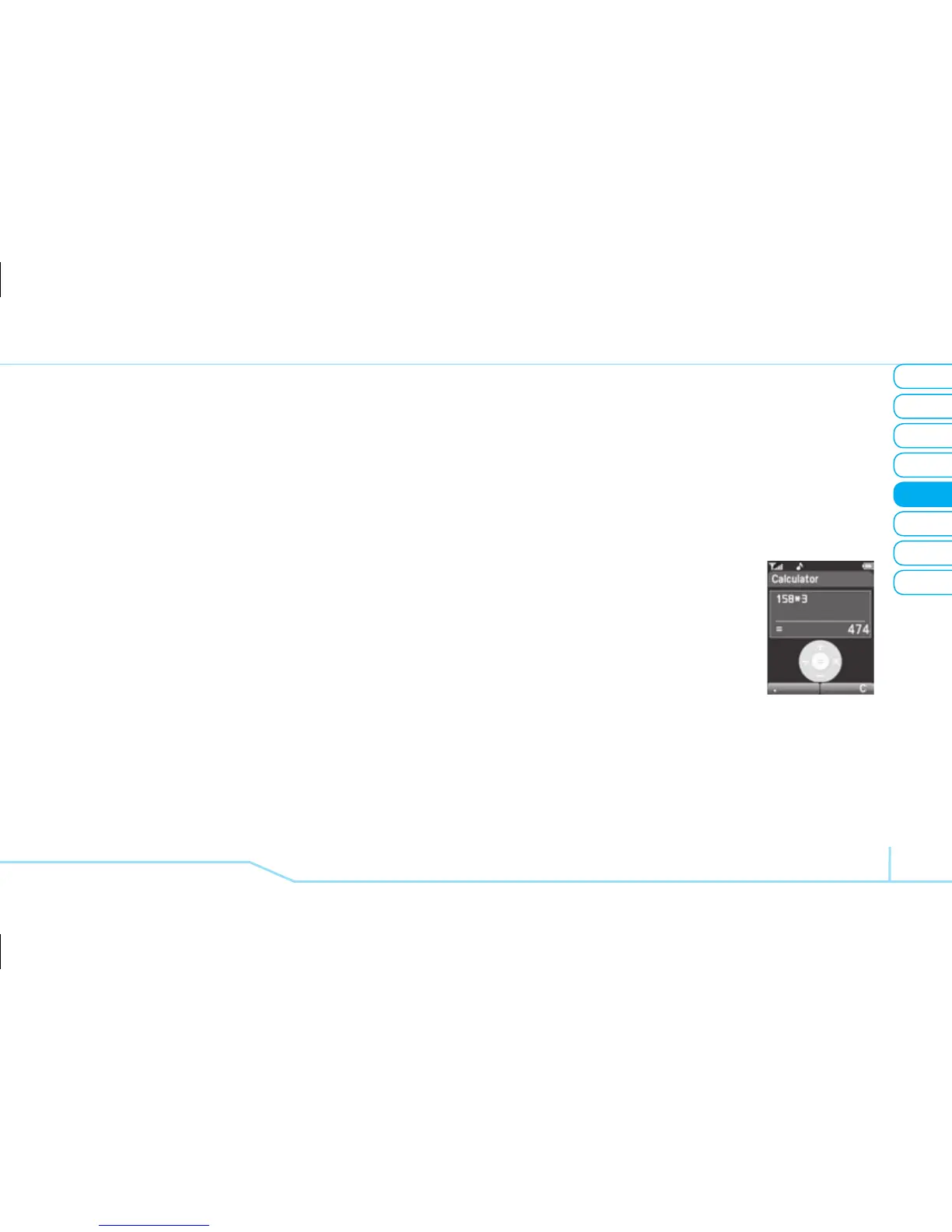
Using the calculator
1. [EZ] Press Menu > Tools >
Calculator
.
[ADV] Press Menu
> My Stuff
> Tools > Calculator.
2. Use [
L/R/U/D/@
] to
calculate.
3. Press
C
to clear.
4. Press [
. ] to use the decimal point.



 To Next Page