8
Quick & easy
Keys Functions
< >
Perform the functions shown at the bottom line of the display by using these Soft keys.
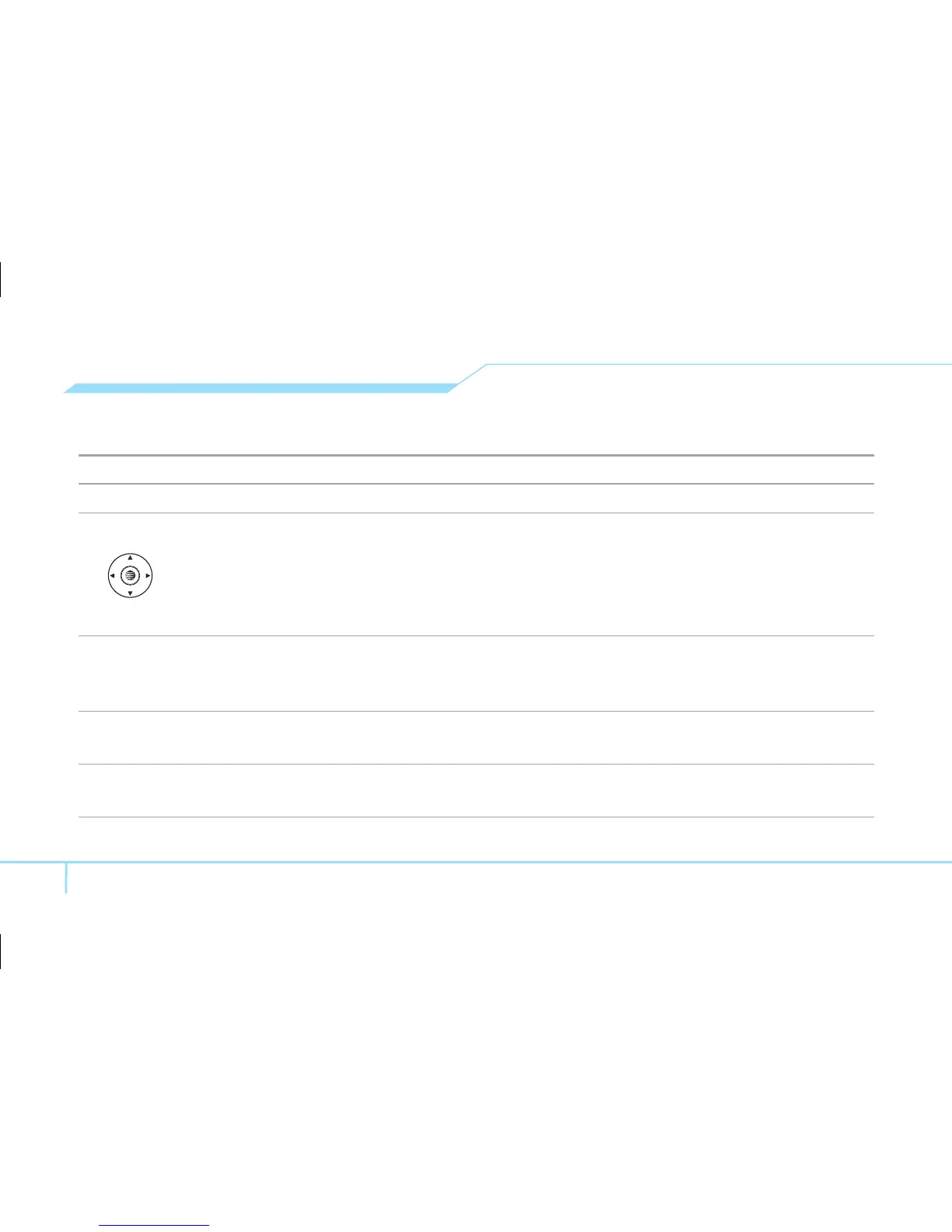
Scroll through the menu options in Menu mode. In standby mode,
Left Scroll: Access My Stuff menu
Right Scroll: Access Alarm menu
Up Scroll: Access Write New menu
Down Scroll: Access Contact List menu
@
Select a menu function or store user-input information, such as names. Also use this key for
confirmation (as the [OK] key).
Launch the MEdia Net directly if pressed in standby mode.
C
Delete characters from the display, or return to previous menu.
Open Calendar view if pressed quickly in standby mode.
S
Make or receive a call. Show the recent call list in standby mode.
Re-dial the last call number if pressed and held in standby mode.



 To Next Page