60
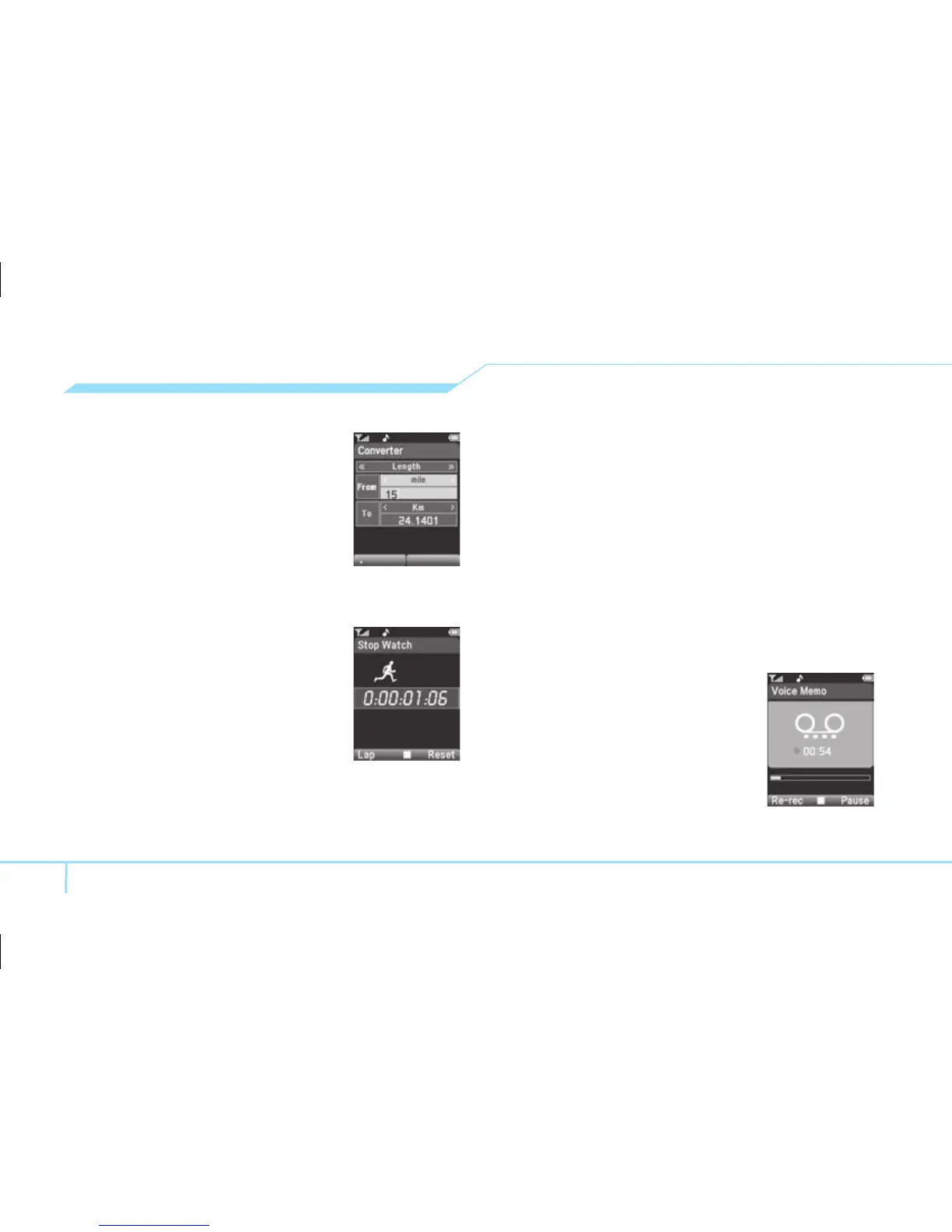
Using the converter
ADV
1. Press Menu > My Stuff
>Tools > Converter.
2. Select the categories
3. Select current unit and enter
figure.
4. Select the unit to be changed.
Using stopwatch
ADV
1. Press Menu > My Stuff >
Tools
> Stopwatch.
2. Press
@
to start.
3. Press
@
to restart.
4. To record lap time, press Lap
.
5. Press Reset to clear.
Notepad and voice memo
Using notepad
1. [EZ] Press Menu >Tools > Notepad.
[ADV] Press Menu
> My Stuff >Tools >
Notepad
.
2. Press Options
> Create New.
(Press New to create memo for the first time.)
3. To edit memo press Options
> Edit.
4. Press Options
> Save to save.
Recording voice memo
1. [EZ] Press Menu > Tools >
Voice Memo
.
[ADV] Press Menu
> My Stuff
> Tools > Voice Memo.
2. Press Options
> Create New.
(Press New to create memo
for the first time.)



 To Next Page