22
23
02
03
04
05
06
07
01
QUICK SWITCHING BETWEEN THE MAIN MENUS
While a menu is being accessed, you can quickly switch between the other menu
options.
1. Press the OK Key [
MENU
], then select a desired menu from the following
main menus:
Media Center
,
Messaging
,
Contacts
,
Mobile Email, My
Verizon
,
My Pictures
,
Recent Calls
,
Bluetooth
,
Settings & Tools
.
2. Once a menu is selected, press the Directional Key
left or right to switch
between the menus.
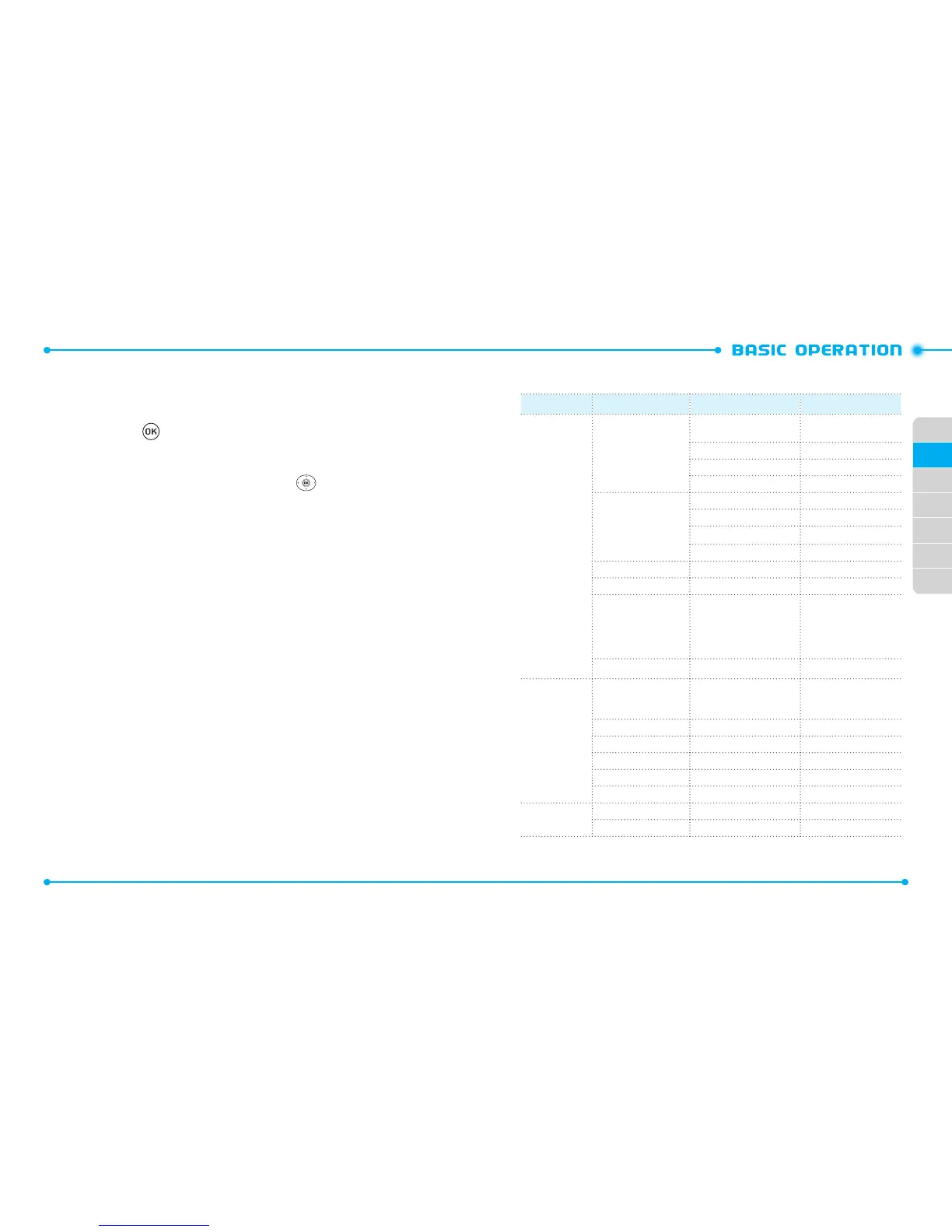
MENU SUMMARY
Main Menu 2
ND
DEPTH 3
RD
DEPTH 4
TH
DEPTH
1. Media Center 1. Tunes & Tones 1. Get New Ringtones 1. Get New Applications
V CAST Tones
2. Get Ringback Tones
3. My Ringtones 1. Get New Ringtones
4. My Sounds 1. Record New
2. Pictures 1. Get New Pictures 1. Get New Applications
2. My Pictures
3. Take Picture
4. Online Album
3. Games 1. Get New Applications
4. Mobile Web
5. Browse & Download 1. Get New Applications
411 Search
Backup Assistant
Daily Scoop
Mobile E-mail
6. Extras 1. Get New Applications
2. Messaging 1. New Message 1. TXT Message
2. Picture Message
3. Voice Message
2. Messages
3. Drafts
4. Voicemail
5. Mobile IM
6. Mobile Email
3. Contacts 1. New Contact
2. Contact List



 To Next Page