10
11
02
03
04
05
06
07
01
22
*
23
24
25
HANDSET DESCRIPTIONS
20
21
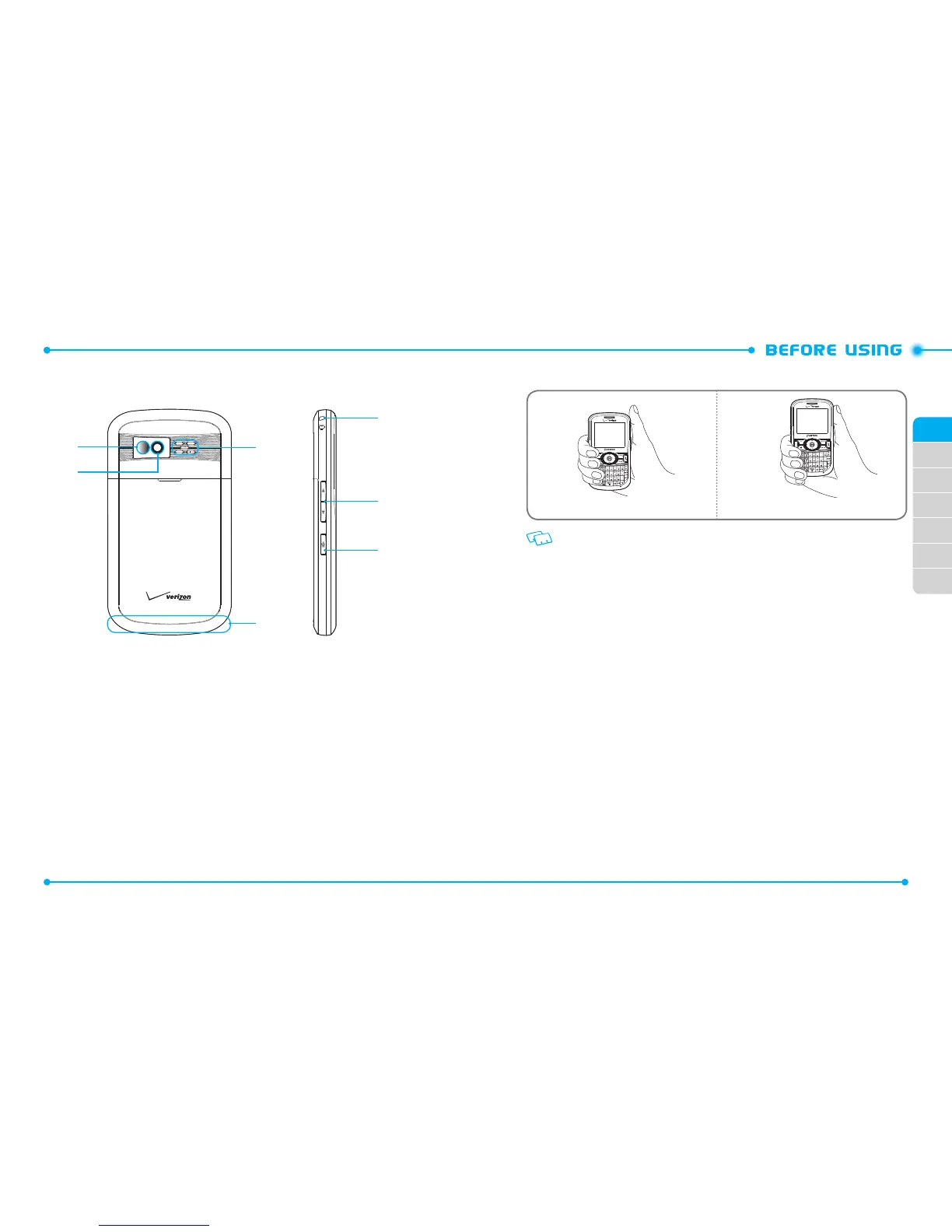
20. Self-Portrait Mirror:
Displays your reection when taking pictures.
21. Camera Lens:
The lens of the built-in camera.
22. External Speaker:
Ringtones and Sounds are played through the speaker.
23. Wrist Strap Eyelet:
Accessory eyelet (attach optional straps and lanyards -
purchased separately).
24. Volume Keys:
Press to adjust master volume in from the home screen and
adjust the earpiece volume during a call.
25. AVCAdvanced Voice Commands) Key:
From the home screen, press and
hold to access the VOICE COMMANDS menu.
*. Internal Antenna Area
Holding the device by the internal antenna area might aect the quality of all calls.
Correct Incorrect



 To Next Page