Note Press and hold the artist name, album title or song if you want to search for related
information with the Internet or YouTube.
Music Player overview
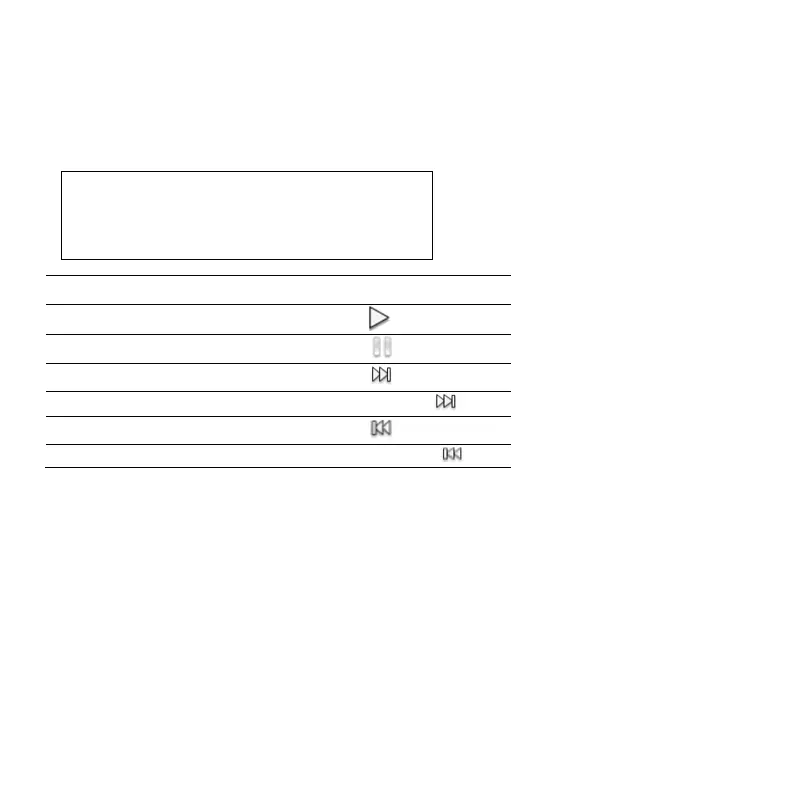
If you want to do the followings:
Fast-forward the playing video
Move to the previous video
Adding sound effects
1. Tap Music Player from the applications menu.
2. Tap Menu button and Settings.
3. Tap Sound Effect.
4. Add sound effects according to your preferences.
5. Tap Done.
Creating a playlist
1. Tap Music Player from the applications menu.
2. Tap Songs > Playlists.
3. Tap Add new playlist or tap Menu button and New Playlist.



 To Next Page