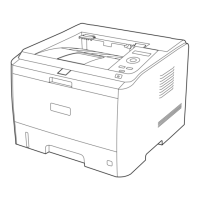
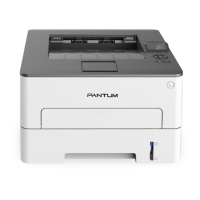
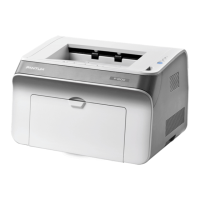
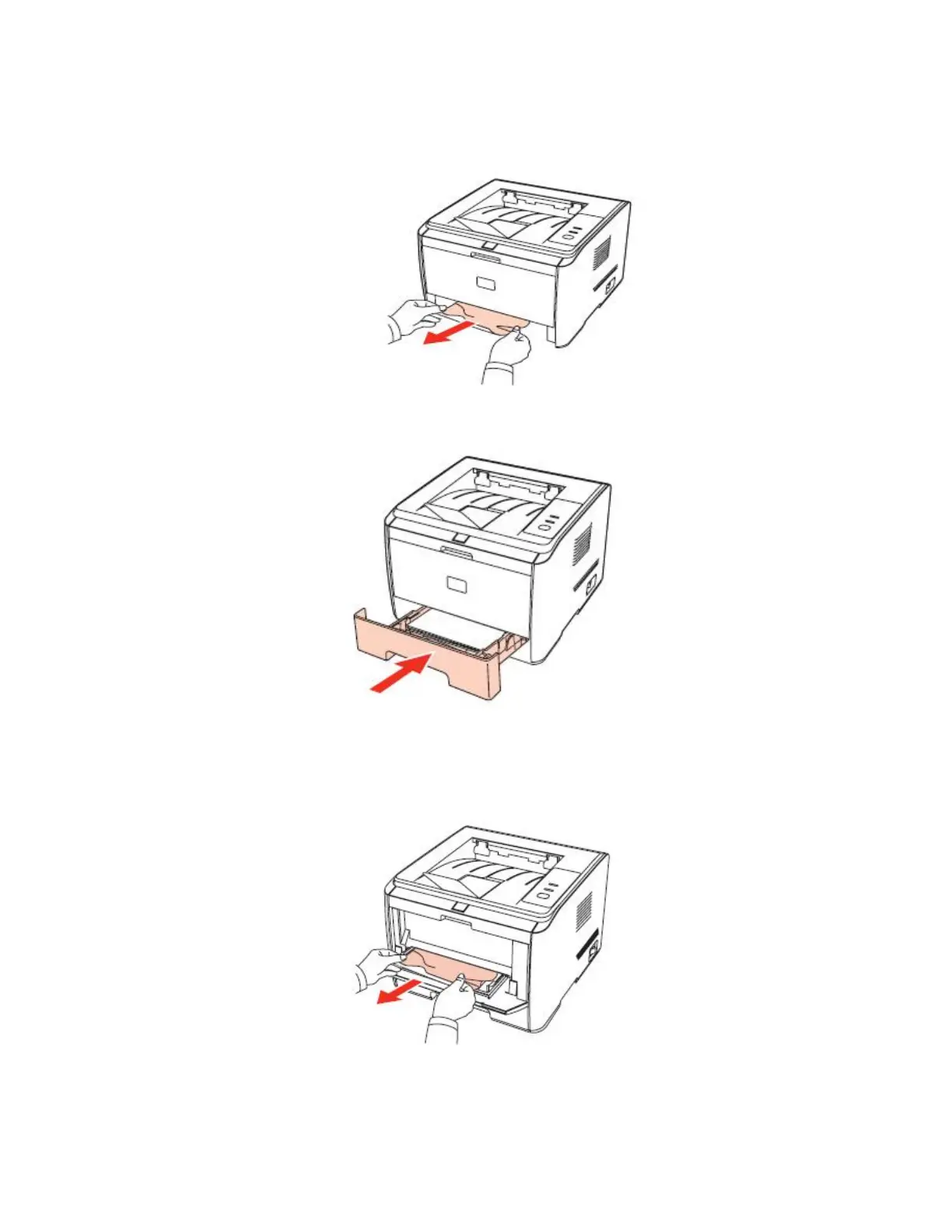
Step2: Gently pull the jammed paper straight out.
Step3: After removing the jammed paper, reload the tray into the printer, and restore
the printing by pressing the button on the panel.
Paper Jam in the Manual Feeder Tray:
Step1: Gently pull the jammed paper out.

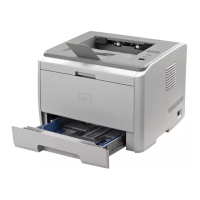

 To Next Page
 Loading...