26. How to adjust paper tray setting?
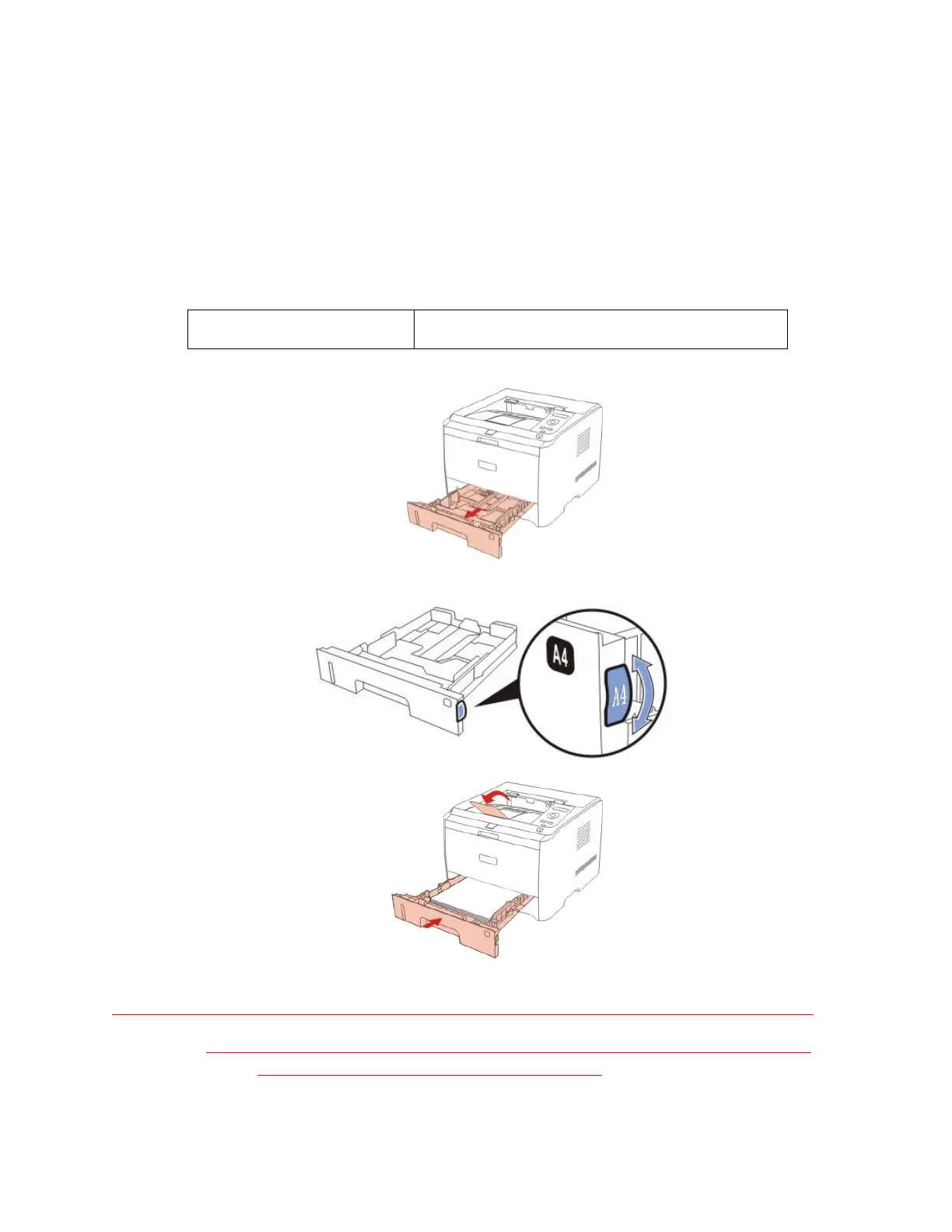
1) Paper tray setting on dial
Both standard input tray and optional tray of a printer are equipped with a paper size displaying
dial. Taking “standard tray” for example, settings of paper size displaying dial are described as
follows:
B5, STA, LGL, LTR , A4, A5
Step1: Pull the standard input tray out of printer.
Step2: Turn the paper matrix dial to matching to the paper size inside paper tray.
Step3: Install the paper tray into the printer.
Note: • when a paper size to be set cannot be found on the dial, the user can set it on the
control panel of printer. Please refer to Chapter 7.


 To Next Page
 Loading...