Note: When the printer is in dormant status, you can wake it up just by pressing any button
or sending print task.
17. Restore factory settings
“Restore factory settings” is used to restore to printer default settings.
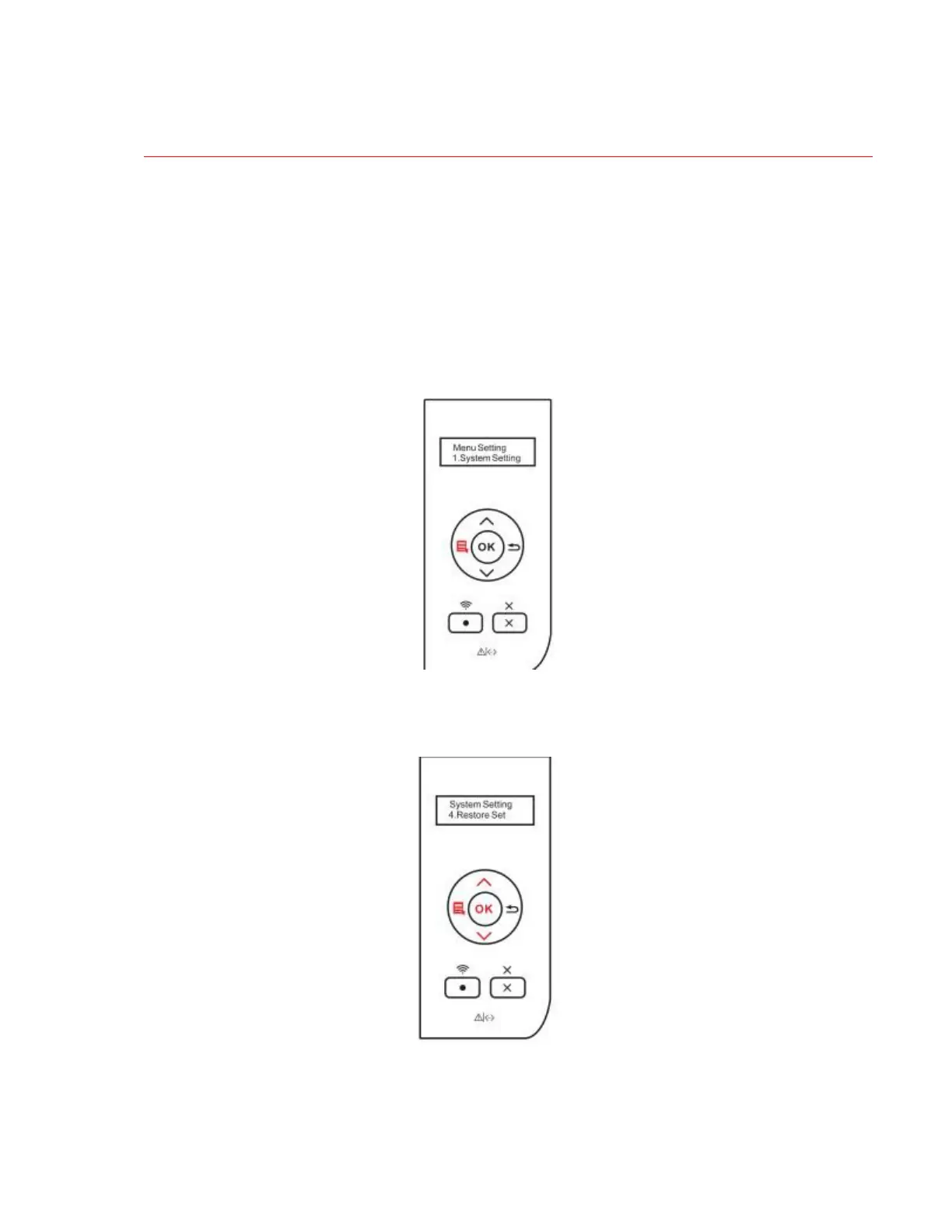
Step1: Press “Menu” key to enter menu setting interface.
Step2: Press "OK" key to select "1. System Settings".
Step3: Press direction key “▲” or “▼”, select “4. Restore factory settings” and press
“OK”.


 To Next Page
 Loading...