7. What are the cartridge models for my printer?
Starter/Standard Cartridge:
Model: P*-310 Page Yield: 3000 Pages
High-Volume Cartridge:
Model: P*-310H Page Yield: 6000 Pages
8. Why the Status Indicator shows orange when I insert a new cartridge?
Step1: Check the cartridge whether you pull out the seal on it
Step2: Take out of the chip from the cartridge and use a clean dry cloth to wipe it softly.
Then install the chip;
Step3: Insert the toner cartridge in the printer until hearing a “click” sound.
Papers Jam issues:
9. How can I clear any paper jam?
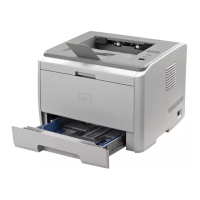
Paper jam in the Tray:
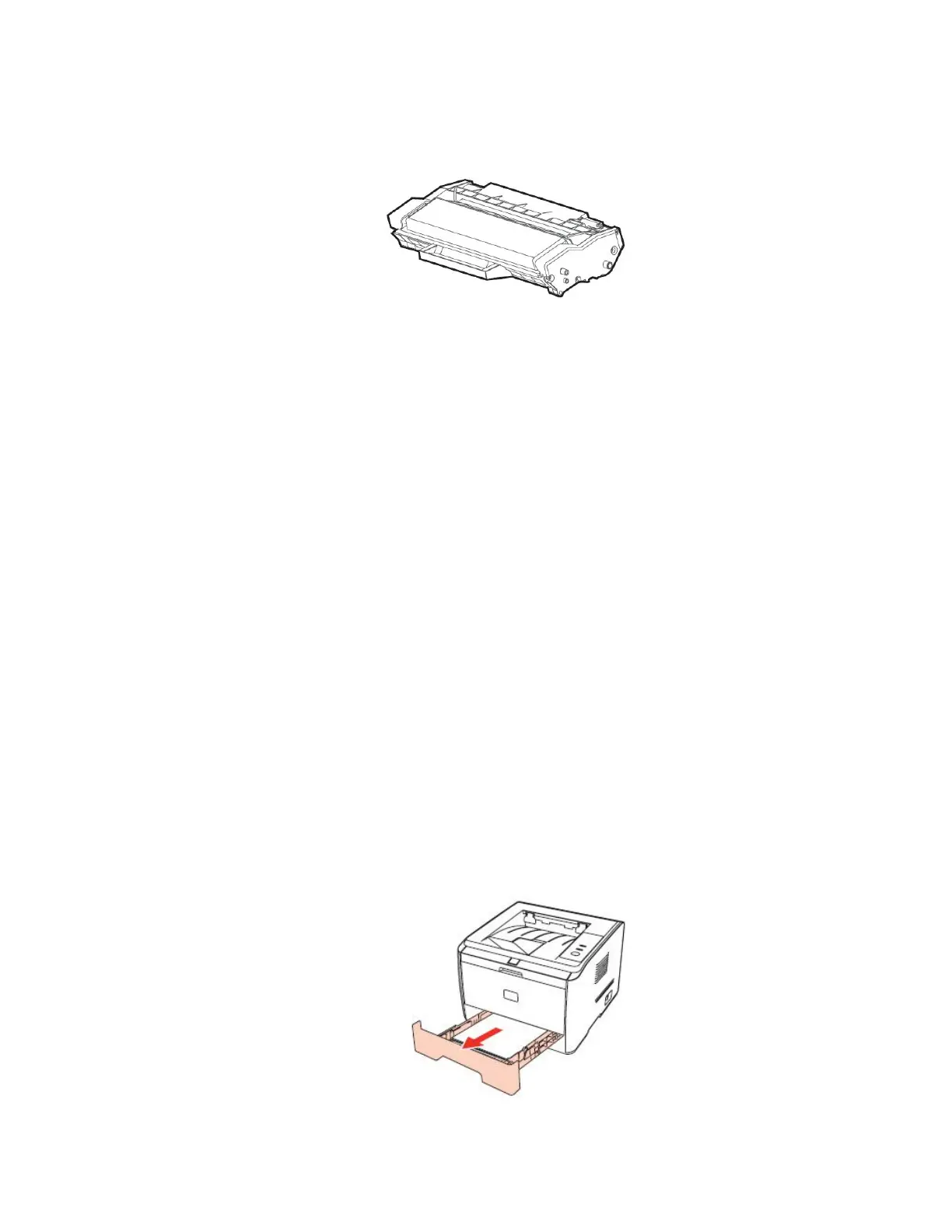
Step1: Open the tray.


 To Next Page
 Loading...