Note: • It is recommended to raise paper supporting board, preventing the printed paper from
slipping from the paper tray. If you select not to raise the paper supporting board of
output tray, we recommend you take away the printed paper immediately after it is
output.
• During printing, the printer automatically adjusts the direction of text on the page.
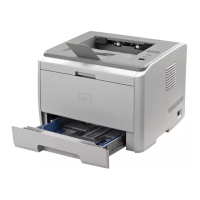
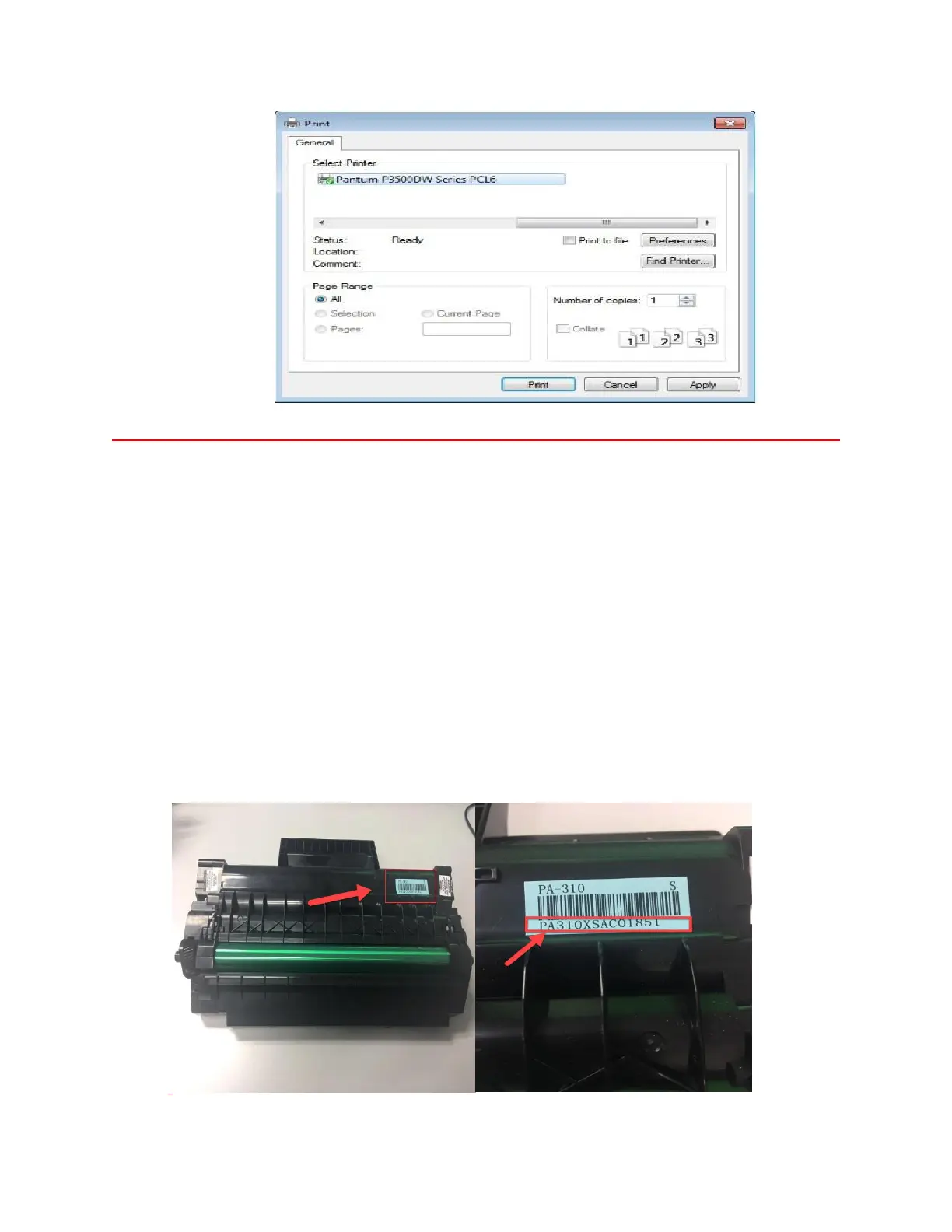
19. How to check the toner’s serial number location:
Please check with below pictures:


 To Next Page
 Loading...