EasyManua.ls Logo

Paradigm surflink - User Manual

Paradigm surflink
28 pages
Print Icon
To Next Page IconTo Next Page
Loading...
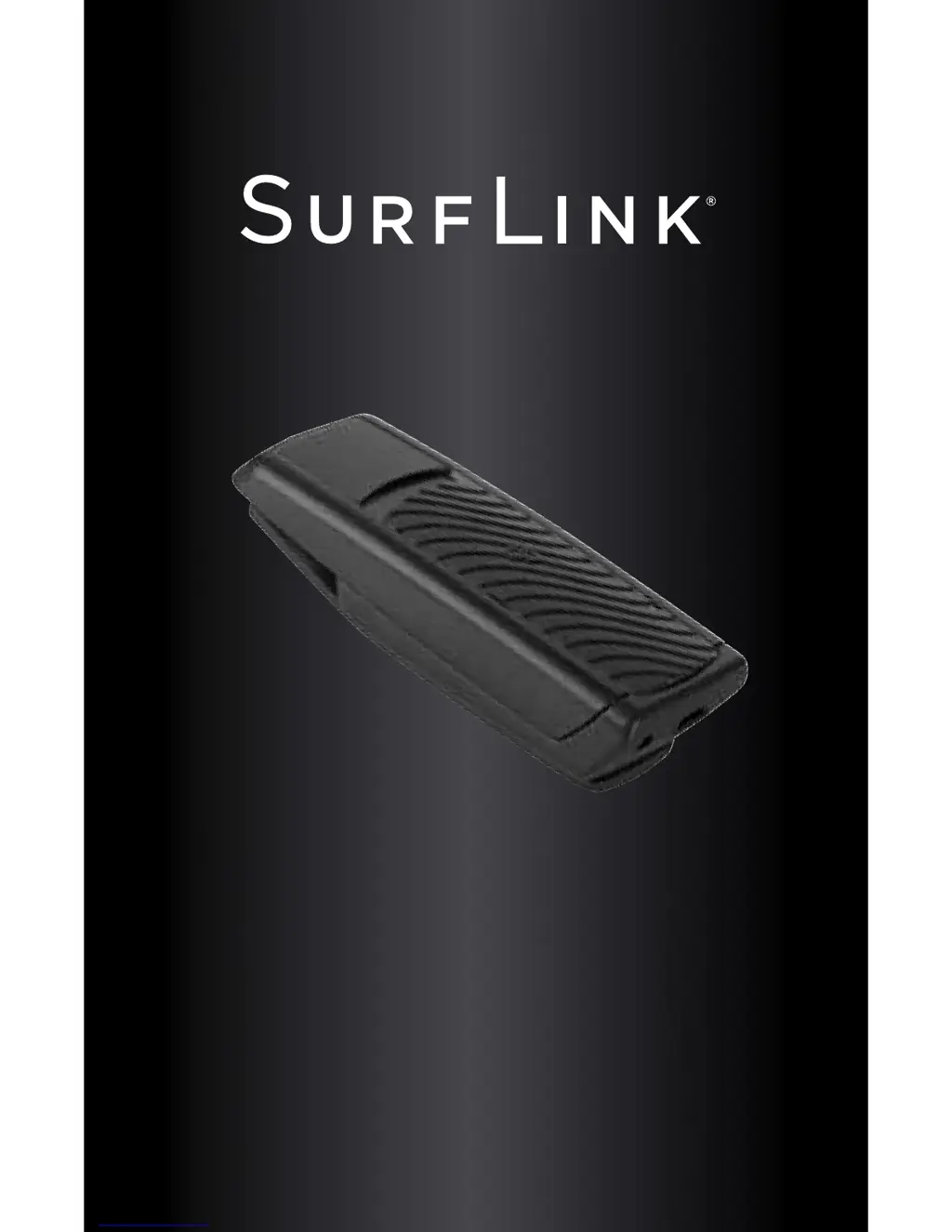
REMOTE MICROPHONE
OPERATIONS MANUAL

Questions and Answers

  • J
    Jeffrey BarronAug 1, 2025
    What to do if it's difficult to hear the speaker in noisy environments using the Paradigm Microphone?
    • B
      Blake BriggsAug 1, 2025
      If you're having trouble hearing the speaker clearly with your Paradigm Microphone in noisy places, it might be because the current memory setting isn't ideal. Try switching to a memory setting that your hearing professional has optimized for use with the SurfLink Remote Microphone. Also, adjust the microphone's position slightly to the right or left for better streaming, and ensure the microphone is close enough to the speaker's mouth.
  • L
    Lauren WashingtonAug 9, 2025
    What to do if the Paradigm Microphone LED is slowly blinking blue, but no streamed sounds are heard?
    • E
      Emma SingletonAug 9, 2025
      If your Paradigm Microphone's LED is slowly blinking blue but you aren't hearing streamed sounds in your hearing instruments, it could be due to several reasons. First, ensure your hearing instruments are within wireless range by moving closer to the SurfLink Remote Microphone. Second, your hearing instruments might not be properly synced; try syncing them with the SurfLink Remote Microphone. Finally, check the battery level in your hearing instrument, as a low battery may not support audio streaming; replace it with a new one if needed.
  • A
    Andrew AndersonAug 16, 2025
    Why do Paradigm Microphone hearing instruments unexpectedly drop out of audio streaming?
    • P
      Patrick ButlerAug 16, 2025
      If your Paradigm Microphone hearing instruments unexpectedly drop out of audio streaming, it could be due to several reasons. First, you might be on the edge of the wireless range, so move closer to the SurfLink Remote Microphone. Second, the battery level in your hearing instrument might be too low to support audio streaming, so replace it with a new one. A large object might be degrading the signal, so ensure your hearing instruments are within line-of-sight. Lastly, your hearing instrument firmware may be outdated; your hearing professional can update it.
  • B
    Brian ChavezAug 23, 2025
    What to do if the Paradigm Microphone LED is rapidly blinking red continuously?
    • L
      Laura HarperAug 23, 2025
      If the Paradigm Microphone's LED is rapidly blinking red continuously, turn off the SurfLink Remote Microphone, wait 15 seconds, and then turn it back on.

Summary

Introduction

Package Contents

Lists items included in the SurfLink Remote Microphone package.

Optional Accessories

Lists accessories available for purchase for the SurfLink Remote Microphone.

Basic Use

Controls Overview

MicroUSB Jack for Recharging

Details the port used for charging the SurfLink Remote Microphone.

Power On;Off Slider

Explains the function of the slider for turning the device on and off.

Syncing Functionality

Describes how to establish a connection with hearing instruments.

Built-In Microphones

Explains the role of the device's microphones in capturing sound.

LED Indicator Status

Details the meaning of different LED light behaviors.

Device Clip

Explains the clip mechanism for attaching the device to clothing.

Operation

Low Battery and Recharging

Information on battery status, low battery alerts, and recharging procedures.

Typical Charging Method

Step-by-step guide for recharging using the included cable.

Optional Charging Methods

Details alternative ways to recharge the device using adapters.

Power On;Off Slider Operation

How to use the slider to power the device on and off.

Device Syncing Process

Detailed steps for pairing the device with hearing instruments.

Microphone Modes

Explains how microphone settings adapt based on orientation.

LED Indicator Meanings

Comprehensive guide to the LED's status indicators.

Wearing the Device

Instructions on how to attach the device to clothing or a lanyard.

Streaming Audio

How the device streams audio to hearing instruments and volume control.

Interoperability with Other Accessories

How the SurfLink Remote Microphone interacts with other accessories like SurfLink Mobile.

Troubleshooting

Audio Streaming Dropouts

Addresses issues where hearing instruments lose audio connection unexpectedly.

No Audio with Blue LED

Solves problems when the LED indicates streaming but no sound is heard.

Continuous Red LED Error

Guides users through resolving continuous rapid red LED blinking.

Poor Performance in Noise

Provides solutions for difficulty hearing in noisy environments.

Regulatory Notices

Electronic Waste Disposal

Guidelines for proper disposal of electronic equipment and the device's battery.

Intended Use of the Device

Defines the primary purpose and functionality of the SurfLink Remote Microphone.

Aircraft and International Use

Information on restrictions and considerations for using the device on aircraft and internationally.

FCC;IC Compliance Information

Details regulatory compliance statements from FCC and IC.

Paradigm surflink Specifications

General IconGeneral
BrandParadigm
Modelsurflink
CategoryRemote Control
LanguageEnglish