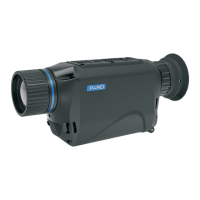
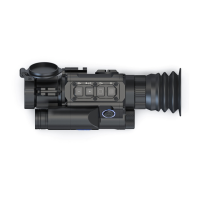
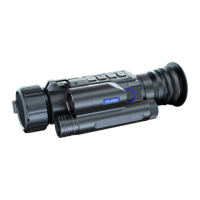
Steps to connect to your mobile device:
Download “PardVision2” from the Apple App Store or the Google Play Store.
Turn on the WiFi on your device and on your mobile device.
Search the WiFi on your mobile device (the device WiFi network is a string of
characters starting with PARD, which is a string of numbers). Please enter the
password: 12345678 to connect.
Enter the application to operate and use.
Note: After the WiFi is turned on, you cannot access the menu. Press and hold [Key 1]
to disable the WiFi and then enter the menu interface.
13
Users can choose their preferred language.
Press [Key 4] to enter the menu, press [Key 3] to move the cursor to the language setting
option, press [Key 2] to enter the sub-menu.
Press [Key 1]/[Key 3] to move the cursor to select the desired language.
Press [Key 2] to save and return to the previous page.
14. Language
Users can set the system date and time of the device.
Press [Key 4] to enter the menu, press [Key 3] to move the cursor to the date/time setting
option, press [Key 2] to enter the sub-menu.
Press [Key 1]/[Key 3] to adjust the setting date and time value, press [Key 2] to switch options.
Press [Key 4] to save and return to the previous page.
15. Date/Time
If users want to reformat the Micro SD Card, it will delete all the data on the Micro SD card
permanently. Data cannot be recovered after reformatting. Please operate with caution!
Press [Key 4] to enter the menu, press [Key 3] to move the cursor to the format setting
option, and press [Key 2] to enter the sub-menu.
Press [Key 1]/[Key 3] to move the cursor to select "Cancel" or "OK" option.
Press [Key 2] to confirm the operation and return to the previous page.
16. Format
The blind pixel compensation algorithm enables effective compensation for blind spots
that didn’t respond to temperature and also reduces image distortion.
17. Blind Pixel Compensation



 To Next Page