9 - Programming interface
Strada Transfert Evolution2 - Operation manual
42/50
9.3 Basic programming functions
Press F on the keyboard to access the Maintenance menu or enter the open-
door option code.
Select the programming function number from the list below, for example '1'
(time setting).
Validate with V.
At the end of an on-site programming function, after you validate with V (or cancel
with C), the terminal will ask:
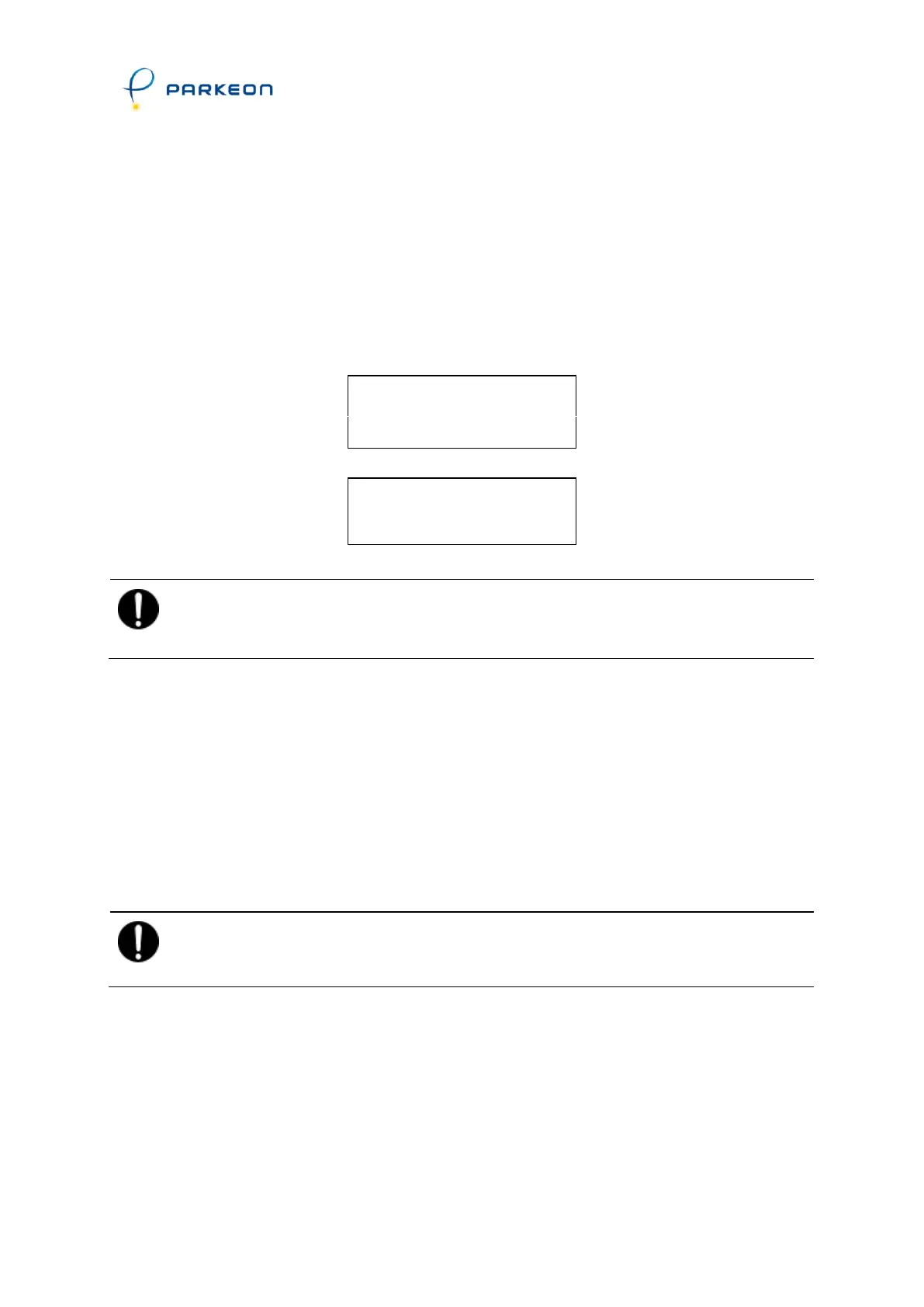
CONFIRM?
YES: 1 NO: 2
or
CANCEL?
YES: 1 NO: 2
IMPORTANT:
Do not try to use other maintenance function numbers without the
consent of the technical department.
Function 1 - Setting the date and time
Enter the current date, say 9.57 a.m. on Friday September 22 2000.
The day of the month will flash . enter 22 followed by
.
The month will flash ............... enter 09 followed by
.
The year will flash ................. enter 00 followed by
.
The year will flash ................. enter 09 followed by
.
The minutes will flash ............. enter 57 followed by V.
IMPORTANT:
The terminal will automatically display the day of the week (Friday in this
case).



 To Next Page