EasyManua.ls Logo

Parkmate MCPK-43BG - User Manual

Parkmate MCPK-43BG
8 pages
Print Icon
To Next Page IconTo Next Page
Loading...
MCPK-43BG User Manual
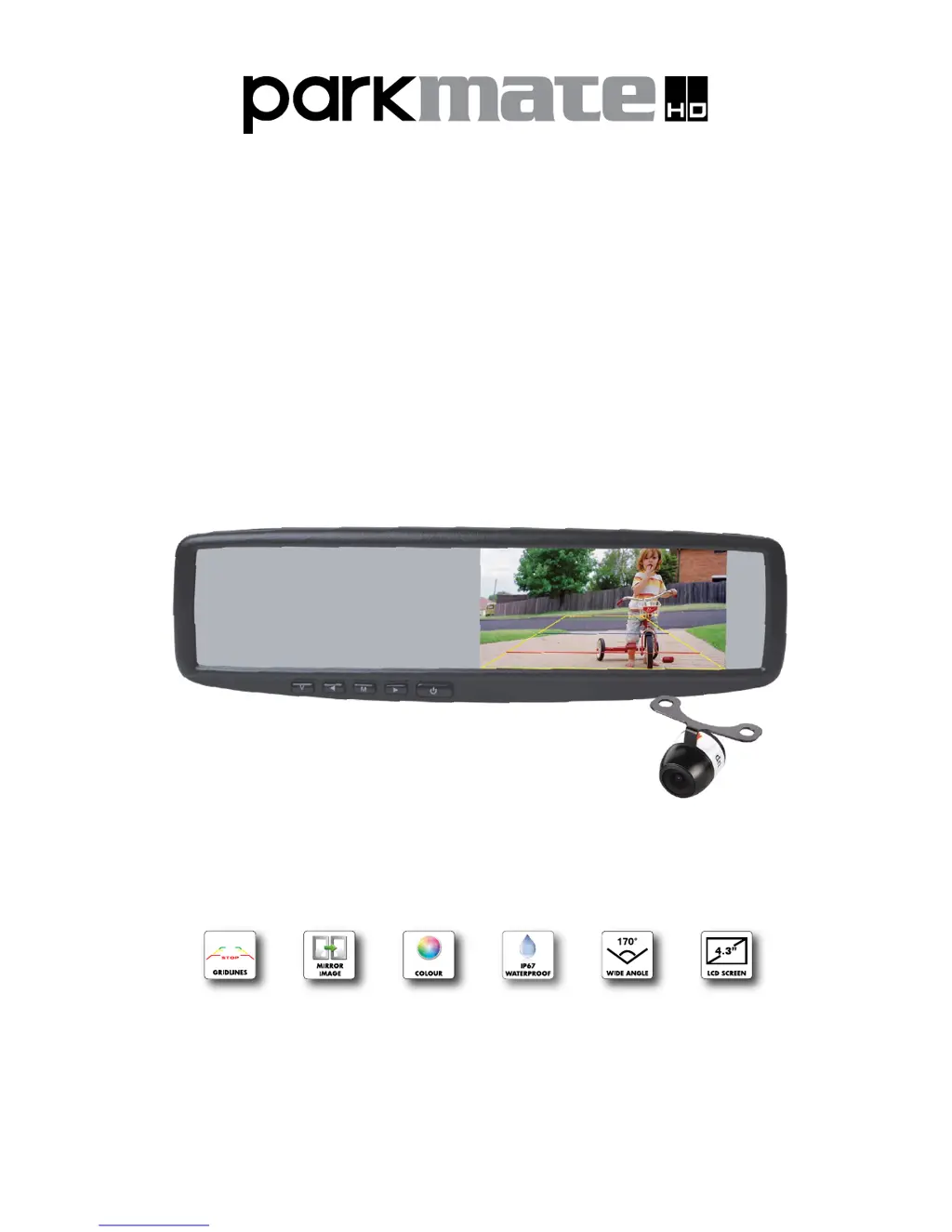
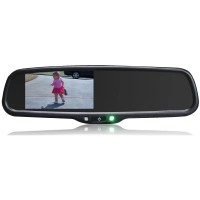
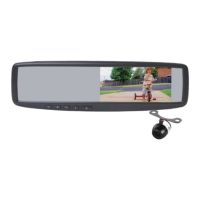
Universal Clip On 4.3” Rear View Mirror
Monitor & Camera Pack with Grid-lines

Questions and Answers

Summary

MCPK-43 BG Component List

Product Operation and Settings

How to Operate Mirror Monitor

Details the function of each button on the mirror monitor interface.

How to Set Your Monitor

Explains how to adjust monitor settings like brightness and contrast.

Installation and Wiring

Wiring Diagram

Illustrates and explains the electrical connections for the system.

Rear View Mirror Monitor Installation

Guides the user on how to attach the mirror monitor to the existing rear view mirror.

Camera Installation - Butterfly Mount

Provides step-by-step instructions for mounting the camera using the butterfly mount.

Camera Installation - Flush Mount

Details the process for flush mounting the camera onto the vehicle bumper.

Testing and Maintenance

How to Test

Outlines the procedure to test the mirror monitor and camera system after installation.

Troubleshooting

Lists common problems and their corresponding solutions for the system.

Product Specifications

Monitor Technical Specifications

Lists detailed technical specifications for the mirror monitor component.

Camera Technical Specifications

Provides detailed technical specifications for the rear view camera component.

Warranty Terms and Conditions

Parkmate MCPK-43BG Specifications

General IconGeneral
ModelMCPK-43BG
CategoryAutomobile Accessories
Screen Size4.3 inches
Video SystemNTSC/PAL
Resolution480 x 272
Power SupplyDC 12V
Number of Video Inputs2
Operating Temperature-20°C to 70°C
Waterproof RatingIP67
MaterialPlastic
ColorBlack
TypeParking Monitor System
Detection Range0.3 - 2.0m
Operating Voltage9V - 15V

Related product manuals