14
GB IE
Trouble shooting
Problem Possible cause Remedy
Washer is
not opera-
ting
ON / OFF switch (5) is turned
off
Check ON / OFF switch
Damaged power supply cable
Check power supply cable (7) for
damage. If necessary have the power
supply cable (7) replaced by a quali-
Mains fault
Check the electrical system for conformi-
ty with the data on the rating plate.
Washer
does not ge-
nerate any
pressure
Air trapped in the pressure
washer
Turn on the washer with high-pressure
the high-pressure connection (3).
Drop in the water mains
pressure
Check the water mains.
Severe
-
tuations
High-pressure nozzle (13) is
dirty
Rinse the high-pressure nozzle (13) with
water. If necessary clean the nozzle
hole with a needle.
Spare Parts Order
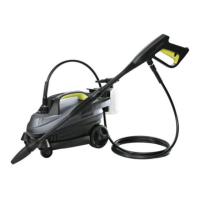
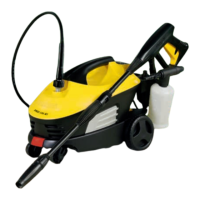
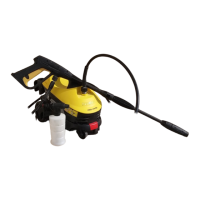
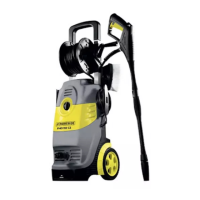
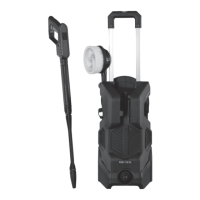
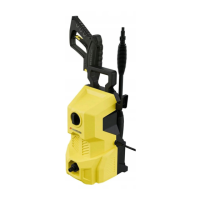
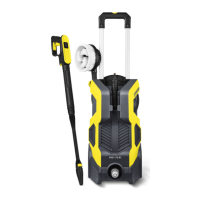
When buying parts for the pressure washer, use the service address or fax number given.
Please enter your machine type and the product number of the part you are ordering.
Item Description .......................................................... Product No.
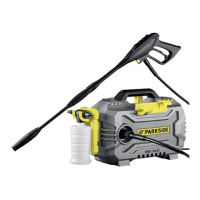
14 Cleaning agent container with nozzle ...................................91096764
13 High-pressure nozzle ...........................................................91096765
1-2 High-pressure hose ..............................................................91096766
......................................................91096767
11
Jet lance ............................................................................ 91096768
10 Gun ..................................................................................91096769






 To Next Page