Getting Started 8
Place the AR.Drone in the middle of a room (4m x 4m minimum) without obstacles. Step back to a
distance of 1 metre behind the device (the front of the device is easy to identify because of the
camera).
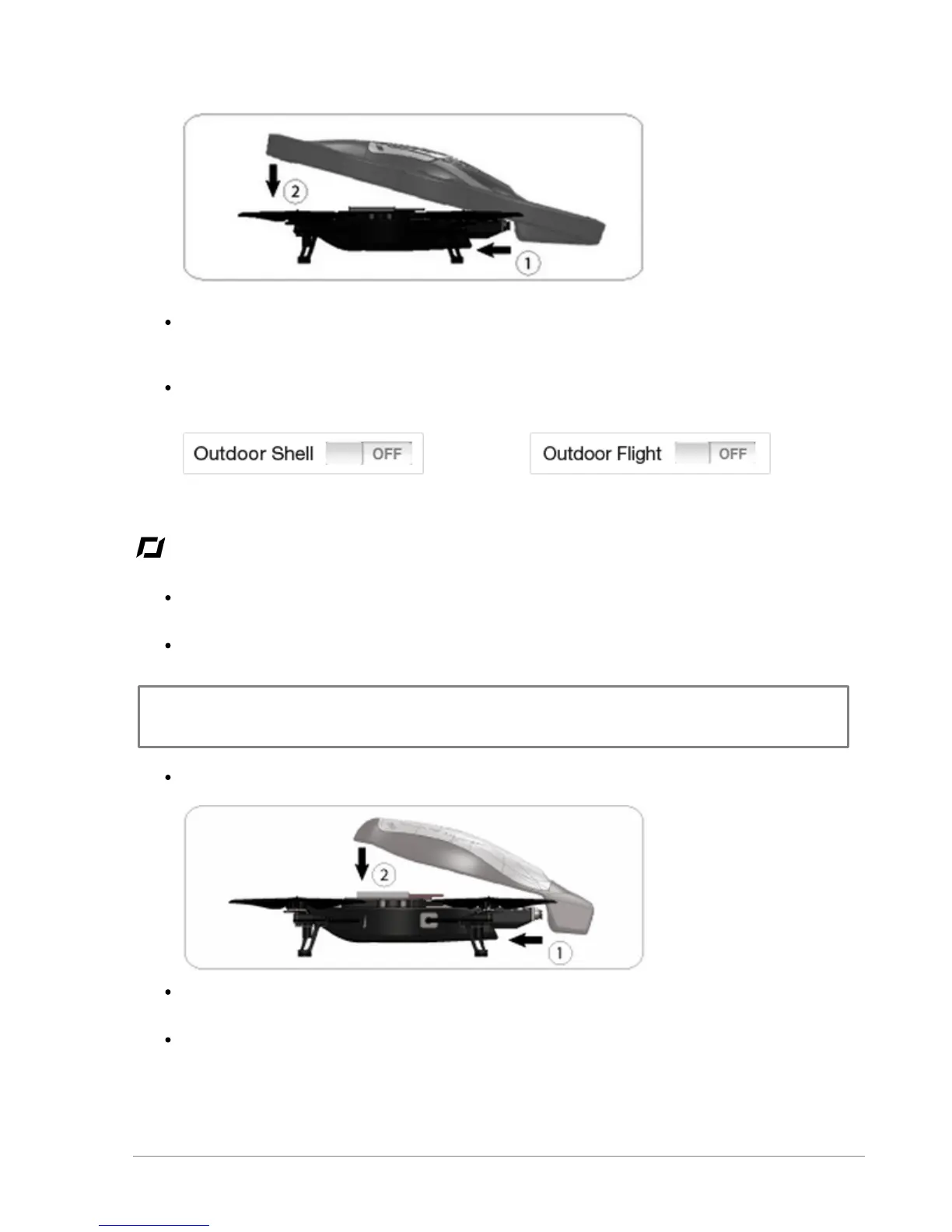
In the Settings panel of the AR.Free Flight application, deactivate the Outdoor Shell and
Outdoor Flight options.
Outdoor usage
Do not use the AR.Drone in unfavourable meteorological conditions (rain, strong wind, snow) or if
visibility conditions are inadequate (at night).
Although the automatic pilot can compensate for some turbulence caused by wind, avoid flying
the AR.Drone in wind conditions of over 15 km/h.
Note: Keep in mind that the wind strength that you encounter where you are piloting the AR.Drone may
well be different from the wind strength where the AR.Drone is actually flying. This may explain any
unexpected changes in trajectory.
Install the hull without the guard rings.
Set the AR.Drone on a flat dry surface in an area without any obstacles. Step back to a distance
of 1 metre behind the device (the front of the device is easy to identify because of the camera).
In the Settings panel of the AR.Free Flight application, activate the Outdoor Shell and Outdoor
Flight options.


 To Next Page