Getting Started 16
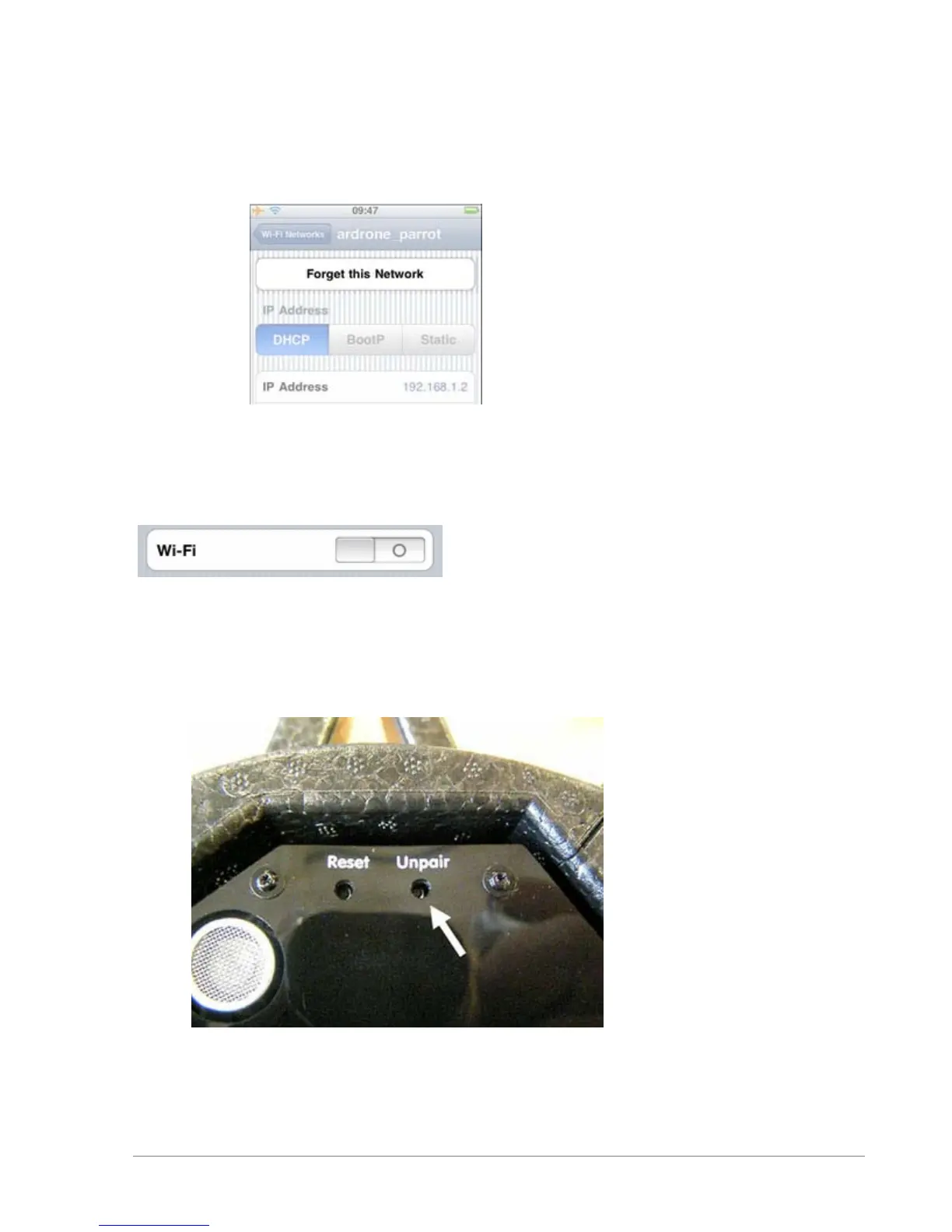
Forgetting the Wi-Fi network
Select the Wi-Fi network generated by the AR.Drone then press on Forget this network.
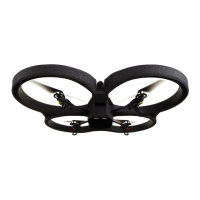
Deactivating Wi-Fi mode
Deactivate and then reactivate Wi-Fi on your iPhone.
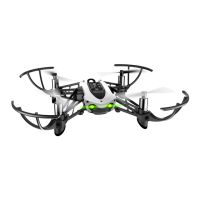
Erasing the pairing memory of the AR.Drone
1. Press the Unpair button using a fine-tipped object. You should hear a little "click".
> The 4 LEDs located on the motors will flash alternately red and green.
2. On the 1st connected iPhone, turn the Wi-Fi off and back on.


 To Next Page