16
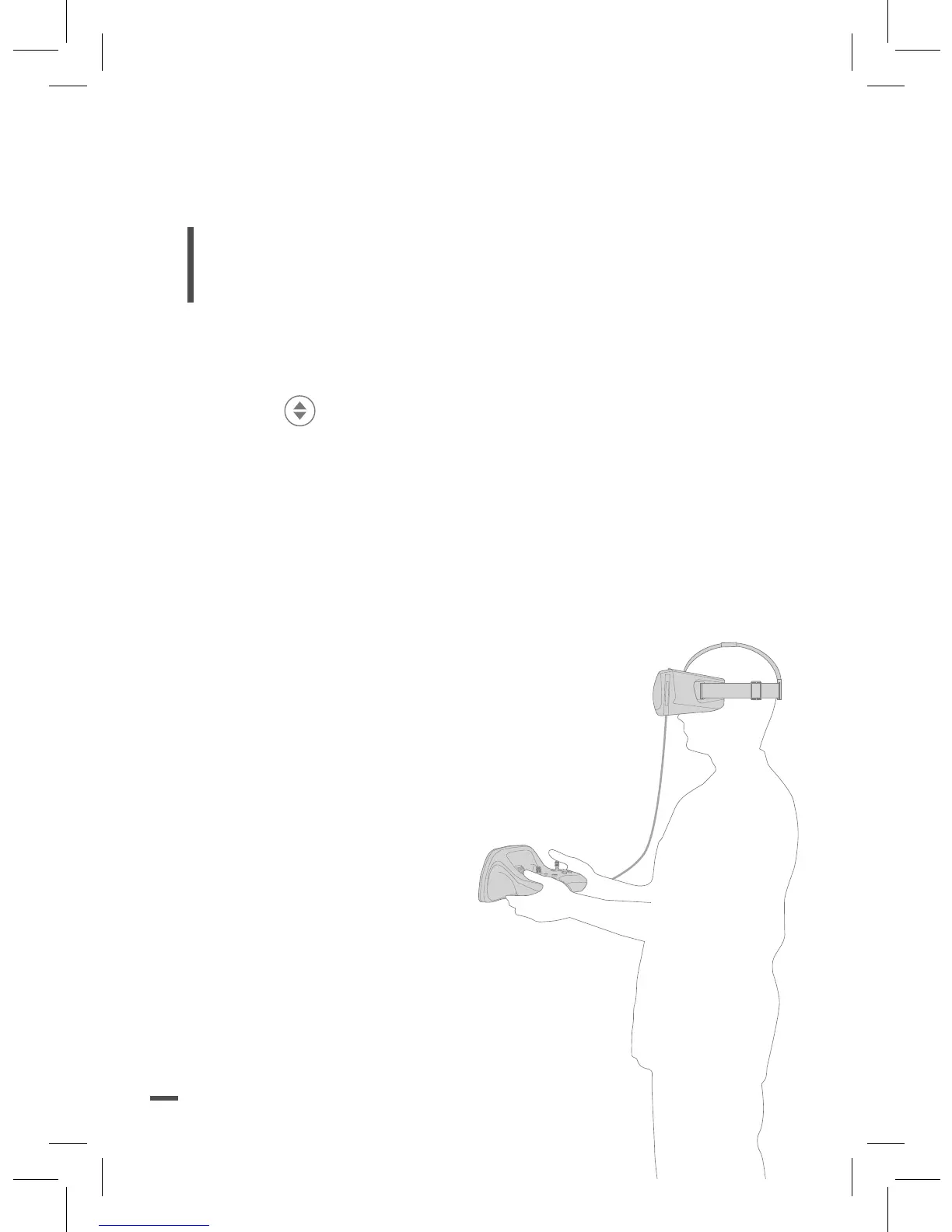
9. Adjust the strap of the Parrot Cockpitglasses on your
head.
Note : Use the Parrot Skycontroller 2 to edit the
FreeFlight Pro application’s settings when you are
wearing Parrot Cockpitglasses.
TAKING OFF
Press the button on the Parrot Skycontroller 2.
> The Parrot Bebop 2 takes off and stabilises at 2
meters above the ground waiting for a command.
FPV MODE
Use See Through mode to see through the camera of your
smartphone when you are wearing Parrot Cockpitglasses.
Press the right trigger on the Parrot
Skycontroller 2 to switch from immersive view
to See Through.
There are several display mode in Freeflight
Pro application:
• Radar : Information about your Parrot
Bebop 2 position.
• Telemetry : Distance
between the pilot and the
Parrot Bebop 2, altitude
of the drone…
• Full Screen : Live video
streaming from the front camera of
the Parrot Bebop 2 without any other
information.














 To Next Page