- 13 -
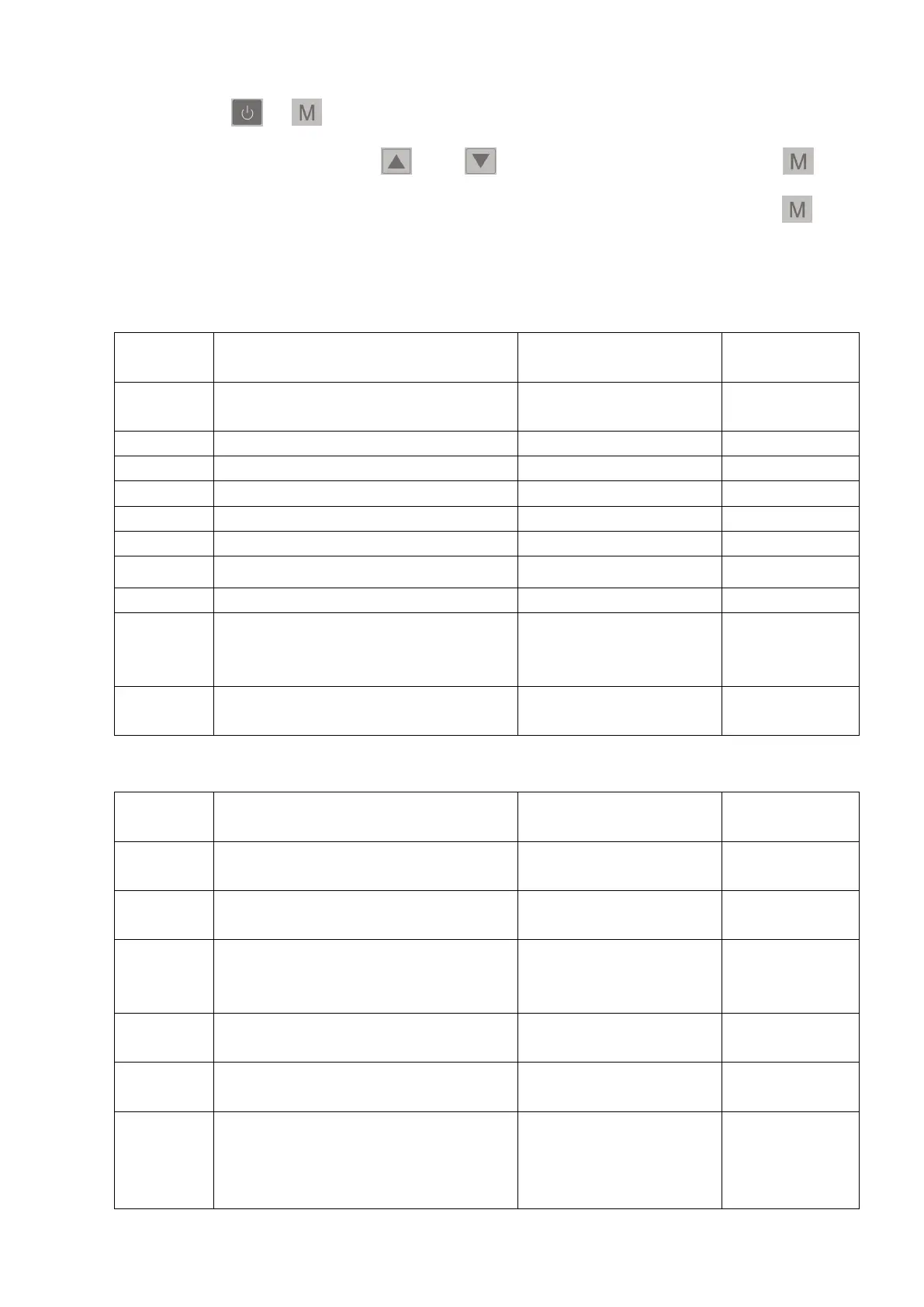
11) System parameter setting
Press " "+" "for 5 seconds to enter the password interface for setting the
parameters. Then press" " or " " to enter the password. Press " " to
change the digit of the password. After finishing the last digit, press " " to
confirm the password.
6. System Parameters:
Return Difference for
Target Water Temp.
Set Temp. in Cooling Mode
Set Temp. in Heating Mode
Compensation Value of Inlet Water Temp.
Difference between
Ambient Temp. and Coil Temp.
to Start Defrosting
Ambient Temp.to Start
Defrosting
Electronic Expansion Valve's
Working Cycle
Overheat Degree in Smart/
Powerful Mode
Exhaust Gas Temp. of
Electronic Expansion Valve
Electronic Expansion Valve's
Steps during Defrosting
( Set Value*10=Actual Steps)
Electronic Expansion Valve's
Min. Steps(Set Value*10=Actual Steps)
Electronic Expansion Valve's
Working Mode
Manual Steps of
Electronic Expansion Valve
(Set Value*10=Actual Steps)


 To Next Page