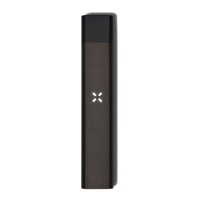
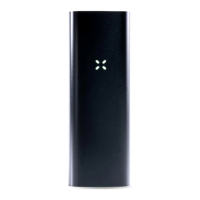
APP CONNECTIVITY
The PAX Mobile App* lets you further customize and control your experience with features
including PodID™, Dose Control, PodExplore, Device Lock Out, and additional temperature
controls and recommendations.
Download the PAX Mobile App on your mobile device from the Google Play Store and follow
the on-screen instructions to pair your Era Pro with your mobile device.
To put your Era Pro in pairing mode, shake the device for about 5 seconds until you see a
blue criss-cross pattern. Make sure your phone’s bluetooth is turned on, and follow the app’s
on-screen pairing instructions.
The petals will criss-cross blue when the device is in pairing mode
Keep shaking until the petals swirl blue and the device vibrates to indicate that the device has
successfully connected to the app.
The petals will swirl blue once the device has successfully connected to the app
Connect your Era Pro to the PAX Mobile App* to access additional features:
● PodID™ - Know what’s in your cannabis. View brand, strain, and oil information for
your specific pod, including state-regulated test results. PAXSmart pods are
automatically identified by the app,* but you can manually identify and view
information for any Era-compatible pod.
● Dose Control - Own your journey. Control how much you want to inhale, then let
Era Pro track your progress.


 To Next Page