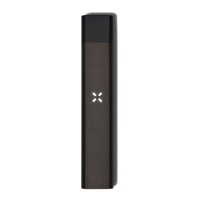
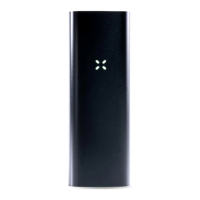
The petals will blink white, then light blue and yellow to indicate a PAXSmart pod’s ExpertTemp setting
The petals will also blink white when you remove a pod.
If you encounter any pod-related issues, or would like to read additional FAQs, please visit
pax.com/support
For questions about the contents of your pods which are not PAX products, please contact
the licensed dispensary and extractor of the pod.
ExpertTemp™ TECHNOLOGY
PAXSmart™ enabled pods have ExpertTemp technology, which means the pod comes preset
to its optimal temperature as chosen by the extractor for that particular pod. Your pod’s
ExpertTemp setting may be in the low, medium-low, medium-high, or high range.
When you first insert a PAXSmart pod into your Era Pro, the petals will glow light blue and
yellow and the device will vibrate three times to indicate that the device is set to the pod’s
ExpertTemp setting.
If you change the temperature on your Era Pro device, PAXSmart pods will remember and set
your device to your last used temperature setting the next time you insert the pod.
The petals will glow light blue and yellow to indicate a PAXSmart pod’s ExpertTemp setting


 To Next Page