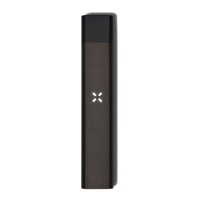
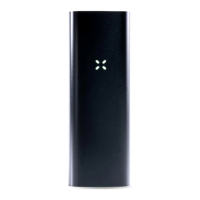
The petals will blink light blue to signal the start of a new dose
Disclaimer: Dose Control limits ingestion, allowing users to better understand their tolerances and
manage consumption. It does not recommend or ensure ingestion of specific quantities.
DEVICE SETTINGS
DEVICE LOCK OUT
Era Pro can be locked from the app* to prevent it from producing vapor. This can be used to
prevent children from using the device.
The device will remain locked and will not allow any vapor to be drawn until it is unlocked
from within the app. Era Pro will still show non-vapor related animations while locked.
The petals will blink red when locked, or white when unlocked
BRIGHTNESS & VIBRATION
You can also change the LED petal brightness and adjust the haptic vibration setting of your
Era Pro from the app.* The device will respond with a white blink to confirm the new
brightness setting or by vibrating to confirm the new vibration setting.


 To Next Page