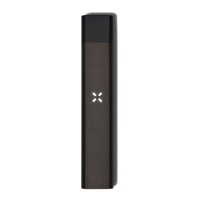
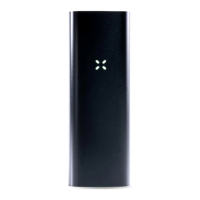
When you activate Dose Control on a PAXSmart pod, it will remain active on that pod until
you deactivate Dose Control for that pod from within the app.* Your dose progress will be
saved for 60 minutes after your most recent draw. After 60 minutes, your selected dose size
will reset back to 0%.
For a previous generation Era pod (ones that do not have a red band), removing the pod
deactivates Dose Control and you must re-enable Dose Control from within the app.
DRAWING WITH DOSE CONTROL
Drawing from the device while Dose Control is active will cause the petals to fade out
according to how much of your dose you have consumed. When you stop drawing, Era Pro
will save your progress and allow you to pick up where you left off.
The petals will fade out from light blue to off while your dose is in progress
Example:
4 petals light blue means that your full dose remains
3 petals light blue means that you’ve consumed ¼ of your dose, and ¾ remains
2 petals light blue means that you’ve consumed ½ of your dose, and ½ remains
1 petal light blue means that you’ve consumed ¾ of your dose, and ¼ remains
When you complete your selected dose size, the device will swirl light blue, and will pause
(not allow any vapor to be produced) for 2 seconds. At the end of 2 seconds, the device will
blink light blue and vibrate to signal the start of a new dose.
The petals will swirl light blue when you’ve completed your selected dose


 To Next Page