PayRange | BluKey Select™ Reference Manual
6/29/2021 Page 19 | 21
not light up
(No power)
on machine’s harness
Check / reconnect harness
connectors.
Use alternative power source per
section “
Error! Reference source not
Check and select appropriate
harness type
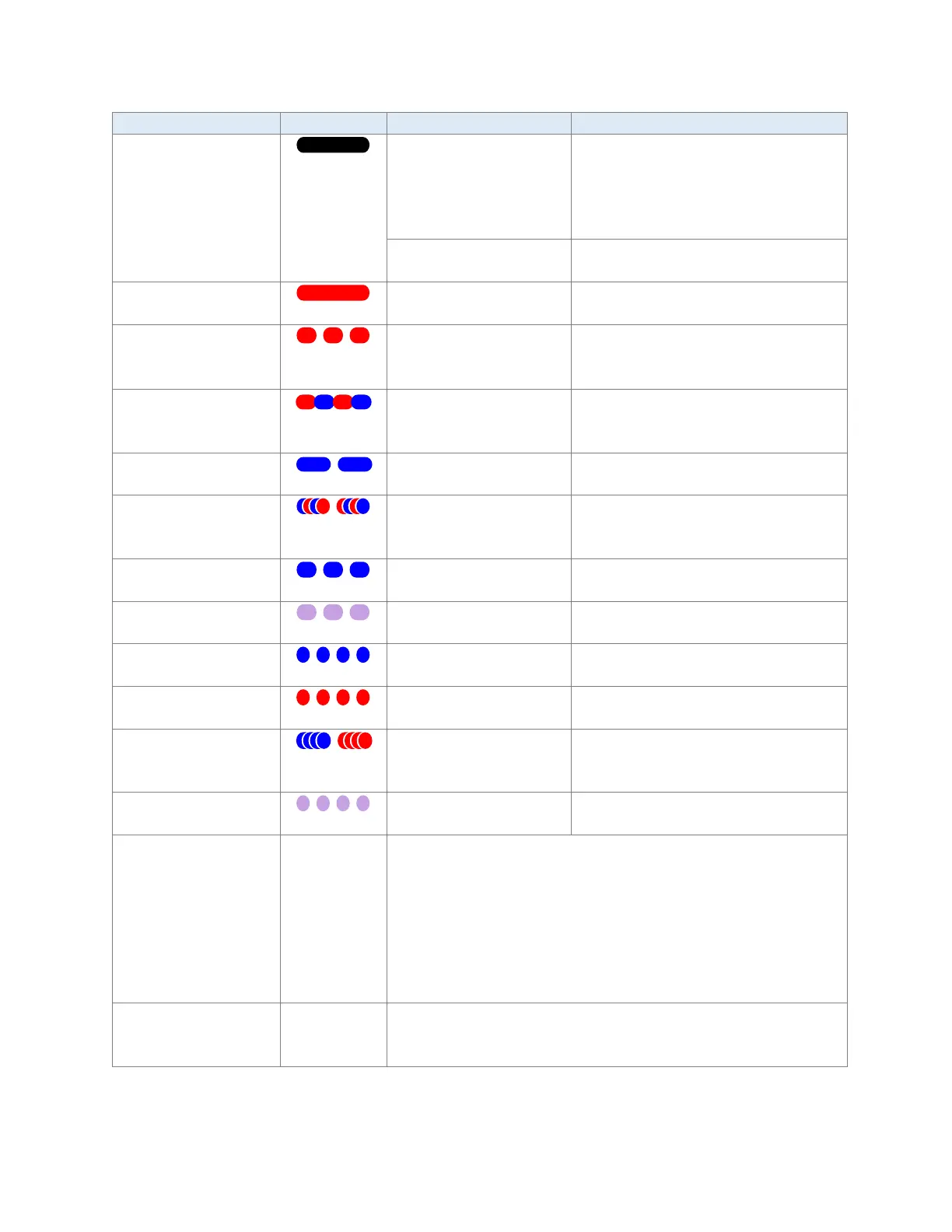
BKSelect LED is solid
red
BluKey Select is in
wrong mode
Contact PayRange for support
flashes red
(Disabled by
accepting payments
Refer to machine manual to enable
payments / return to enabled state.
flashes red/blue
(Machine in
Wait for machine to complete its
cycle.
Machine accepts payments (top-off).
series of red/blue
hours
Power-cycle BluKey Select to reset
the warning. Check if machine has
BKSelect LED slowly
flashes blue
BKSelect LED slowly
flashes purple
BKSelect LED quickly
flashes blue
BKSelect LED quickly
flashes red
BluKey Select hardware
error
flashes blue, flashes
error
BKSelect LED quickly
flashes purple
Uploading transactions,
Downloading upgrades
does not work
1. Check if BluKey Select is in Ready state / BluKey Select LED
is solid blue.
2. Check if BluKey Select flashes “Transaction in progress”
LED pattern during mobile payment. If not, check Internet
/ data connection on mobile device.
3. If using pulse mode, check if “pulse on” time in device
settings in Manage is set correctly (see section “
Configure
BluKey Select device for payment (using website)”).
work
1. Check connection to coin acceptor sensor/switch.
2. Check for correct polarity of connection to coin acceptor



 To Next Page