EasyManua.ls Logo

PayRange BluKey Select - User Manual

Default Icon
21 pages
Print Icon
To Next Page IconTo Next Page
Loading...
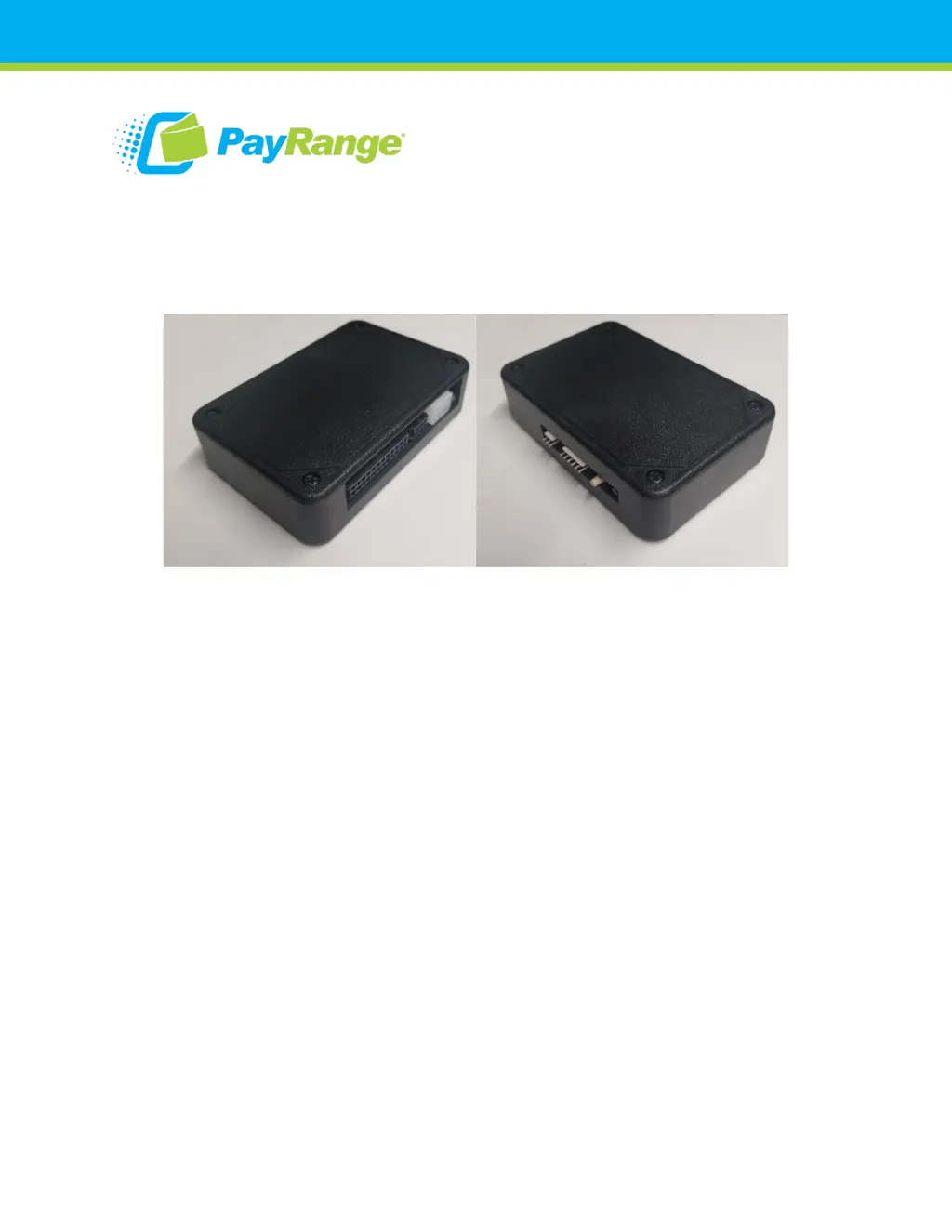
BluKey Select
Reference Manual
Model: BluKey Select™

Table of Contents

Questions and Answers

  • T
    Tiffany SchmidtAug 17, 2025
    Why is my PayRange Payment Terminal mobile payment not working?
    • M
      Michael FreemanAug 17, 2025
      If mobile payment is not working, first, ensure the BluKey Select is in Ready state, indicated by a solid blue LED. Then, check if the BluKey Select flashes the “Transaction in progress” LED pattern during mobile payment. If it doesn't, verify the internet or data connection on your mobile device. Finally, if you're using pulse mode, confirm that the “pulse on” time in the device settings is correctly set in Manage.
  • S
    Scott KramerAug 20, 2025
    What to do if the PayRange BluKey Select Payment Terminal machine does not accept coins?
    • M
      Megan SmithAug 20, 2025
      If the machine does not accept coins, first, disconnect the BluKey Select harness from the machine’s coin harness (or disconnect the harness from BluKey Select) and check if the machine accepts coins. If not, replace the coin acceptor and its harness. Next, check the machine’s wiring for any loose wires in the connector pin that could be causing coin sensor/switch disconnects. Finally, if you're using optical coin sensors, clean the coin sensor optics or replace the coin sensor or coin acceptor assembly.
  • J
    John DoughertyAug 22, 2025
    What to do if the PayRange Payment Terminal BKSelect LED does not light up?
    • M
      Maria WrightAug 23, 2025
      If the BKSelect LED does not light up, it could be due to two reasons. First, check and reconnect the harness connectors, as power might not be provided on the machine’s harness. Alternatively, use an alternative power source. Second, the harness may not be compatible, so check and select the appropriate harness type.
  • A
    Anne HatfieldAug 25, 2025
    Why does the PayRange BluKey Select Payment Terminal app not show 'Machine in Use' during cycle?
    • J
      Jon LangAug 26, 2025
      If the app does not show 'Machine in Use' during the cycle, check the harness connection to both the BKSelect and the machine. Also, verify that the Inhibit/Available signals are configured properly for the harness in Manage.
  • L
    Larry AllenAug 28, 2025
    Why is the PayRange BluKey Select Payment Terminal BKSelect LED solid red?
    • M
      Mitchell McdonaldAug 28, 2025
      If the BKSelect LED is solid red, it means the BluKey Select is in the wrong mode. Contact PayRange for support.
  • S
    Sarah FisherAug 30, 2025
    What does it mean if the PayRange BluKey Select Payment Terminal BKSelect LED slowly flashes red?
    • A
      Andrea SteeleAug 31, 2025
      If the BKSelect LED slowly flashes red, it indicates that the machine is not accepting payments. Refer to the machine manual to enable payments or return it to an enabled state.
  • J
    jeremybensonSep 2, 2025
    What does it mean if the PayRange BluKey Select BKSelect LED flashes a series of red/blue?
    • Y
      yherreraSep 2, 2025
      If the BKSelect LED flashes a series of red/blue, it indicates that there have been no payments for the last 24 hours. To resolve this, power-cycle the BluKey Select to reset the warning. Also, check if the machine has any problems running.
  • K
    kaitlyn18Sep 5, 2025
    What does it mean if the PayRange BluKey Select Payment Terminal BKSelect LED slowly flashes red/blue?
    • N
      Nicholas GonzalesSep 5, 2025
      If the BKSelect LED slowly flashes red/blue, it means the machine is currently in use. Wait for the machine to complete its cycle. Note that the machine accepts payments (top-off) during this state.
  • L
    Lisa YangSep 8, 2025
    What does it mean if the PayRange BluKey Select BKSelect LED quickly flashes red?
    • D
      Daniel RodriguezSep 8, 2025
      If the BKSelect LED quickly flashes red, it indicates a BluKey Select hardware error. Replace the BluKey Select.
  • A
    Ashley RobinsonSep 12, 2025
    What does it mean if the PayRange BluKey Select Payment Terminal BKSelect LED quickly flashes blue, then flashes red, and repeats?
    • J
      Johnathan WellsSep 12, 2025
      If the BKSelect LED quickly flashes blue, then flashes red, and repeats, this indicates a BluKey Select hardware error. Replace the BluKey Select.

Summary

Introduction to PayRange BluKey Select

Before Installation

Create PayRange Operator Account

Steps to create an operator account for managing devices.

Setup for Machine Installers

Instructions for preparing installers with the necessary app and materials.

Installation Steps

Machine Preparation and Power Disconnection

Critical safety step to disconnect power and open the machine cabinet for access.

Connecting Keypad Harness

Instructions for connecting the keypad harness to the machine's control system.

Connecting Device Harnesses

Connecting configuration, keypad, and MDB machine harnesses to the BluKey Select.

Card Reader Connection Logic

Logic for connecting card readers based on machine CPD support.

Finalizing Installation and Verification

Steps for final connection, power-up, configuration, and operational verification.

BluKey Select Device Configuration

Register BluKey Select device (using website)

Step-by-step guide for registering the device via the PayRange website.

Register BluKey Select device (using mobile app)

Instructions for registering the device using the PayRange mobile application.

Configure BluKey Select device for payment (using website)

Guide to configure payment settings for the BluKey Select device on the website.

BluKey Select Reference

Interfaces and Connectors

Overview of device interfaces, connector types, and pinout details.

Absolute Maximum Ratings

Electrical and environmental limits for safe operation.

RF Specifications

Technical specifications for the device's radio frequency capabilities.

Mechanical and Mating Parts Information

Physical dimensions and recommended mating connector parts for the device.

Regulatory Approval

Modification Statement

Statement regarding user modifications and their impact on the device's authority.

FCC and IC Compliance

Details on compliance with FCC and Industry Canada regulations.

Troubleshooting; Light Codes

LED Status Codes

Guide to understanding LED patterns for diagnosing issues.

Symptom-Based Troubleshooting

Common symptoms and their corresponding causes and fixes.

App and Coin Issues

Troubleshooting steps for app display and coin acceptance problems.

Firmware Upgrade

Automatic Firmware Updates

Information on how BluKey Select firmware is upgraded automatically.

Contacting PayRange Support

Technical Support Contact

Phone and email for technical assistance with BluKey Select devices.

Sales and Marketing Support Contact

Phone and email for sales and marketing inquiries.

PayRange BluKey Select Specifications

General IconGeneral
ConnectivityBluetooth
Device TypeBluetooth payment module
CompatibilityVending machines, laundry machines
Payment MethodsCredit/Debit Cards
Power SourcePowered by machine interface
Mobile App SupportPayRange App (iOS and Android)
SecurityEncrypted transactions
Battery LifeNot applicable
DisplayNo display
WeightLightweight