EasyManua.ls Logo

PayRange BluKey Select - User Manual

Default Icon
21 pages
Print Icon
To Next Page IconTo Next Page
Loading...
BluKey Select
Reference Manual
Model: BluKey Select™

Table of Contents

Questions and Answers

Summary

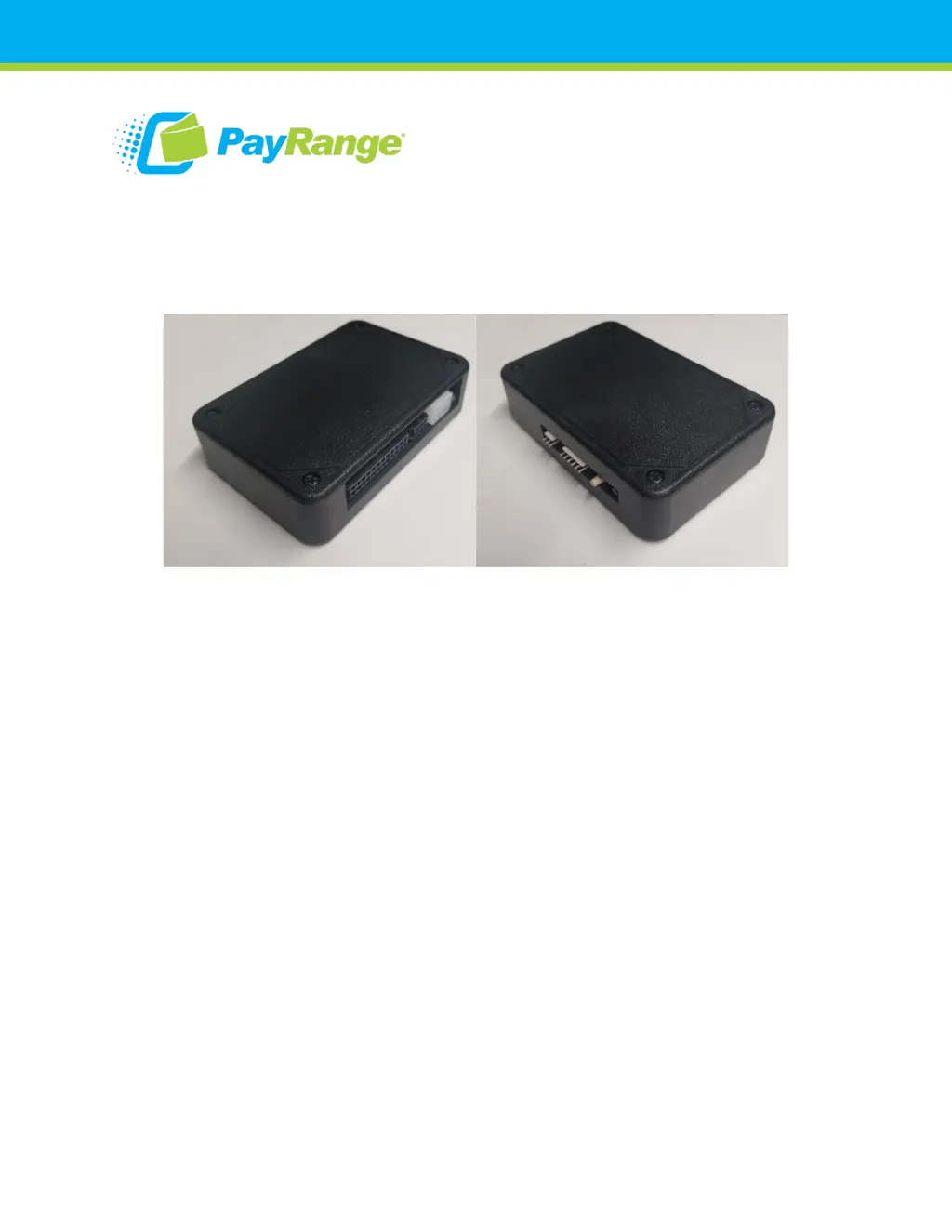
Introduction to PayRange BluKey Select

Before Installation

Create PayRange Operator Account

Steps to create an operator account for managing devices.

Setup for Machine Installers

Instructions for preparing installers with the necessary app and materials.

Installation Steps

Machine Preparation and Power Disconnection

Critical safety step to disconnect power and open the machine cabinet for access.

Connecting Keypad Harness

Instructions for connecting the keypad harness to the machine's control system.

Connecting Device Harnesses

Connecting configuration, keypad, and MDB machine harnesses to the BluKey Select.

Card Reader Connection Logic

Logic for connecting card readers based on machine CPD support.

Finalizing Installation and Verification

Steps for final connection, power-up, configuration, and operational verification.

BluKey Select Device Configuration

Register BluKey Select device (using website)

Step-by-step guide for registering the device via the PayRange website.

Register BluKey Select device (using mobile app)

Instructions for registering the device using the PayRange mobile application.

Configure BluKey Select device for payment (using website)

Guide to configure payment settings for the BluKey Select device on the website.

BluKey Select Reference

Interfaces and Connectors

Overview of device interfaces, connector types, and pinout details.

Absolute Maximum Ratings

Electrical and environmental limits for safe operation.

RF Specifications

Technical specifications for the device's radio frequency capabilities.

Mechanical and Mating Parts Information

Physical dimensions and recommended mating connector parts for the device.

Regulatory Approval

Modification Statement

Statement regarding user modifications and their impact on the device's authority.

FCC and IC Compliance

Details on compliance with FCC and Industry Canada regulations.

Troubleshooting; Light Codes

LED Status Codes

Guide to understanding LED patterns for diagnosing issues.

Symptom-Based Troubleshooting

Common symptoms and their corresponding causes and fixes.

App and Coin Issues

Troubleshooting steps for app display and coin acceptance problems.

Firmware Upgrade

Automatic Firmware Updates

Information on how BluKey Select firmware is upgraded automatically.

Contacting PayRange Support

Technical Support Contact

Phone and email for technical assistance with BluKey Select devices.

Sales and Marketing Support Contact

Phone and email for sales and marketing inquiries.

PayRange BluKey Select Specifications

General IconGeneral
ConnectivityBluetooth
Device TypeBluetooth payment module
CompatibilityVending machines, laundry machines
Payment MethodsCredit/Debit Cards
Power SourcePowered by machine interface
Mobile App SupportPayRange App (iOS and Android)
SecurityEncrypted transactions
Battery LifeNot applicable
DisplayNo display
WeightLightweight