8
Step 2:
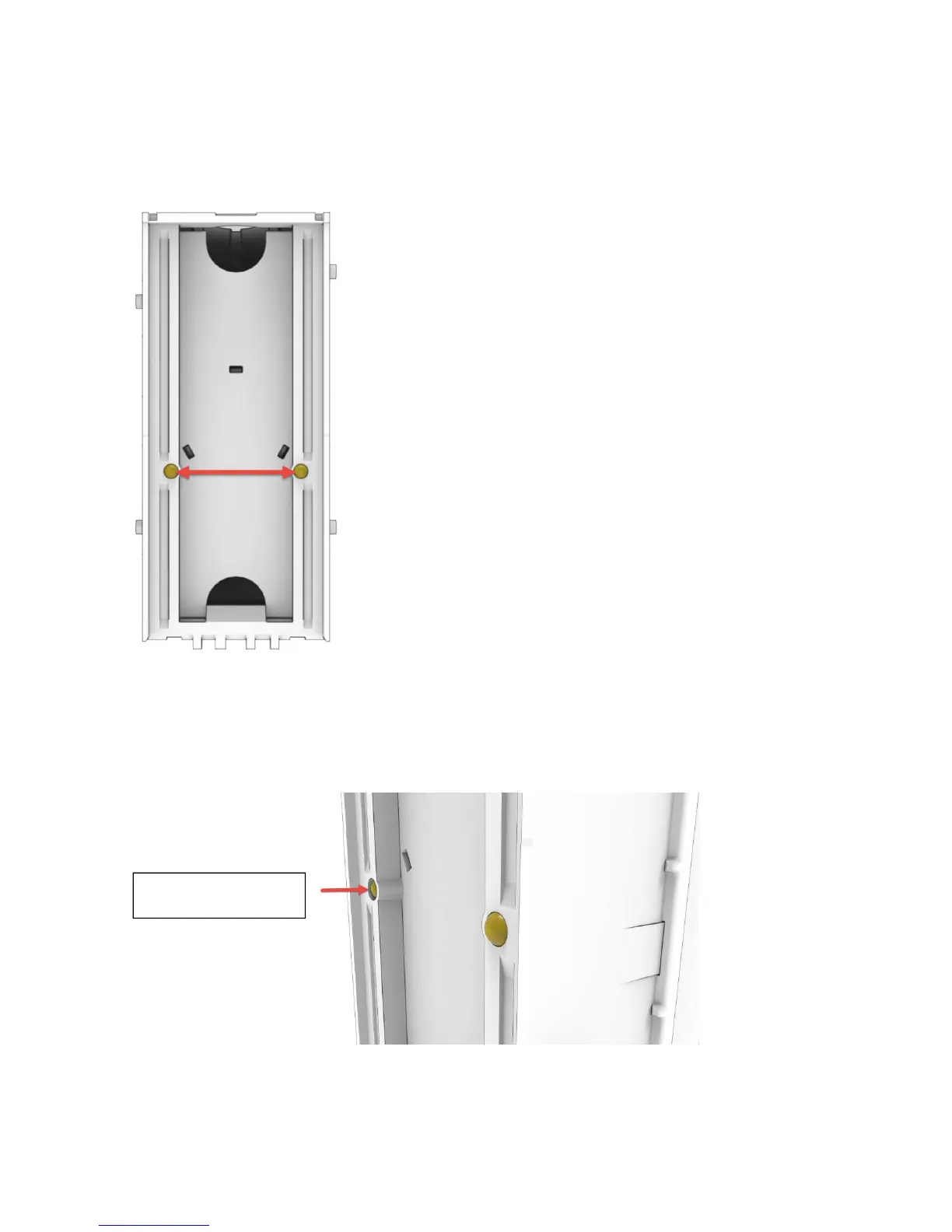
With the stacker removed, locate the two white plastic ball bearings located on the face of the stacker pointed in
towards the validator when installed.
These plastic ball bearings can get fouled with lint, paper, dust and dirt.
Clean if any is present as this can cause the bearings to not make full
contact with the bill or completely stop it from moving (see left).
This kind of condition will create bill jams, possibly leaving the bottom of a
bill slightly outside of the cash box and not fully stacked. Dampen a lint
free cloth with water (only enough water to pick up dust) and run the cloth
up and down over the bearings until all debris is cleared.
If it is found to have a depressed ball and was not solved by the cleaning,
it will need to be replaced as this can cause a jam in the cash box (see
below)
Ball depressed that
needs replacing


 To Next Page