14
Motherboard User’s Guide
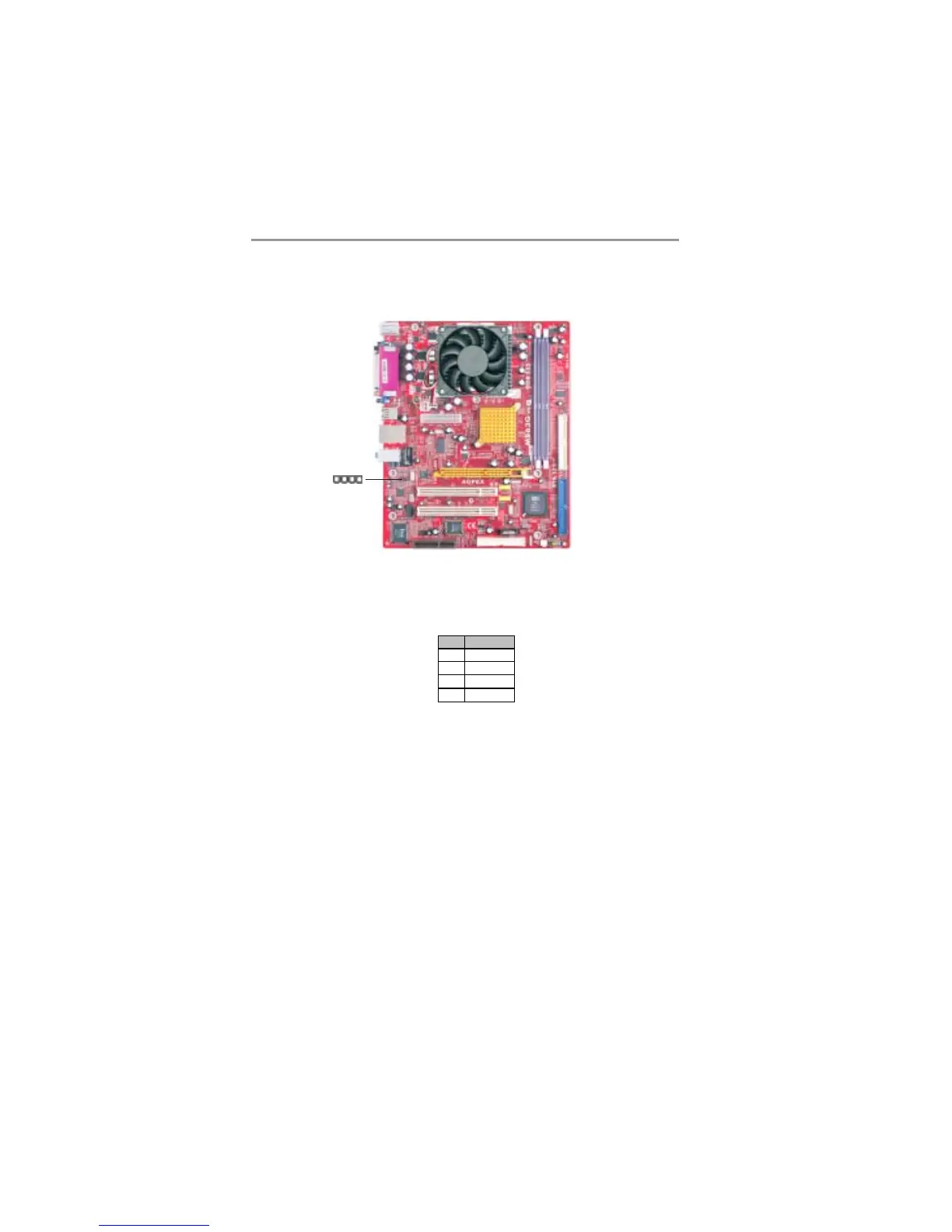
Analog Audio Input Header
If you have installed a CD-ROM drive or DVD-ROM drive, you can connect
the drive audio cable to the onboard sound system.
When you first start up your system, the BIOS should automatically detect
your CD-ROM/DVD drive. If it doesn’t, enter the Setup Utility and configure
the CD-ROM/DVD drive that you have installed. On the motherboard, locate
the 4-pin connector CD1.
Pin Signal
1CD IN L
2GND
3GND
4CD IN R
1
CD1



 To Next Page