22
Motherboard User’s Guide
Primary Graphics Adapter
This item indicates if the primary graphics adapter uses the PCI or the AGP bus.
The default PCI setting still lets the onboard display work and allows the use of
a second display card installed in an AGP slot.
Allocate IRQ to PCI VGA
If this item is enabled, an IRQ will be assigned to the PCI VGA graphics system.
You set this value to No to free up an IRQ.
PCI IDE BusMaster
This item enables or disables the DMA under DOS mode. We recommend you to
leave this item at the default value.
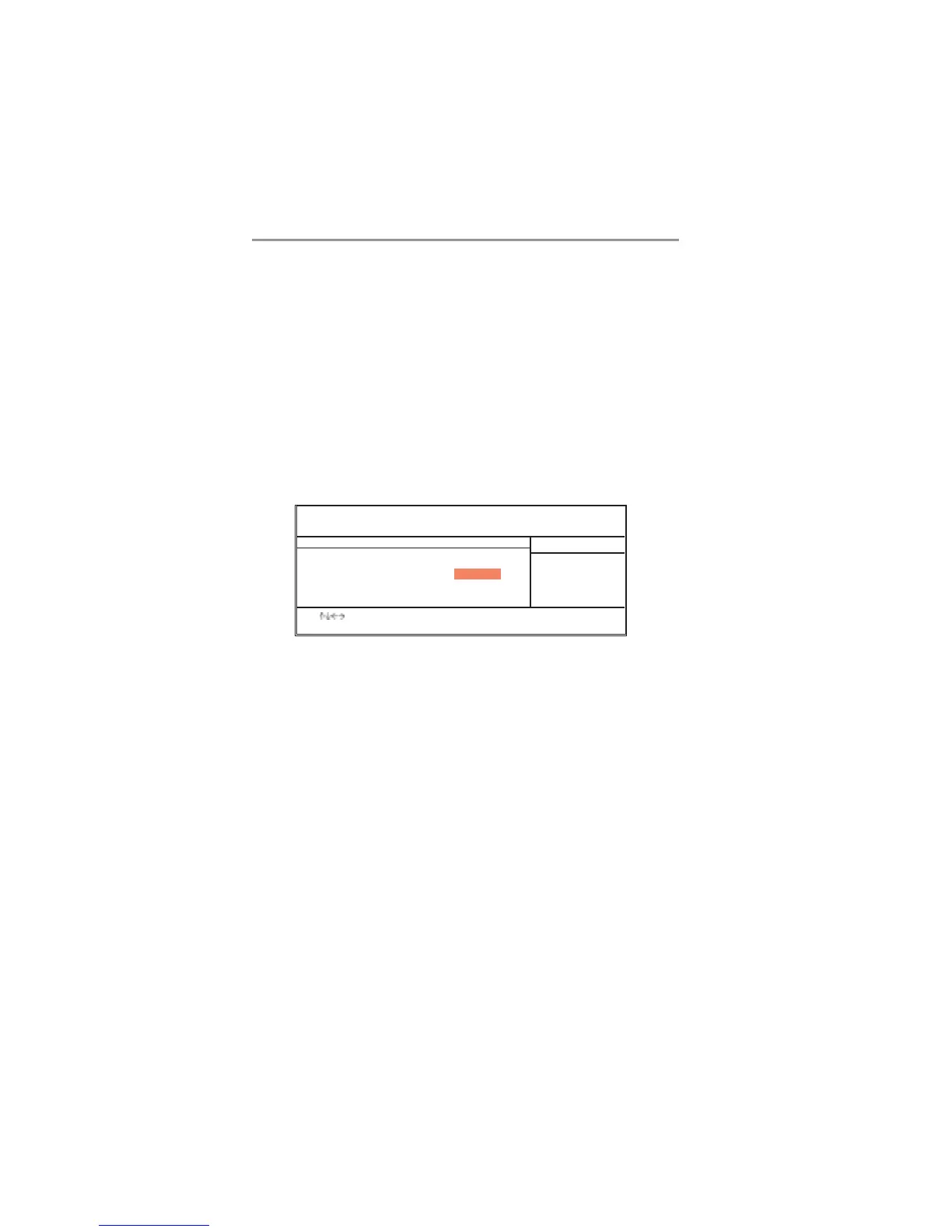
BIOS Security Features Setup Page
This page helps you install or change a password.
Supervisor Password
This item indicates whether a supervisor password has been set. If the password
has been installed, Installed displays. If not, Not Installed displays.
Change Supervisor Password
You can select this option and press <Enter> to access the sub menu. You can
use the sub menu to change the supervisor password.
CMOS SETUP UTILITY – Copyright (C) 1985-2003, American Megatrends, Inc.
BIOS Security Features
Security Settings
Supervisor Password : Not Installed
Change Supervisor Password Press Enter
Help Item
Install or Change the
password.
: Move Enter: Select +/-/: Value F10: Save Esc: Exit
F1: General Help F9: Optimized Defaults



 To Next Page