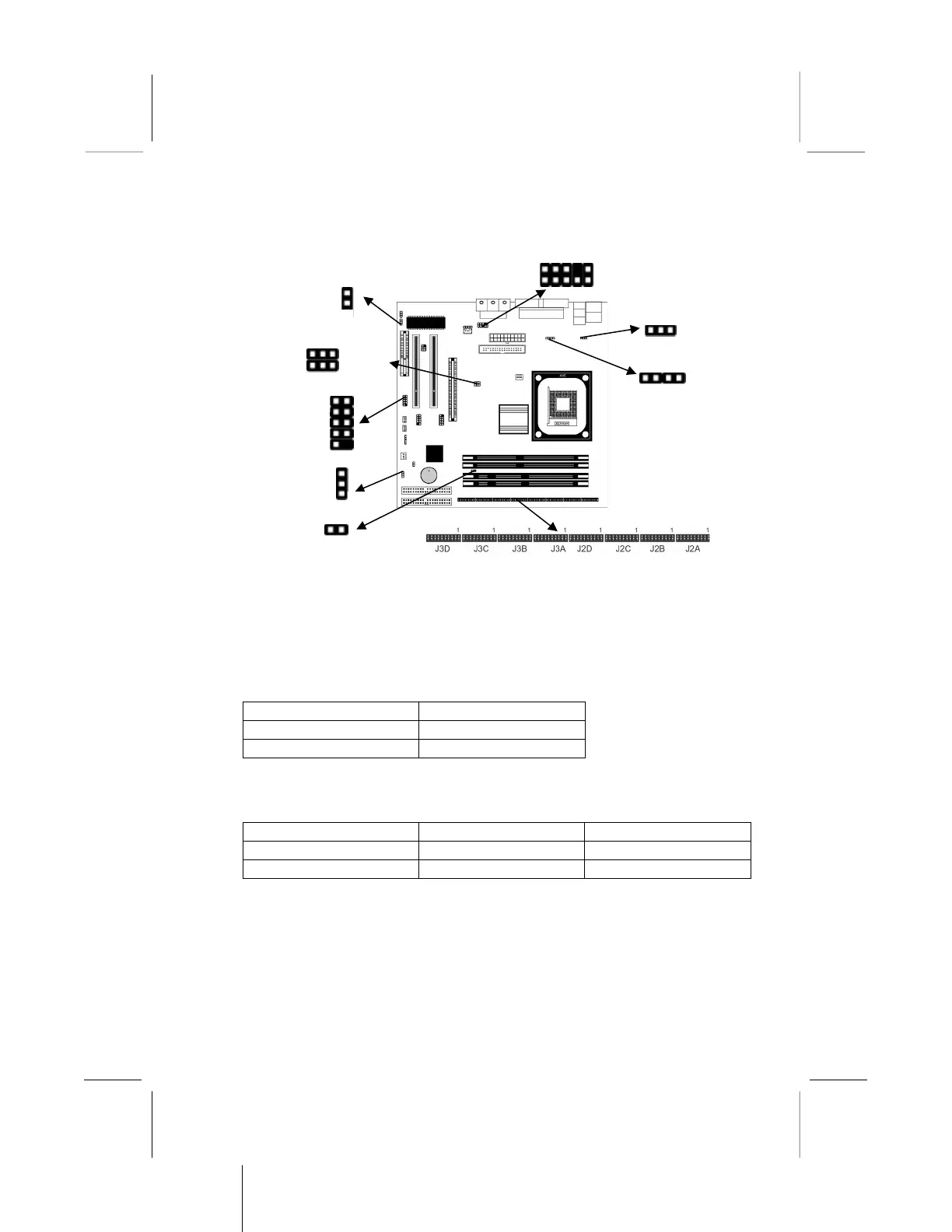
2: Mainboard Installation
Jumper Settings
JBAT1: Clear CMOS Jumper
This jumper is to clear the contents of CMOS memory. You may
need to clear the CMOS memory if the settings in the Setup Utility
are incorrect that prevents your mainboard from operating. To
clear the CMOS memory, disconnect all the power cables from the
mainboard and then move the jumper cap into the CLEAR setting
for a few seconds.
Function Jumper Setting
Normal Short Pins 1-2
Clear CMOS Short Pins 2-3
JP1A1, JP1B1: CPU Clock
This jumper enables to select CPU frequency.
CPU Clock JP1A1 JP1B1
100M Short Pins 1-2 Short Pins 2-3
133M Short Pins 2-3 Short Pins 1-2



 To Next Page