EasyManua.ls Logo

PCchips M925ALU - The Panel Connector

PCchips M925ALU
50 pages
Print Icon
To Next Page IconTo Next Page
To Previous Page IconTo Previous Page
Loading...
Mainboard User’s Manual
The Panel Connector
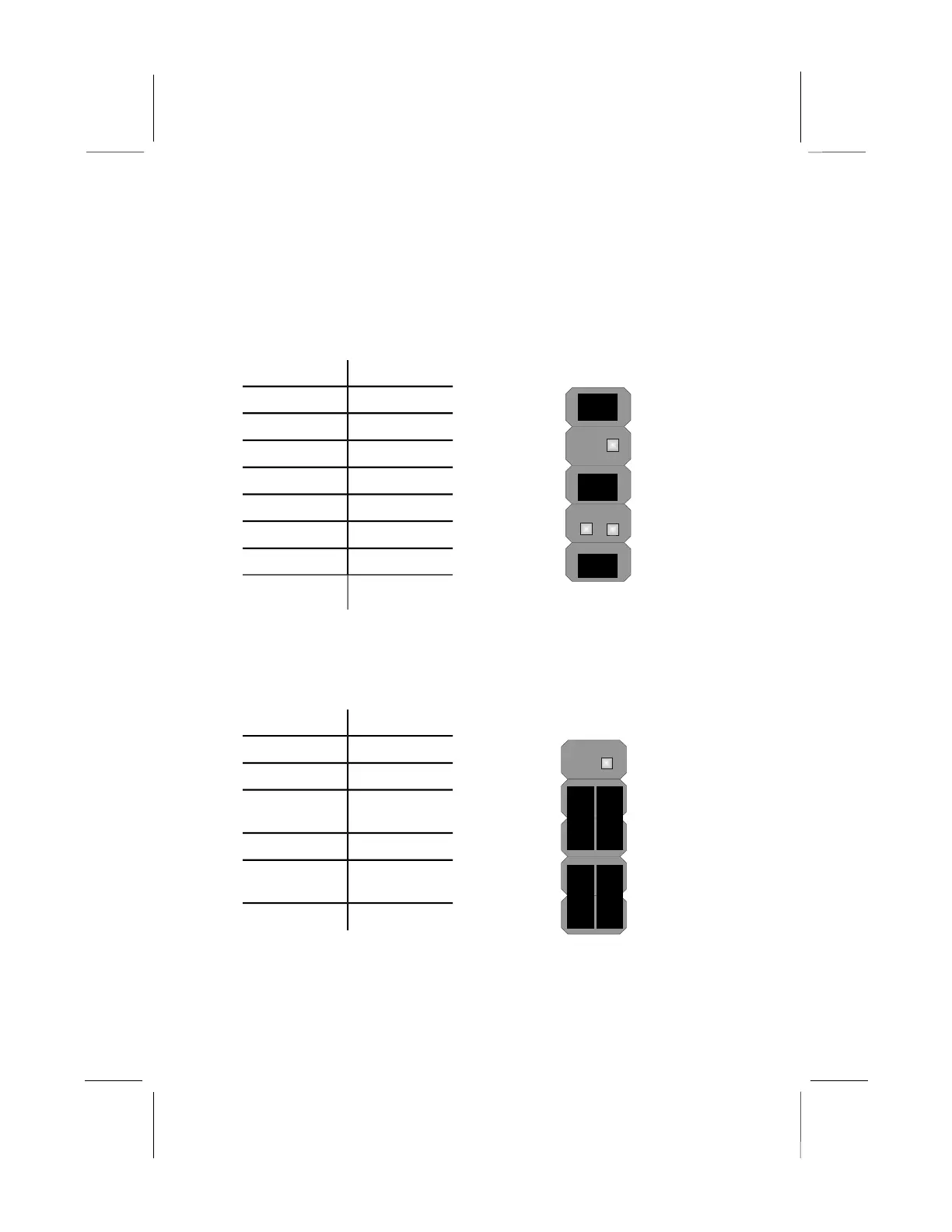
PANEL1
If there are a headphone jack or/and a microphone jack on the front
panel, connect the cables to the PANEL1 on the mainboard.
Device Pins
MIC IN
(Pin 1)
2 1
Line Out(R)
(Pin 5)
10 9
Line Out(L)
(Pin 9)
GND
(Pin 2)
VCC MIC
(Pin 3)
+5V Audio
(Pin 4)
Line Out(R)
(Pin 6)
NC (Pin 7)
Empty
(Pin 8)
Line Out(L)
(Pin 10)
Line Out (L) 9, 10
Empty 8
NC 7
Line Out (R) 5, 6
+5V Audio 4
VCCMIC 3
GND 2
MIC IN 1
PANEL2
This panel connector provides a set of switch and LED connectors
found on ATX case. Refer to the table below for information.
Device Pins
2 1
Power Switch
(Pins 6, 8)
SPD-LED
(Pins 2, 4)
Empty
(Pin 10)
10 9
N/C
(Pin 9)
Empty 10
N/C 9
Power
ON/OFF
6, 8
Reset Switch 5, 7
SPD-LED
Indicator
+2, 4
HDD LED +1, -3
18
+ +

Related product manuals