EFP-500 M0001-006 07/26/2011 - 8 -
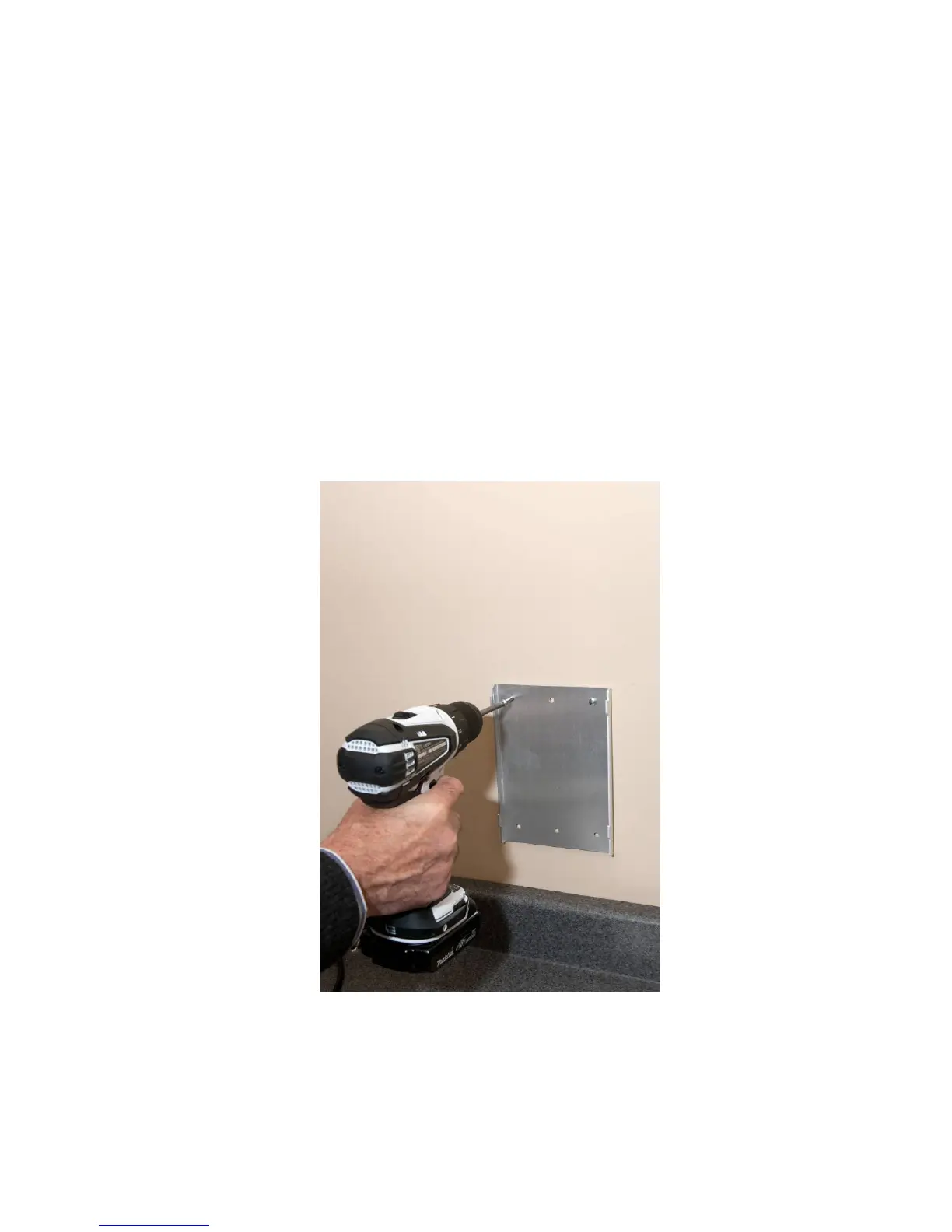
Wall Mounting your EFP-500
Your EFP-500 can be placed on a countertop or can be wall-mounted.
(Tools needed: #2 Phillips head screwdriver, pencil and electric drill)
1. There must be a minimum of 4” of clearance on the right side of the unit to allow for access to
the power receptacle and fuse.
2. Position wall bracket against the wall and mark the position of the four holes.
3. Install the four self-drilling wall anchors supplied with unit at these points until they are flush
with the wall. Place bracket over anchors and install using the four Phillips head screws
provided.
4. For masonry walls, use suitable lead or plastic anchors and bolts. These anchors are not
supplied.
5. Place the EFP-500 on wall bracket. Check to ensure that it is securely mounted.
6. If mounting on a stud, use the two center locations.


 To Next Page