www.pdr-rework.com version : 2.01
Preparation (continued)
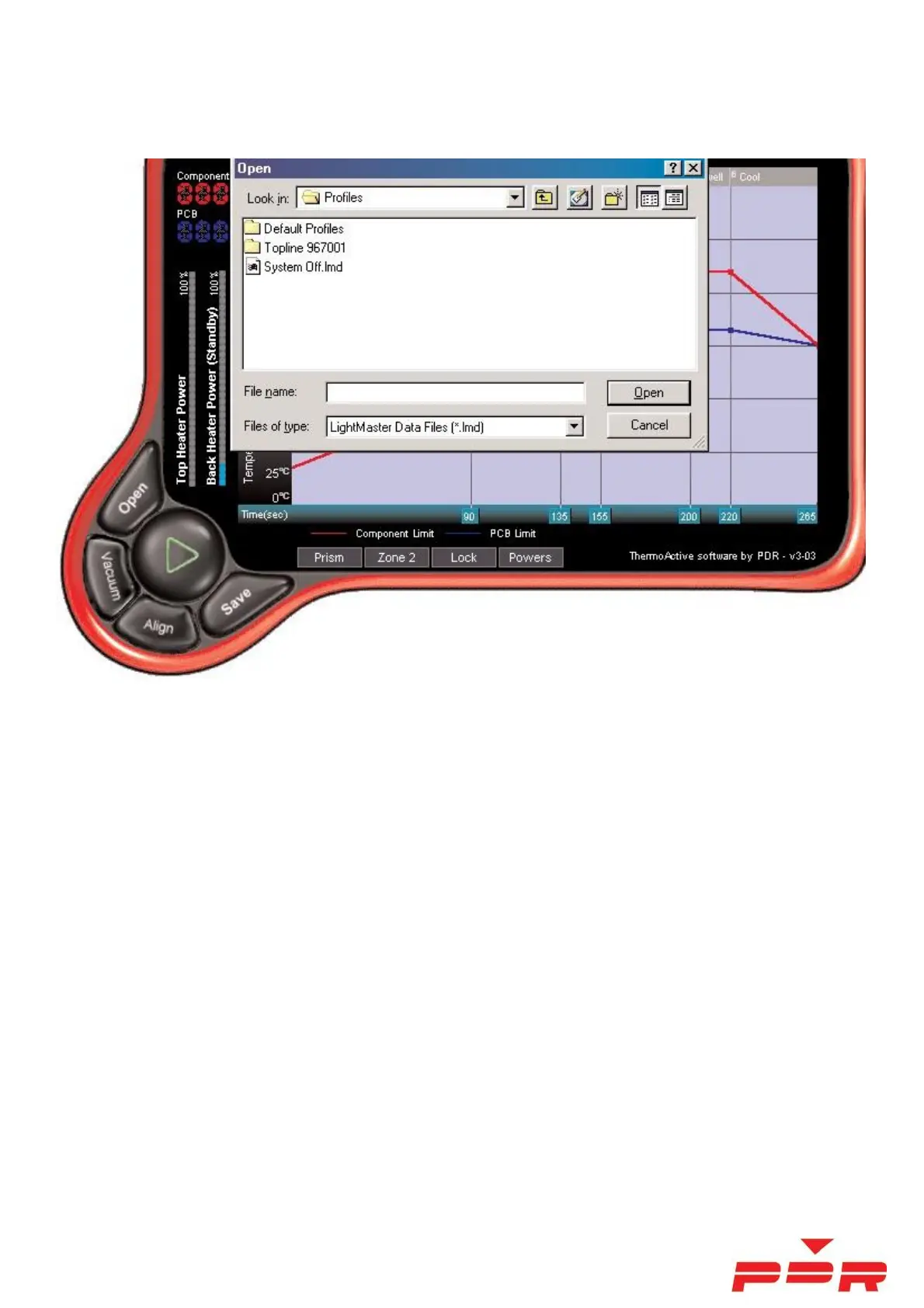
The 'Open' Screen
The default 'folder' is 'Profiles. You can create a new folder and it will appear as a folder within the default folder.
The idea is to name the folder as your PCB ident, and then name a profile with full reference to the component
We have created some default profiles which will give you a good starting point when using the system and creating
new profiles. LF stands for ‘Lead Free’ and Pb stands for ‘Leaded or With-Lead’.
The idea is to select say a ‘Lead Free’ profile ’LF3 Auto Profile - Medium PCB - PC Motherboard.lmd' to be used
with the F700 lens attachment, and used for most large QFP, PLCC and BGA components on a small-medium sized
PCB. This profile contains all the parameters needed (powers/ times/ temperature targets/ zones etc) as displayed
under the 'Settings' tab.
Thermocouples
Up to four thermocouples (T/Cs) can be used and displayed. Only T/C 1 and 2 are used for control. T/C 3 and 4, if
selected are only used for additional temperature information.
T/C 1 - The IR non-contact thermocouple - T/C 1 should be aimed at the component and is used to display
and control the component temperature.
T/C 2 – A contact K-type T/C or an optional IR non-contact thermocouple - T/C 2 is attached to/aimed at
the PCB about 25-50mm away from component and is used to display/control the PCB temperature.



 To Next Page