www.pdr-rework.com
Control and Settings
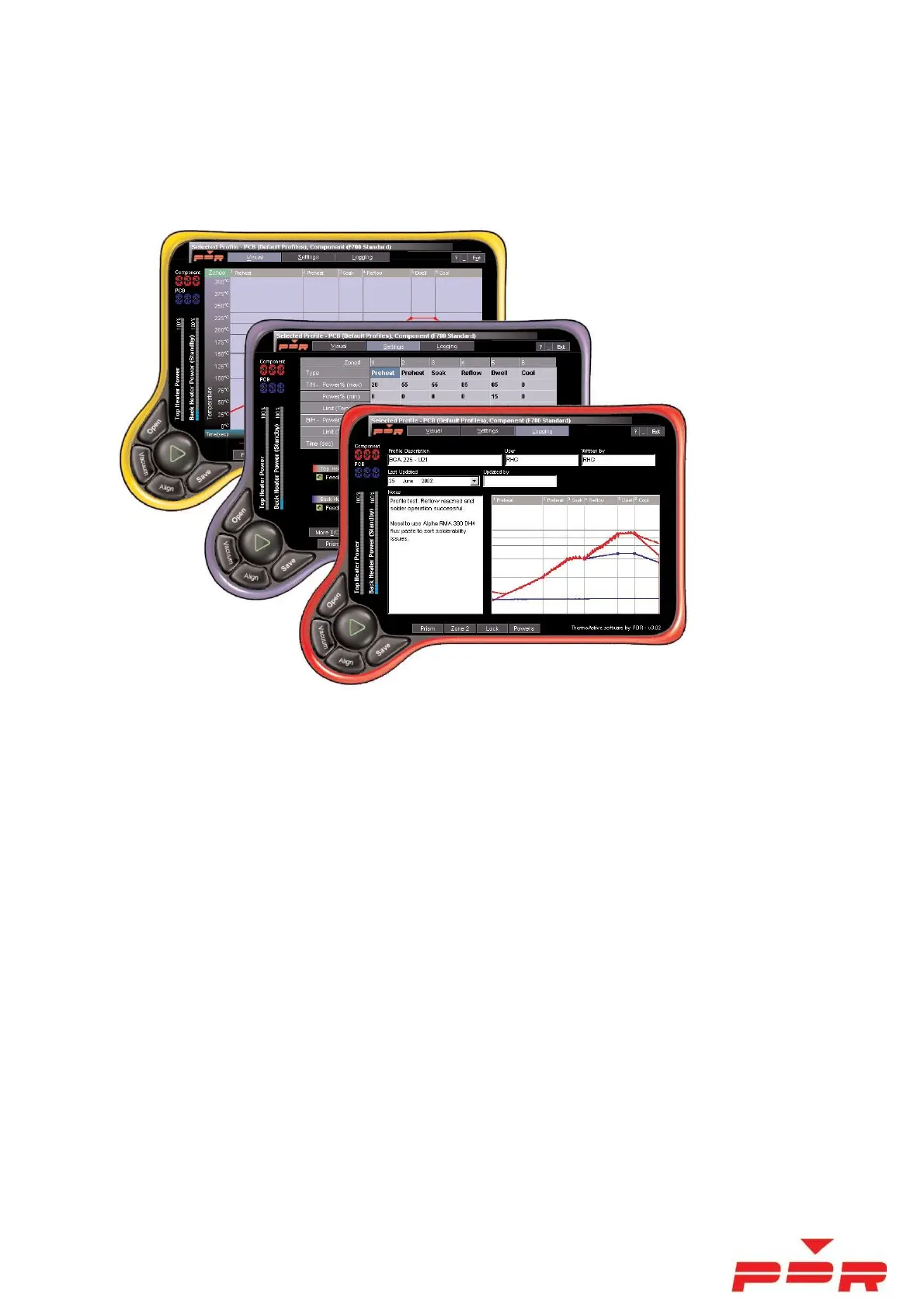
The PDR Rework System is controlled by PDR ThermoActive V4 or V5 software. This section illustrates different
screens and features. There are 3 main screens (Run Mode, Settings and Logging).
There are two channels used for control - T/C#1 for component temperature, T/C#2 for PCB temperature.
The principle is that you set a temperature/ramp-rate target...the system will monitor the component temperature
with non-contact IR sensor (T/C#1)....and then follow the temperature target, controlling the component
temperature and ramp-rate by increasing or decreasing the topheat power.
In ‘Auto Mode’ the component temperature will always closely follow the target automatically.
In addition, PCB temperature is also monitored and controlled. T/C#2 is used to monitor PCB temperature and the
software will control PCB temp so that it does not greatly exceed desired temperature limits.
The results are logged and can be analysed, printed out or also stored for reference.



 To Next Page