EasyManua.ls Logo

Peak Scientific Genius 1024 - User Manual

Peak Scientific Genius 1024
32 pages
Print Icon
To Next Page IconTo Next Page
Loading...
Genius1024 User Manual Rev 5 PN UM-0018 RSID 1917 15/11/21
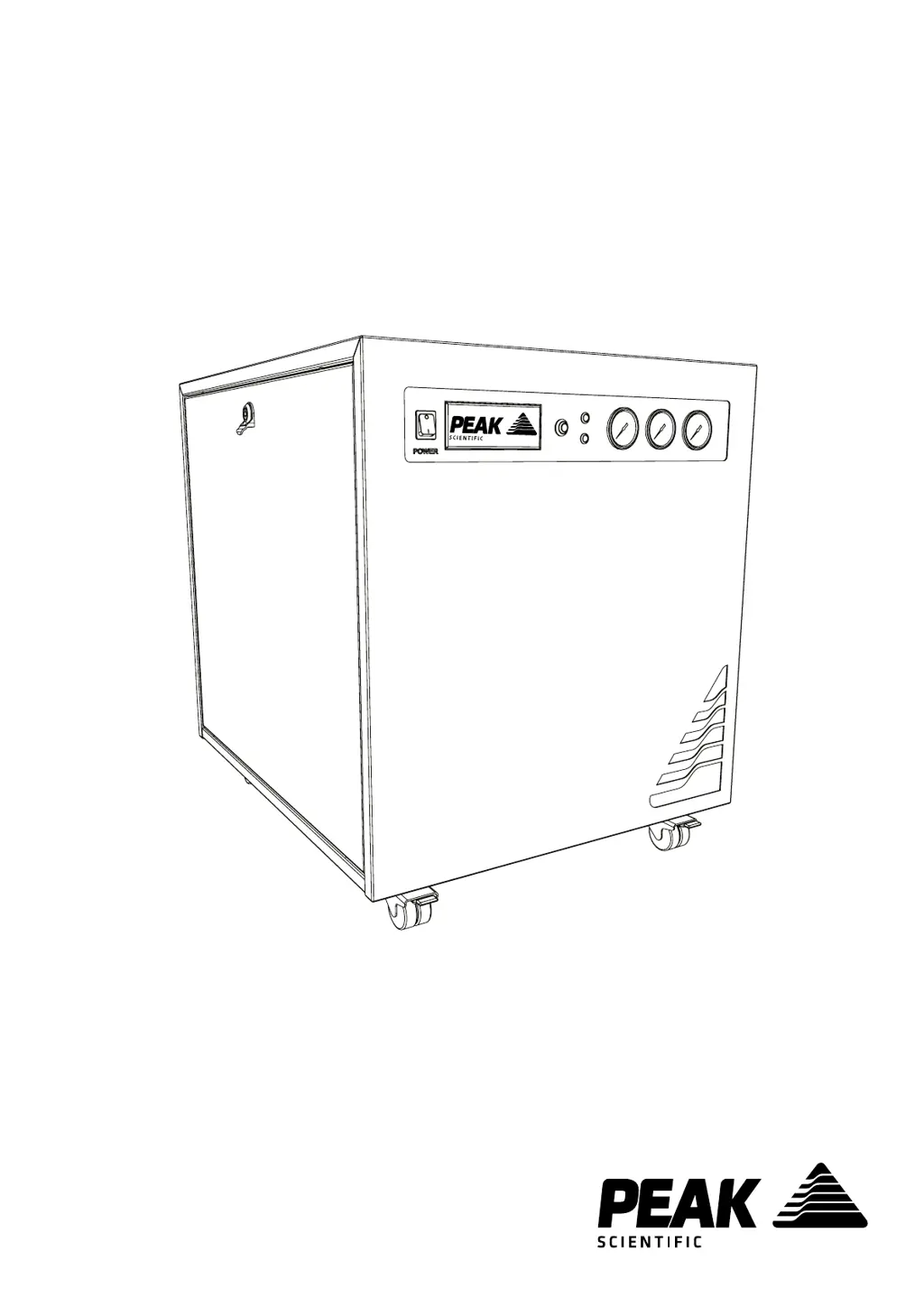
Genius 1024
User Manual

Questions and Answers

Summary

Change History

How to use this Manual

Guidance on navigating the user manual and finding relevant information.

Introduction

Warranties and Liabilities

Safety Notices

Symbols

Explains the meaning of symbols used in the manual to highlight hazards and important information.

Safety Notice to Users

Provides essential instructions for users regarding safe installation and operation of the generator.

EU Declaration of Conformity

UK Declaration of Conformity

WEEE Compliance Statement

CSA Compliance Statement

Technical Specification

Unpacking

Fittings Kit Contents

Installation

Generator Environment

Specifies the recommended environmental conditions and air gap for generator placement.

Generator Overview

General Dimensions

Displays the physical dimensions of the generator unit with diagrams.

Rear Connections

Unit Controls

Identifies and describes the controls and indicators on the front panel of the generator.

Drain Connection

Electrical Connection

Start-Up Sequence

Connecting to the application

Tubing Lengths

Recommendations for selecting appropriate tubing diameter and length for optimal performance.

Normal Operation

On Demand Gas

Explains how the generator supplies gas based on the application's demand.

Generator Cycling

Describes the operational cycle of the compressors based on gas demand and pressure levels.

Unusual Operation

Advises on actions to take if the generator exhibits abnormal noise or vibration.

Service Requirements

Service Schedule

Outlines the recommended maintenance schedule and parts required for the generator.

Service Indication

Stage 1

Describes the first stage of service indication when maintenance is due.

Stage 2

Details the second stage of service indication when maintenance is overdue.

Service Indication Reset

Explains how to reset the service indication after maintenance is completed.

Peak Protected

Cleaning

Run Time Alarm

Troubleshooting

Warranty Registration

Peak Scientific Genius 1024 Specifications

General IconGeneral
Gas TypeNitrogen
Particles<0.01 μm
WeightVaries by configuration
Outlet PressureUp to 7 bar
PurityUp to 99.5%
Voltage230V 50/60Hz

Related product manuals