EasyManua.ls Logo

Peak Scientific NM32LA-A - User Manual

Default Icon
33 pages
Print Icon
To Next Page IconTo Next Page
Loading...
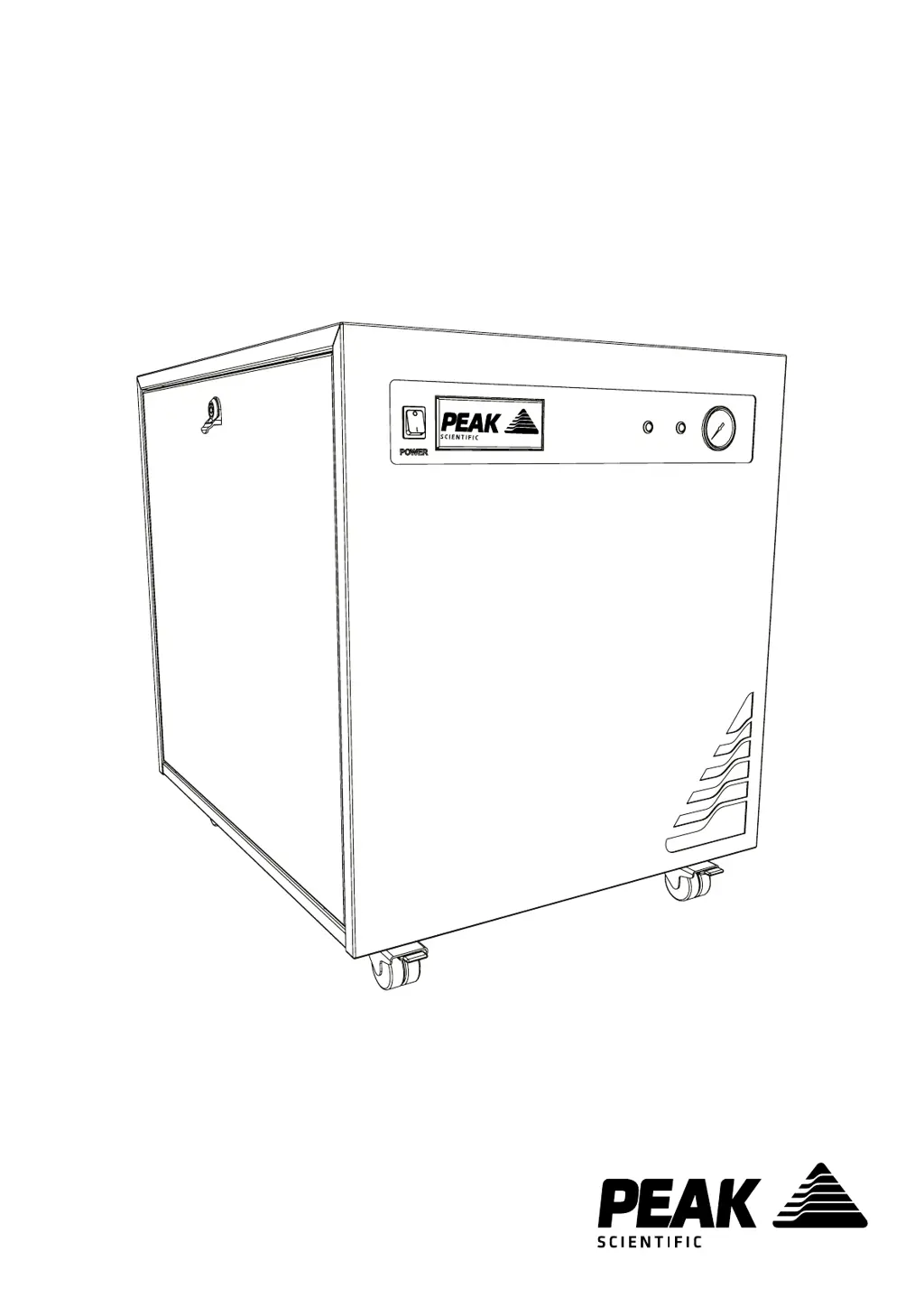
Genius 1022, 1023 & NM32LA (All Models)
User Manual
Copyright © Peak Scientific Instruments Ltd 2021 — Genius1022-1023-NM32LA User Manual Rev 12 PN UM-0001 RSID 1483 EN —15/11/2021

Questions and Answers

  • L
    Lindsay GonzalezAug 7, 2025
    What to do if Peak Scientific Portable Generator does not switch on?
    • L
      Laurie AdamsAug 7, 2025
      If your Peak Scientific Portable Generator won't switch on and the power switch isn't lit, ensure the power cord is properly plugged into the generator and the power socket is on. Also, check the fuse in the power cord plug.
  • S
    stephencohenAug 21, 2025
    Why is the yellow “HIGH DUTY” LED constantly on in Peak Scientific NM32LA-A?
    • D
      Dr. Kyle WeissAug 21, 2025
      If the yellow “HIGH DUTY” LED on the front panel of your Peak Scientific Portable Generator is constantly on, ensure ambient temperatures are within the specified range. Also, make sure there are no leaks between the generator and the mass spec.

Summary

Safety Notices

Safety Notice to Users

Presents essential safety instructions that must be read and understood before installation and operation.

Genius 1022 Technical Specifications

Genius 1023 Technical Specifications

Genius NM32 LA;NM32 LA-A Technical Specifications

Genius NM32 LA 110 V Technical Specifications

Installation

Generator Overview

Rear Connections

Unit Controls

Electrical Connection

Start-Up Sequence

Connecting to the Application

Tubing Lengths

Normal Operation

Generator Cycling

Unusual Operation

Service Requirements

Service Indication

Cleaning

High Duty Indication

Indication of Fault

Explains potential fault indications and when to contact support.

Troubleshooting

Peak Scientific NM32LA-A Specifications

General IconGeneral
BrandPeak Scientific
ModelNM32LA-A
CategoryPortable Generator
LanguageEnglish

Related product manuals