PCAN-USB (ISO) – User Manual
4 Software
4.1 PCAN-View for Windows
PCAN-View for Windows is a simple CAN monitor.
Installation
You can install the application optionally during the driver setup
procedure (see also section 2.1
Software Setup / Connection to the
PC
).
Program Start
In the Start menu of the Windows desktop you can find the entry
"PCAN Hardware". From there you can execute the program PCAN-
View.
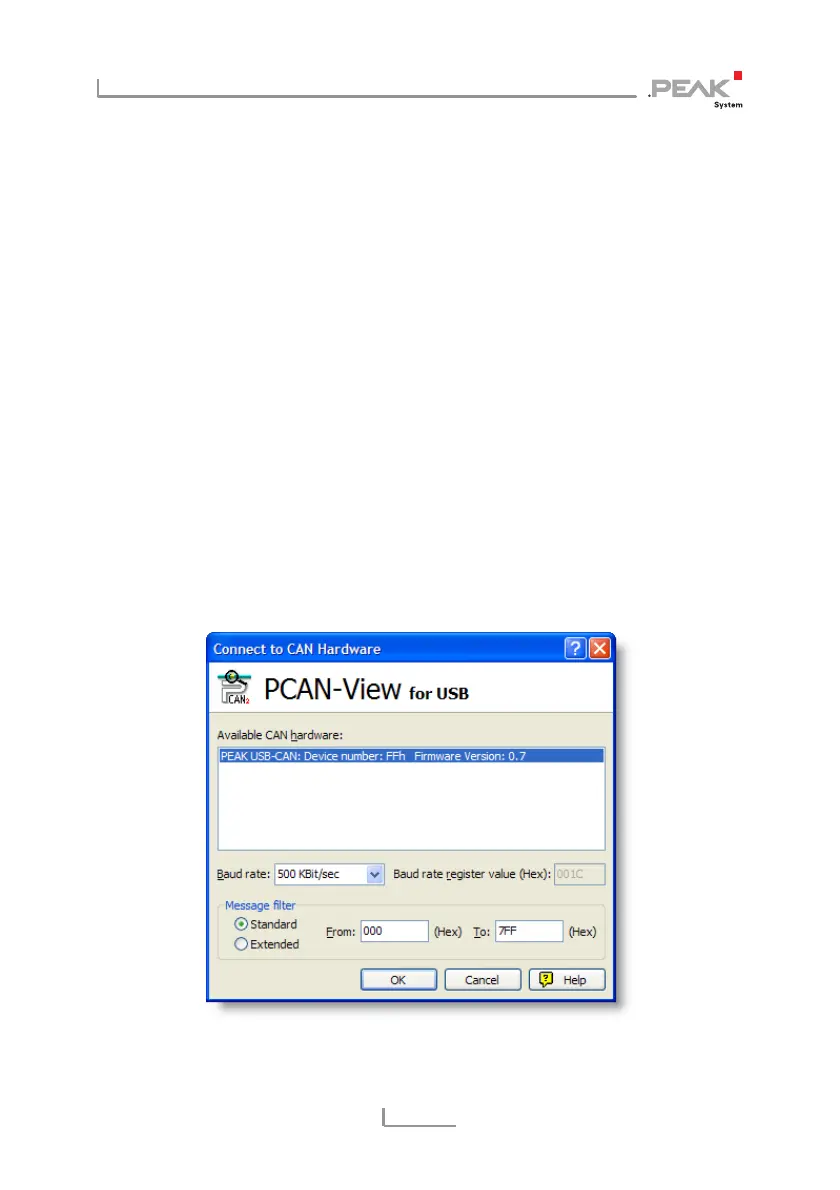
A dialog for the selection of the CAN hardware as well as the setting
of the CAN parameters appears after the program start.
Figure 4: Selection of the CAN specific hardware and parameters
12



 To Next Page