PCAN-USB – User Manual
19
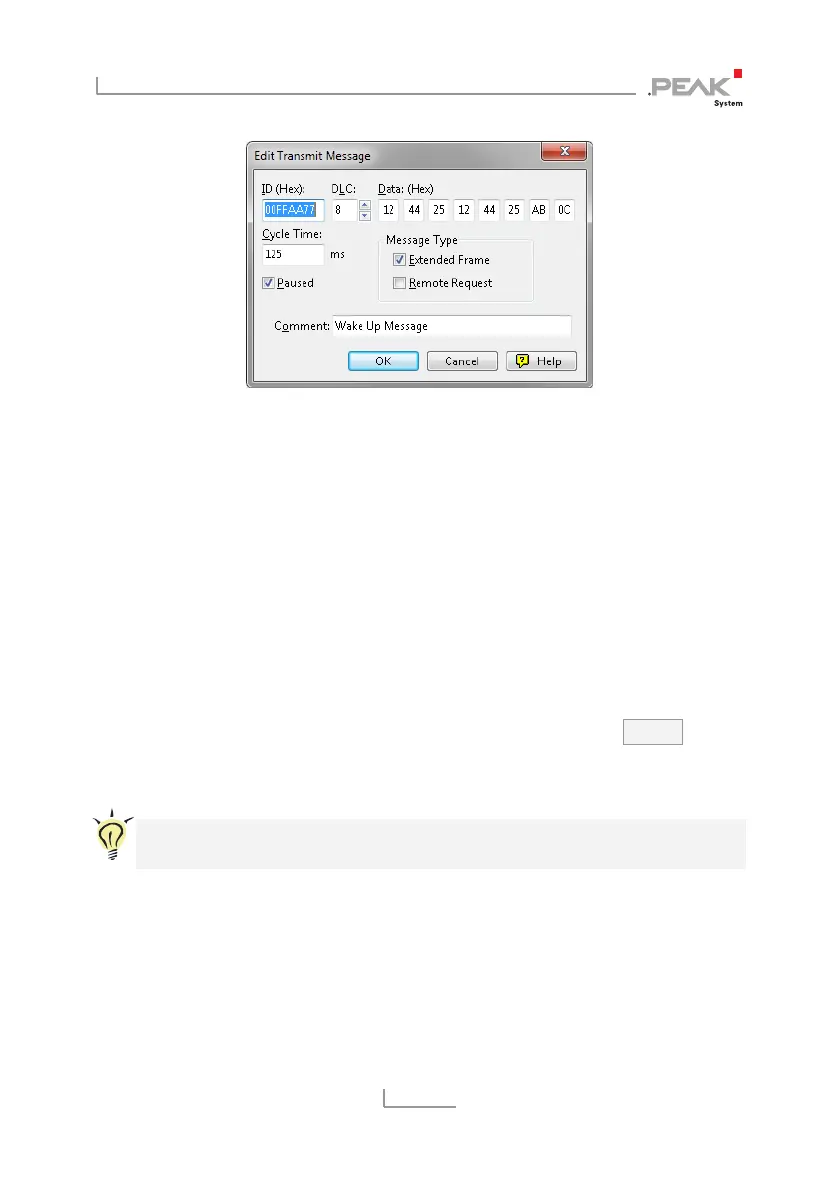
Figure 8: Dialog box new transmit message
2. Enter the ID and the data for the new CAN message.
3. The field Cycle Time indicates if the message shall be
transmitted manually or periodically. If you want to transmit
the message periodically, you must enter a value greater
than 0. For a manual-only transmission enter 0.
4. Confirm the entries with OK.
The created transmit message appears on the
Receive/Transmit tab.
5. You trigger selected transmit messages manually with the
menu command Transmit > Send (alternatively Space bar).
The manual transmission for CAN messages being
transmitted periodically is carried out additionally.
Tip: Using the menu command File > Save the current transmit
messages can be saved to a list and loaded for reuse later on.



 To Next Page